
How to Program a Car Key Fob

Programming a car key fob doesn’t have to be expensive or complicated. With the right tools and a little patience, you can often do it yourself—saving time and money. This guide walks you through everything from basic self-programming to using diagnostic tools.
Key Takeaways
- Check your owner’s manual first: Many vehicles include built-in programming instructions specific to your make and model.
- Not all key fobs are programmable at home: Some require professional tools or dealership assistance due to advanced security systems.
- You’ll need all existing keys: Most programming procedures require every working fob to be present during setup.
- Battery matters: A weak key fob battery can prevent successful programming—replace it before starting.
- OBD2 scanners help: Affordable diagnostic tools can program fobs for many modern cars without visiting a dealer.
- Timing is critical: Follow each step precisely and within the specified time window to avoid errors.
- When in doubt, call a pro: If DIY methods fail, a locksmith or dealership may be your best option.
📑 Table of Contents
Why You Might Need to Program a Car Key Fob
Losing your car key fob—or realizing it suddenly stopped working—can be stressful. Maybe you misplaced it, dropped it in water, or bought a used car with only one fob. Whatever the reason, reprogramming or adding a new key fob is a common need for drivers today. Unlike older mechanical keys, modern key fobs contain electronic chips that communicate with your vehicle’s immobilizer system. This means you can’t just cut a new key and expect it to start the engine—you must program it to sync with your car.
Programming a car key fob ensures your vehicle recognizes the fob as authorized. Without proper programming, even if the physical key turns the ignition, the engine won’t start due to security protocols. Fortunately, many automakers have made the process more accessible over the years. While some vehicles still require professional equipment, others allow you to program a new fob using simple steps you can follow at home. Understanding why programming is necessary—and when you might need to do it—helps you prepare and avoid costly dealership visits.
Types of Car Key Fobs and Their Programming Needs
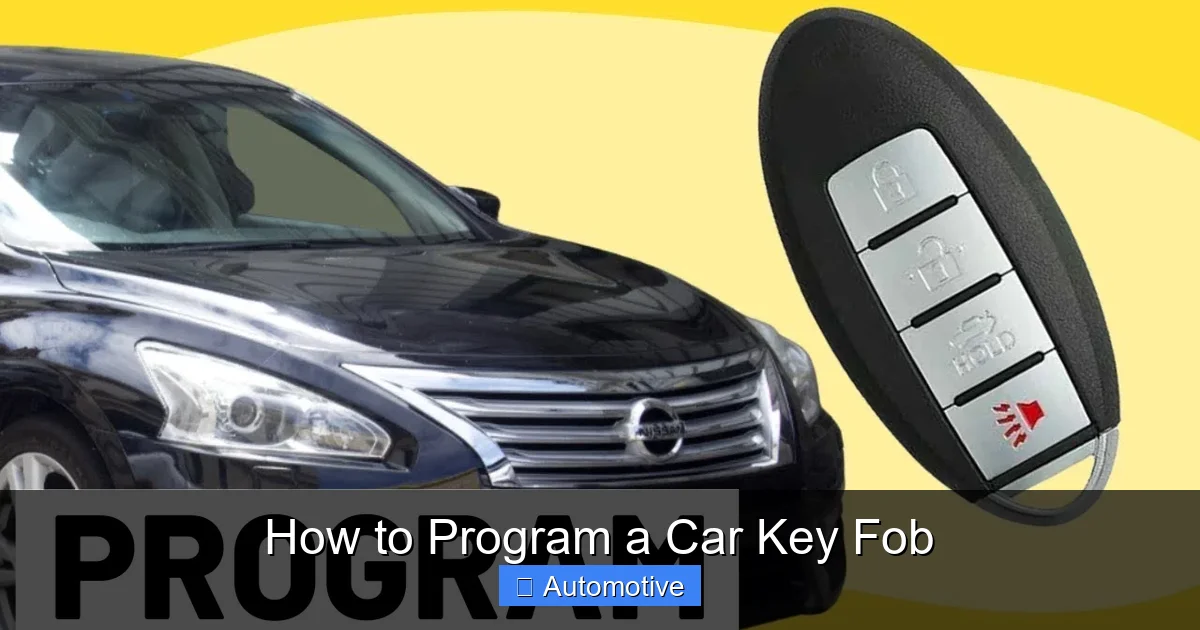
Not all key fobs are created equal. The type of fob you have determines how (and whether) you can program it yourself. Broadly speaking, there are three main categories: basic remote fobs, transponder key fobs, and smart keys (also called keyless entry or proximity keys).
Visual guide about How to Program a Car Key Fob
Image source: i.ytimg.com
Basic Remote Fobs
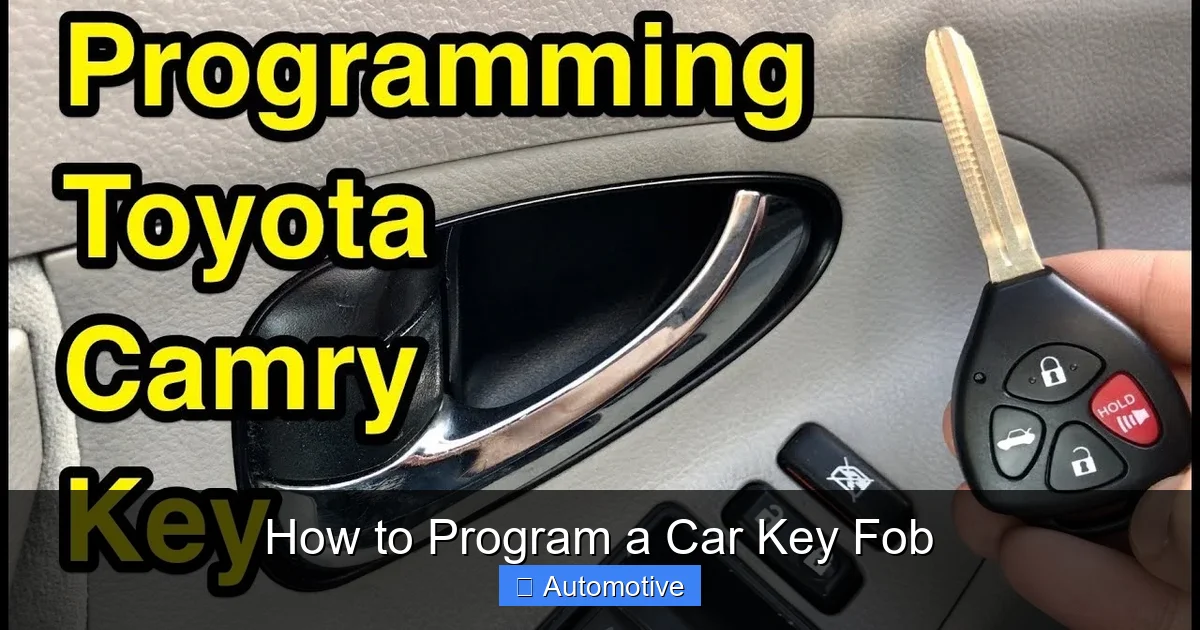
These are the simplest type—often found in older vehicles or budget models. They handle locking and unlocking doors but don’t have an embedded chip for ignition. Programming these usually involves pressing buttons in a specific sequence. For example, on a 2005 Honda Civic, you might turn the ignition on and off several times while holding the lock button. These are generally the easiest to self-program.
Transponder Key Fobs
Most cars from the late 1990s onward use transponder keys. These contain a small RFID chip that sends a unique code to the car’s immobilizer system. If the code doesn’t match, the engine won’t start—even if the key physically fits. Programming these often requires either a working key already in the system or specialized tools. Some vehicles, like certain Ford models, allow “onboard programming” if you have two working keys. But if you only have one (or none), you’ll likely need an OBD2 programmer or professional help.
Smart Keys (Keyless Entry/Proximity Keys)
Smart keys, such as Toyota’s Smart Key or BMW’s Comfort Access, allow you to start your car with the fob in your pocket. They use advanced encryption and rolling codes for security. Programming these almost always requires diagnostic equipment. Attempting to program a smart key without the right tools usually results in failure—or worse, locking yourself out of the programming mode entirely. If you’re dealing with a smart key, proceed with caution and consider professional assistance unless you own compatible programming hardware.
Tools and Materials You’ll Need
Before diving into programming, gather the right tools. The good news? You might already have most of what you need at home.
Visual guide about How to Program a Car Key Fob
Image source: i.ytimg.com
Essential Items
- Your vehicle’s owner’s manual: This is your first stop. It often contains model-specific programming instructions.
- All existing key fobs: Most procedures require every working fob to be present. Missing one can reset the entire system.
- A replacement key fob: Make sure it’s compatible with your car’s year, make, and model. Universal fobs exist but may not support all functions.
- Fresh batteries: Both for the new fob and your existing ones. A weak battery can cause communication failures.
- A functioning ignition: You’ll need to turn the key or press the start button during programming.
Optional but Helpful Tools
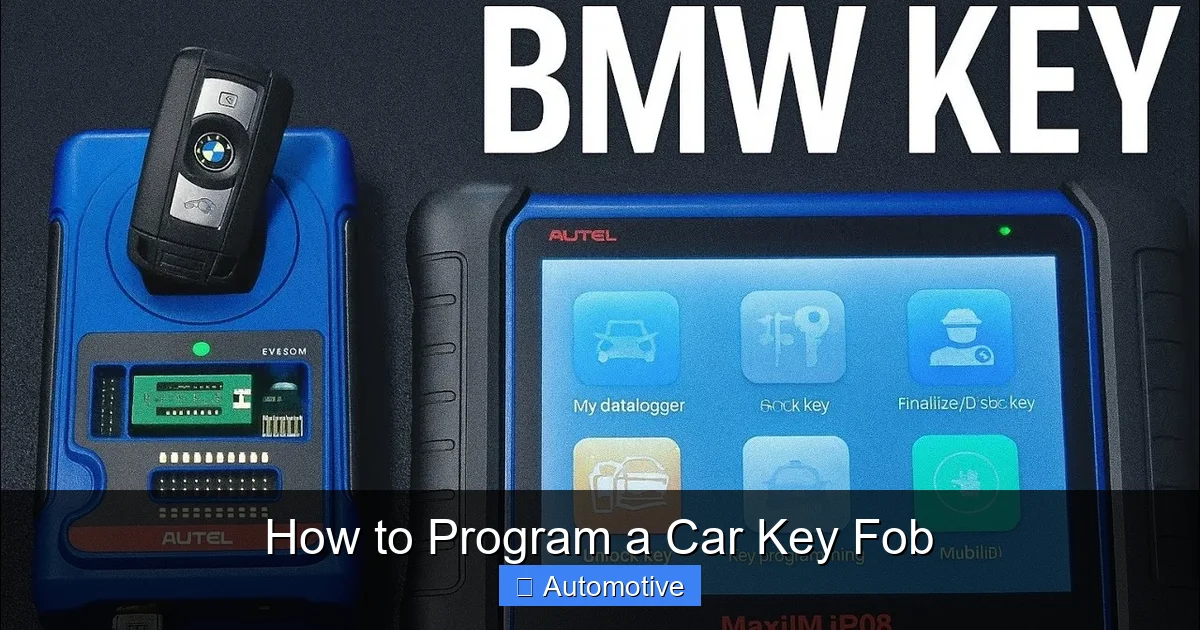
- OBD2 scanner with key programming capability: Devices like the Autel MaxiCOM MK808 or Foxwell NT510 can program fobs for hundreds of vehicles. Prices range from $150 to $500, but they pay for themselves if you own multiple cars or plan to help friends.
- Smartphone app + Bluetooth adapter: Some apps (like Carista) work with low-cost OBD2 dongles to program basic functions on select models.
- Notepad and pen: Jot down steps or error messages in case you need to troubleshoot.
Pro tip: Always test your existing fobs before starting. If one is already malfunctioning, it could interfere with the programming process.
Step-by-Step Guide to Programming Your Key Fob
Now for the main event—actually programming your fob. Remember: procedures vary widely by manufacturer. Always consult your owner’s manual first. Below are generalized steps that work for many popular vehicles, grouped by method.
Visual guide about How to Program a Car Key Fob
Image source: i.ytimg.com
Method 1: Onboard Self-Programming (No Tools Required)
This method works for many Honda, Acura, Chrysler, Dodge, Jeep, and some GM vehicles. It relies on timing and button presses.
- Sit in the driver’s seat with all doors closed.
- Insert your working key into the ignition (or press the start button without your foot on the brake).
- Turn the ignition to “ON” (dashboard lights on, engine off) and immediately back to “OFF.” Do this three times within 10 seconds, ending in the “ON” position.
- You should hear a chime or see the door locks cycle—this means the car is in programming mode.
- Within 10 seconds, press and hold the “LOCK” button on your new fob for 1–2 seconds.
- Release the button. The doors should lock and unlock to confirm success.
- Turn the ignition off to exit programming mode.
Example: A 2012 Honda Accord uses this exact sequence. If you have two working keys, you can even program a third without any special tools.
Method 2: Using Two Working Keys (Common on Ford, Mazda, Nissan)
Some vehicles let you add a new fob if you already have two programmed ones. This is called “key cycling.”
- Insert the first working key and turn the ignition to “ON” for 3 seconds, then turn it off.
- Immediately insert the second working key and turn it to “ON” for 3 seconds, then off.
- Within 10 seconds, insert the new (unprogrammed) key and turn it to “ON.”
- Wait for the security light to blink or the horn to chirp—this confirms programming.
- Test all keys to ensure they work.
Note: If you only have one working key, this method won’t work. You’ll need an OBD2 tool or dealership visit.
Method 3: Using an OBD2 Programmer
For vehicles that don’t support self-programming—or if you’ve lost all keys—an OBD2 scanner is your best bet.
- Plug the OBD2 device into your car’s port (usually under the dashboard near the steering wheel).
- Turn the ignition to “ON” (do not start the engine).
- Follow the on-screen prompts on the scanner to select “Key Programming” or “Immobilizer Reset.”
- When prompted, press buttons on your new fob as directed.
- Wait for confirmation that programming is complete.
- Test the fob by locking/unlocking doors and starting the car.
Real-world tip: The Launch CRP129X can program keys for over 40 vehicle brands. Always update the device’s software before use—manufacturers frequently add support for new models.
Method 4: Dealership or Locksmith Programming
When all else fails, professionals have access to OEM-level tools and databases. A certified automotive locksmith can often program fobs for 30–50% less than a dealership. They use portable programmers like the AD100Pro or MVP Pro, which connect directly to your car’s ECU.
Dealerships guarantee compatibility and warranty protection but charge premium rates—sometimes $200–$400 per fob. Locksmiths are faster and cheaper but verify they’re licensed and experienced with your vehicle brand.
Troubleshooting Common Programming Issues
Even with perfect execution, things can go wrong. Here’s how to fix the most frequent problems.
“My Fob Won’t Enter Programming Mode”
This usually means you missed the timing window. Most systems require actions within 5–10 seconds. Try again slowly and deliberately. Also, ensure the car battery is strong—a weak car battery can disrupt communication between the fob and immobilizer.
“The Doors Lock but the Car Won’t Start”
This indicates the remote functions are programmed, but the transponder chip isn’t synced. You’ll need an OBD2 tool that supports immobilizer programming—not just remote control. Check your scanner’s compatibility list before buying.
“I Only Have One Working Key”
Unfortunately, many vehicles block self-programming if you don’t have two keys. Your options: buy a second-hand programmed key (risky), use an OBD2 tool, or visit a pro. Some locksmiths can clone your existing key’s chip onto a blank fob.
“Programming Worked, But It Stopped After a Day”
This suggests a faulty fob or battery. Replace the fob battery (usually a CR2032 coin cell) and retest. If the issue persists, the fob itself may be defective—especially if it’s a cheap aftermarket unit.
“My Car Doesn’t Recognize Any Keys After Programming”
You may have accidentally reset the entire immobilizer system. Turn the ignition off, wait 10 minutes, then retry with your original key. If that fails, you’ll likely need professional reprogramming.
Tips to Avoid Costly Mistakes
A little caution goes a long way. Follow these best practices to keep your wallet—and sanity—intact.
- Never program a fob in a hurry: Rushing leads to skipped steps. Set aside 20–30 quiet minutes.
- Buy OEM or high-quality aftermarket fobs: Cheap fobs from unknown sellers often fail or lack proper encryption.
- Keep a backup fob in a safe place: Store it away from your daily keys to avoid losing both at once.
- Update your OBD2 tool regularly: Manufacturers patch bugs and add features via firmware updates.
- Document what worked: Note the exact steps and tools used. This helps if you need to program another fob later.
And remember: if your car is under warranty, check the terms before attempting DIY programming. Some warranties void if unauthorized modifications are made—though key fob programming is rarely considered a modification.
When to Call a Professional
Despite your best efforts, some situations demand expert help. Don’t waste hours (or damage your car) trying to force a solution. Seek professional assistance if:
- Your vehicle is a luxury brand (e.g., Mercedes, BMW, Audi) with complex security systems.
- You’ve lost all keys and don’t own an OBD2 programmer.
- Multiple DIY attempts have failed.
- The fob is water-damaged or physically broken.
- Your car uses a smart key with push-button start and proximity sensors.
A reputable automotive locksmith can often resolve these issues in under an hour—and for less than half the cost of a dealership. Always ask for a quote upfront and confirm they have experience with your specific make and model.
Conclusion
Programming a car key fob might sound intimidating, but with the right approach, it’s entirely doable for many drivers. Start by checking your owner’s manual—you might be surprised how simple the process is. Gather your tools, stay calm, and follow the steps carefully. Whether you’re using onboard self-programming, an OBD2 scanner, or calling in a pro, the goal is the same: get back on the road safely and affordably.
Remember, not every fob can be programmed at home, and that’s okay. Knowing when to DIY and when to delegate saves time, money, and frustration. Keep this guide handy for future reference, and consider investing in a basic OBD2 tool if you own multiple vehicles. With a little knowledge and preparation, you’ll never panic over a lost key fob again.
Frequently Asked Questions
Can I program a key fob without any working keys?
In most cases, no—you’ll need at least one working key or an OBD2 programmer with immobilizer access. Some locksmiths can bypass this using specialized equipment, but it’s not guaranteed.
How much does it cost to program a key fob?
DIY programming is free if your car supports it. OBD2 tools cost $150–$500. Professional programming ranges from $50 (locksmith) to $400 (dealership), depending on the vehicle.
Will programming a new fob erase my old ones?
It depends on the method. Onboard programming usually adds the new fob without deleting old ones. However, some OBD2 procedures may require reprogramming all fobs at once—so have them ready.
Do I need to program the physical key too?
Only if it contains a transponder chip (most do). The physical key must be cut to fit your ignition, and the chip must be programmed separately for the engine to start.
Can I use a universal key fob?
Yes, but ensure it’s compatible with your car’s frequency and security system. Universal fobs often lack advanced features like trunk release or panic buttons.
Why won’t my newly programmed fob start the car?
The remote functions may be programmed, but the transponder chip isn’t synced. Use an OBD2 tool that supports immobilizer programming—not just door locks—to fix this.