
How Do I Turn Off the Maintenance Light on a 2015 Toyota Rav4?

The maintenance light on your 2015 Toyota RAV4 is a helpful reminder that a scheduled service is due, not an indication of immediate danger. You can turn it off yourself in under a minute using a simple button-press sequence on your dashboard, but only after the required maintenance, like an oil change, has been performed. This guide provides clear, foolproof instructions for both the odometer and trip meter reset methods, explains what the light truly means, and tells you exactly when you should reset it versus when you need a mechanic.
Key Takeaways
- The light is a reminder, not an error: The “MAINT REQD” light illuminates based on mileage and time intervals to remind you of routine, scheduled maintenance like oil changes, tire rotations, and inspections.
- Reset only after service: You should only turn the light off after a qualified technician has performed the required maintenance. Resetting it without completing the work is unsafe and defeats the system’s purpose.
- Two simple methods work: You can reset the light using either the odometer/ODO/TRIP button or the dedicated odometer button on the instrument cluster, depending on your RAV4’s specific trim and gauge package.
- No tools or special knowledge needed: The process requires no tools, no hood pop, and no mechanical skill—just knowing which button to press and hold for the correct sequence.
- If it won’t reset, get help: If the light refuses to turn off after following the correct steps, it may indicate an electrical issue or that the maintenance was not logged properly by the shop’s computer, requiring a professional scan tool.
- It’s different from the check engine light: The maintenance required light is a simple service reminder. A flashing or steady check engine light indicates a potentially serious engine or emissions problem that needs immediate diagnosis.
- Regular maintenance is key: Following the maintenance schedule and resetting the light properly helps ensure your RAV4’s longevity, reliability, fuel efficiency, and safety on the road.
📑 Table of Contents
- Understanding Your 2015 Toyota RAV4’s Maintenance Required Light
- The Official Reset Procedure: Step-by-Step for 2015 RAV4 Models
- Critical Timing: When to Reset vs. When to Service
- Troubleshooting: What to Do If the Light Won’t Turn Off
- The Bigger Picture: Why This Light and Your Maintenance Schedule Matter
- Beyond the Reset: Other Common RAV4 Lights and Indicators
Understanding Your 2015 Toyota RAV4’s Maintenance Required Light
That little “MAINT REQD” icon glowing on your dashboard isn’t trying to scare you. It’s your 2015 Toyota RAV4’s way of tapping you on the shoulder and saying, “Hey, remember me? It’s time for my check-up!” Think of it as your car’s personal assistant, keeping track of a strict maintenance schedule based on both mileage and time intervals. It’s a brilliantly simple system designed by Toyota to help owners stay on top of essential, preventative care. Unlike the ominous check engine light, which signals a fault, this light is a pre-scheduled reminder. It typically illuminates after you’ve driven about 5,000 miles since the last reset or after 6 months have passed, whichever comes first. This interval aligns with the classic “every 5,000 miles or 6 months” recommendation for oil changes and multi-point inspections in many owner’s manuals. The light itself is a small wrench icon, sometimes accompanied by the text “MAINT REQD.” Its sole purpose is to prompt you to schedule or perform the necessary service. Once that service is complete—be it an oil change, tire rotation, fluid top-off, or comprehensive inspection—the light needs to be manually reset. This reset action tells your car’s computer, “The service has been done. Start the countdown clock over.” It’s a closed-loop system that only works if you, the owner, participate in the reset after maintenance. Ignoring the light doesn’t make it go away; it just means you’re driving past your next recommended service interval, which can lead to increased wear, lower fuel economy, and potentially void certain warranty coverage. So, seeing that light is a good thing—it means your car is designed to help you take care of it. Now, let’s get to the part you’re here for: turning it off.
The Official Reset Procedure: Step-by-Step for 2015 RAV4 Models
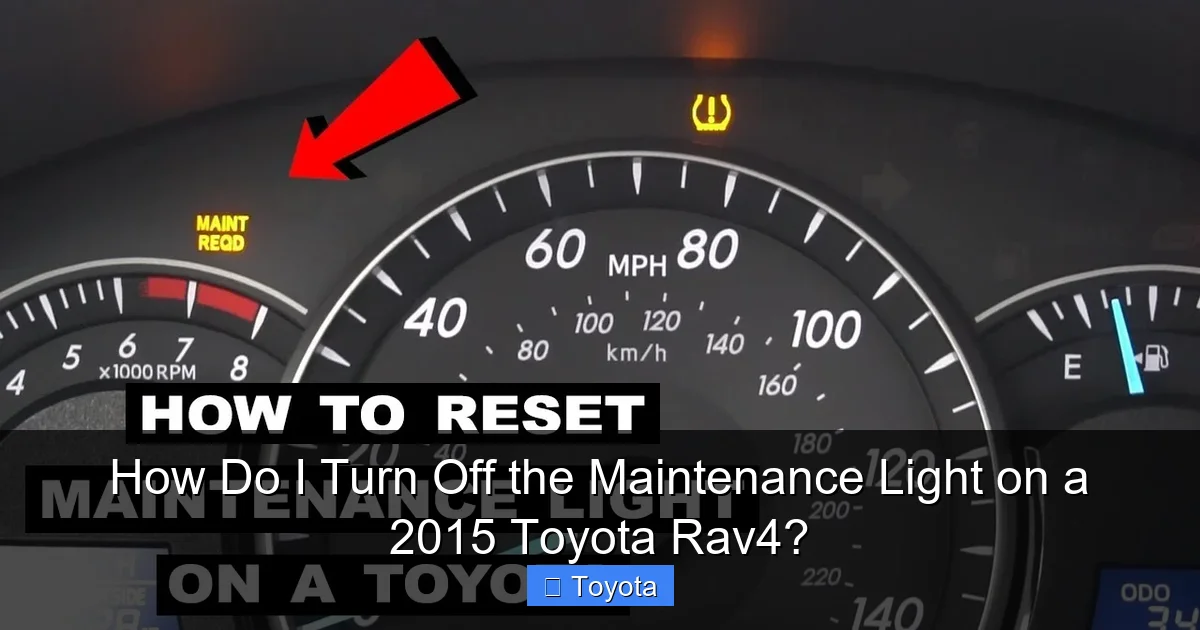
Resetting the maintenance light on a 2015 Toyota RAV4 is famously straightforward, but the exact button combination can vary slightly based on your vehicle’s specific instrument cluster. There are two primary methods, and one of them will work for your vehicle. The key is to find the correct button. You’ll be looking for a button that either says “ODO/TRIP” or is a small, dedicated button near your speedometer and tachometer, often used to toggle between odometer and trip meter readings. This process must be done with the ignition in the “ON” position (all dash lights on, but engine off) or sometimes with the engine running. We’ll start with the most common method. Before you begin, make sure your RAV4 is parked safely, the parking brake is set, and the engine is off. Turn the key to the “ACC” or “ON” position, or press the start button twice without touching the brake pedal to activate the accessory mode. You should see all your normal dashboard lights illuminate.
Visual guide about How Do I Turn Off the Maintenance Light on a 2015 Toyota Rav4?
Image source: i.ytimg.com
Method 1: The ODO/TRIP Button Method (Most Common)
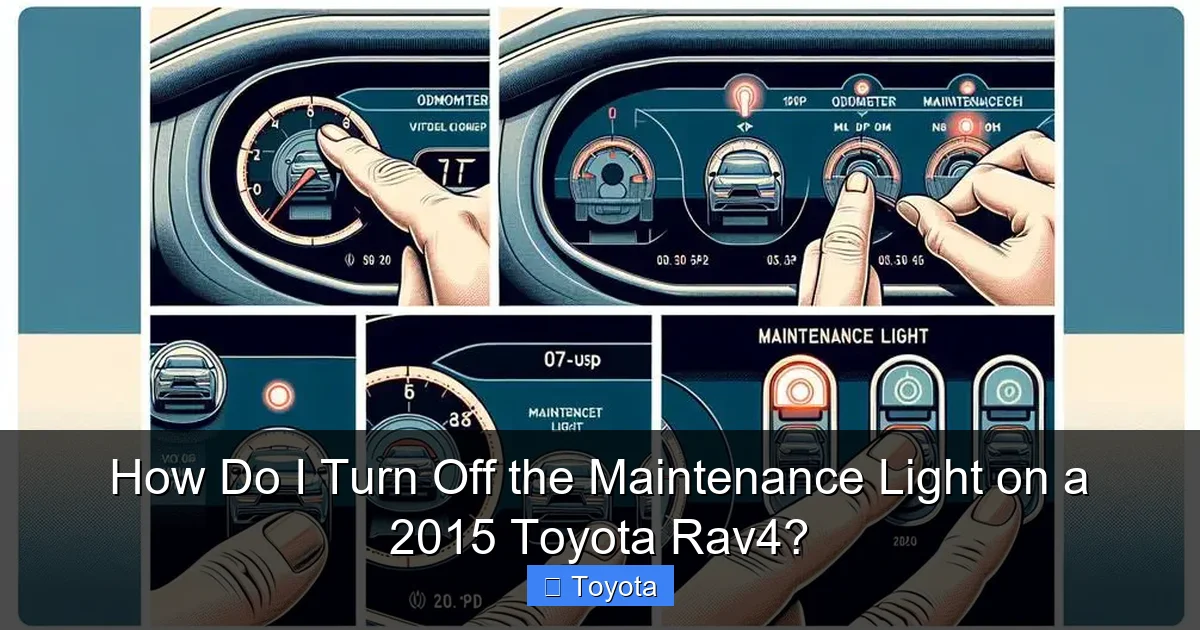
This method is used on the majority of 2015 RAV4 models. Locate the small button on your instrument cluster, usually on the lower left or right side of the speedometer face. It is often labeled “ODO/TRIP” or simply “TRIP.” This button cycles your display between the total odometer reading and the two trip meter readings (A and B). Here is the precise sequence:
- With the ignition in the “ON” position (engine off, dash lights on), use the “ODO/TRIP” button to change your digital display until it shows the total odometer mileage, not a trip meter (Trip A or Trip B). You want to see the full, cumulative miles your car has driven.
- Now, turn the ignition key to the “OFF” position. The dash lights will go out.
- While holding down the “ODO/TRIP” button, turn the ignition key back to the “ON” position (again, engine off). Keep holding the button.
- Continue holding the button. After a few seconds, you should see the odometer display change. It will typically count down from 5 to 0, or you might see dashes “—–” appear. The maintenance required light will begin to blink.
- Once you see the light blink a few times and then go out, and the odometer returns to displaying the mileage, you can release the button. The reset is complete. Start the engine to verify the light stays off.
Method 2: The Dedicated Reset Button Method
Some 2015 RAV4 trims, particularly those with a more upscale gauge cluster, have a small, recessed button located near the odometer display. It might be tiny and require a pen tip or paperclip to press. If you have this button, the procedure is even simpler:
- Ensure the ignition is in the “ON” position (engine off).
- Press and hold this dedicated reset button. You don’t need to toggle the display first.
- Hold it for approximately 5-10 seconds. The maintenance required light will start to blink.
- Continue holding until the light goes out completely. Release the button.
- Turn the ignition off and then back on, or start the engine, to confirm the light remains off.
Critical Timing: When to Reset vs. When to Service
This is the most important concept to grasp. You must only perform this reset procedure after the scheduled maintenance has been physically completed. Resetting the light without doing the work is like erasing your to-do list without actually doing the tasks. You are simply lying to your car’s computer. The system is designed to track the health of your engine and drivetrain. Oil degrades over time and with mileage. Filters clog. Belts and hoses wear. Brake pads thin. The maintenance schedule is a science-based timeline for replacing these items before they fail and cause catastrophic damage or leave you stranded. If you reset the light without changing the oil, for example, your engine will continue running on degraded, sludgy oil, accelerating internal wear. You’ve effectively disabled your car’s own reminder system. The proper workflow is: 1) The light comes on. 2) You schedule an appointment with your trusted mechanic or perform the maintenance yourself if you’re qualified. 3) After the technician performs the service (a standard oil change and inspection), they should reset the light for you as part of the service. Always ask them to confirm it’s off before you leave. If you perform your own oil change, then you are responsible for the reset using the steps above. If you’re unsure what service is due, consult your owner’s manual’s maintenance schedule or contact a Toyota dealer. They can look up your vehicle’s specific needs based on its mileage and your driving conditions (severe vs. normal). For a broader look at Toyota’s maintenance reminder system across different models, you can read our general guide on how to reset the maintenance required light on a Toyota.
Visual guide about How Do I Turn Off the Maintenance Light on a 2015 Toyota Rav4?
Image source: diycarexpert.com
Troubleshooting: What to Do If the Light Won’t Turn Off
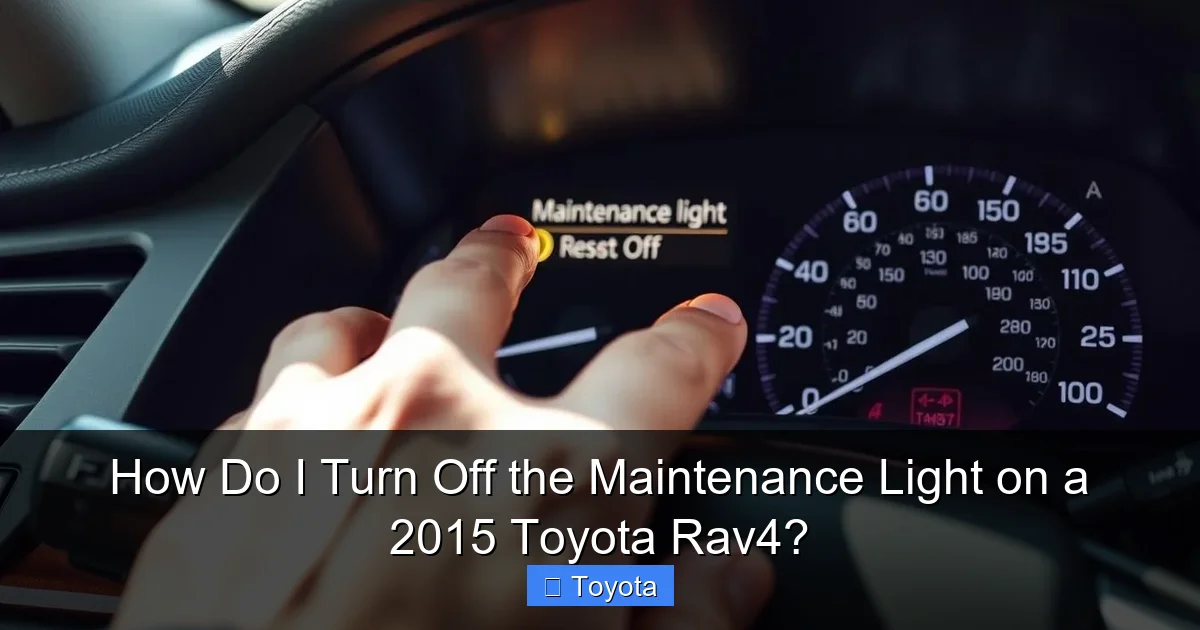
You followed the steps perfectly, but that stubborn wrench icon is still glaring at you. Don’t panic. This usually points to one of a few specific issues, none of which are major emergencies, but all require attention. First, double-check your procedure. Ensure you started with the total odometer displayed (not a trip meter) for Method 1. Try the sequence two or three times, being precise about holding the button while turning the key. Sometimes it takes a moment. If it still won’t reset, consider these possibilities:
Visual guide about How Do I Turn Off the Maintenance Light on a 2015 Toyota Rav4?
Image source: vehiclerides.com
- The maintenance wasn’t logged correctly: If you had a shop do the work, they may have forgotten to reset the light or their scan tool may not have communicated properly with your RAV4’s computer. Call them back, explain the issue, and ask them to try again. They have professional-grade tools that can access the maintenance reminder system directly.
- A weak or dead battery: A severely discharged battery can sometimes cause the vehicle’s memory to glitch. If your battery was recently jumped or is old, try a full reset cycle: disconnect the negative battery terminal for 10 minutes (this will also reset radio presets), reconnect, and then try the light reset procedure again.
- Faulty odometer button or clock spring: The button itself or the electrical connection behind it (the clock spring in the steering column) can wear out. This is less common but possible, especially on higher-mileage vehicles. If neither reset method works and the battery is good, a technician will need to diagnose this electrical circuit.
- An underlying diagnostic trouble code (DTC): In rare cases, a separate, unrelated issue with the vehicle’s computer system can prevent the maintenance light reset function from working. A diagnostic scan at a repair shop will reveal if this is the case.
If you’ve exhausted the DIY methods and the light persists, it’s time to visit a professional. For those with a 2020 model or newer, the process is slightly different due to updated multi-information displays, which you can see in our guide for the 2020 Toyota RAV4.
The Bigger Picture: Why This Light and Your Maintenance Schedule Matter
Let’s shift from the “how” to the “why.” Why does Toyota go through all this trouble to install a reminder light that you have to reset manually? The answer is long-term value and safety. Your 2015 RAV4 is a significant investment. The maintenance schedule—whether it’s the 5,000-mile service or the 30,000-mile major service—is engineered to address wear items at precise intervals. Here’s what’s typically involved at a standard “A” service (oil change/filter/tire rotation) when the light first comes on:
- Engine Oil & Filter Change: The single most important routine service. Fresh oil lubricates, cools, and cleans your engine.
- Tire Rotation: Promotes even tire wear, extending tire life and ensuring safe, predictable handling.
- Multi-Point Inspection: A technician checks brakes, fluids (coolant, brake, transmission), belts, hoses, battery, and suspension components.
- Fluid Top-Off: Ensuring all essential fluids are at proper levels.
Skipping these services because the light is “just a reminder” is a false economy. The cost of a major repair from neglected maintenance—like a timing belt failure or engine damage from old oil—dwarfs the cost of regular service. Furthermore, a well-maintained RAV4 retains its resale value. Prospective buyers and dealerships always check service records. A consistent history of maintenance, evidenced by a properly functioning reminder system, is a huge selling point. It shows the vehicle was cared for. Keeping up with the schedule and resetting the light also ensures your warranty remains in good standing if you’re still within the powertrain warranty period. It’s a simple habit with profound long-term benefits for your wallet, your safety, and your vehicle’s lifespan. For owners of other Toyota SUVs, like the Highlander, the process and principles are very similar, as detailed in our article on resetting the maintenance light on a 2017 Toyota Highlander.
Beyond the Reset: Other Common RAV4 Lights and Indicators
Your RAV4’s dashboard is a communication center. While the maintenance required light is benign and scheduled, other lights demand immediate attention. It’s crucial to know the difference. The Check Engine Light (usually yellow/amber) indicates the engine computer has detected a problem with the emissions, ignition, fuel, or sensor systems. It requires diagnostic scanning. A flashing Check Engine Light is a severe warning of an engine misfire that can damage the catalytic converter—stop driving and get help immediately. The Oil Pressure Light (an oil can icon) is a true emergency. If it comes on while driving, stop the engine as soon as safely possible, as it means oil pressure has been lost, which can destroy an engine in minutes. The Tire Pressure Monitoring System (TPMS) Light (a cross-section of a tire with an exclamation point) warns of low pressure in one or more tires. You should inflate them to the recommended PSI (found on the driver’s door jamb sticker) as soon as possible, but it’s not an immediate stop-drive emergency unless the tire is visibly flat. Other lights include the ABS (Anti-lock Brake System), VSC (Vehicle Stability Control), and airbag lights. If any of these come on and stay on, your RAV4’s corresponding safety system may be disabled, and you should have it diagnosed promptly. Understanding these distinctions prevents panic over the maintenance light and ensures you react correctly to true emergencies. For instance, if you’re dealing with a persistent TPMS alert, our guide on resetting a tire pressure light, while for a Honda, explains the general principle of inflating tires and triggering a reset that is similar across many brands.
Frequently Asked Questions
Can I drive my RAV4 with the maintenance light on?
Yes, you can drive it for a short period. The light simply means you’ve exceeded your recommended service interval. However, you should schedule the required maintenance (like an oil change) as soon as possible. Prolonged driving with the light on means you’re operating your vehicle outside its designed maintenance schedule, which can lead to increased wear and potential damage.
How often should I reset the maintenance light on my 2015 RAV4?
You should reset the light only after the scheduled maintenance has been completed. It is designed to illuminate every 5,000 miles or 6 months. So, you will reset it approximately twice a year if you drive an average of 10,000 miles annually. The reset frequency matches your actual service frequency.
Is the maintenance light the same as the check engine light?
No, they are completely different. The maintenance required light (wrench icon) is a pre-programmed reminder for routine service. The check engine light (engine icon) indicates a malfunction detected by the engine computer that needs diagnosis. One is a calendar reminder; the other is a problem alert.
Do I need an oil change every time the maintenance light comes on?
Almost always, yes. The 5,000-mile interval is the standard for oil and filter changes in most 2015 RAV4s under normal driving conditions. The light is primarily tied to this service. However, at certain mileage milestones (like 30,000 or 60,000 miles), the “service” includes much more than just an oil change. Always check your maintenance schedule to know exactly what is due.
What if the maintenance light won’t turn off after I’ve had the service done?
First, try the reset procedure again carefully. If it still won’t reset, return to the shop that performed the service. They may have forgotten to do it, or their scan tool may need to manually clear the reminder in your vehicle’s computer. If you did the service yourself, ensure you followed the steps exactly. If the light remains on, it could indicate an electrical fault that needs professional diagnosis.
Will disconnecting the battery turn off the maintenance light?
No, disconnecting the battery will not reset the maintenance required light. This light is stored in a non-volatile memory that retains its data even when power is lost. The only way to reset it is by using the specific button-press sequence described in your owner’s manual. Battery disconnection will reset radio presets and clock settings, but not the service reminder.