
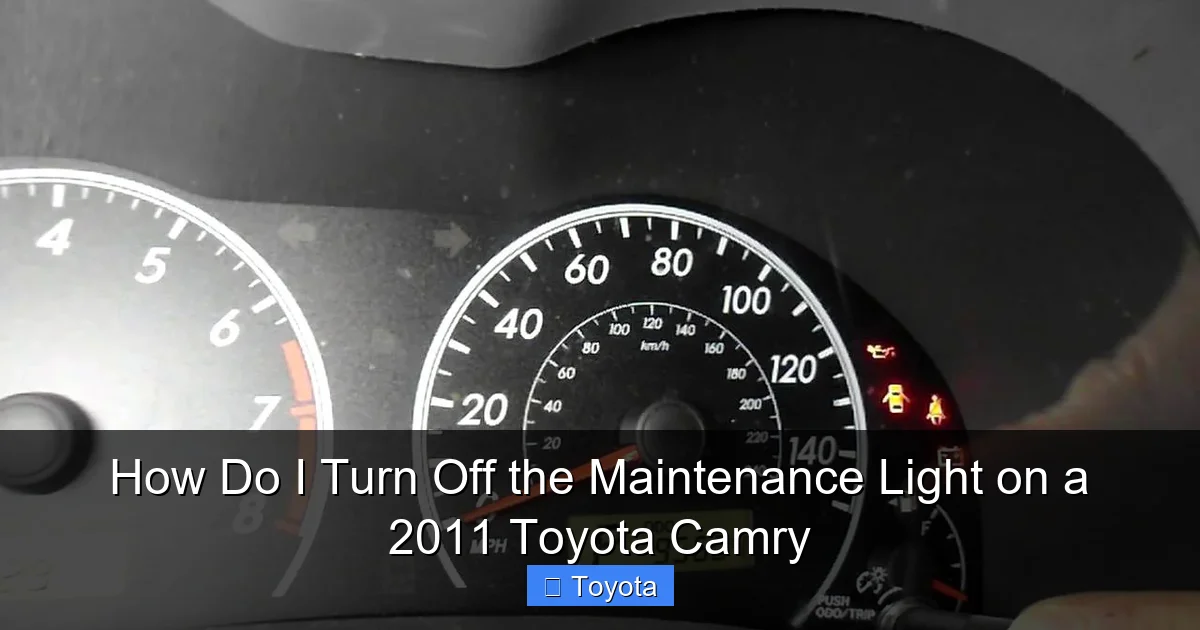
How Do I Turn Off the Maintenance Light on a 2011 Toyota Camry

Contents
- 1 Key Takeaways
- 2 📑 Table of Contents
- 3 That Little Light Just Won’t Quit? Let’s Fix It Together.
- 4 First Things First: What Is This Light Actually Telling You?
- 5 Getting Ready: The Pre-Reset Checklist
- 6 The Main Event: How to Turn Off the Maintenance Light on a 2011 Toyota Camry
- 7 Uh Oh, The Light Won’t Turn Off: Troubleshooting Time
- 8 Beyond the Reset: Living with Your Camry’s Maintenance Schedule
- 9 Don’t Make These Common Mistakes!
- 10 Wrapping It Up: You’ve Got This!
- 11 Frequently Asked Questions


Reset the maintenance light on your 2011 Toyota Camry by pressing and holding the odometer button while turning the ignition to ‘ON’ (do not start the engine). Hold the button until the light blinks and extinguishes, usually within 5-10 seconds, confirming the service interval is cleared. This simple, DIY reset eliminates unnecessary dealer trips for routine maintenance reminders.
Key Takeaways
- Confirm the light signals an oil change is due before resetting it.
- Use the odometer button to access the maintenance menu.
- Always perform the required oil change before turning off the light.
- Press and hold the button until the light blinks and goes out.
- Release the button to finalize the reset procedure.
- The light will return after another 5,000 miles if reset prematurely.
- Consult your owner’s manual for any model-specific variations.
📑 Table of Contents
- That Little Light Just Won’t Quit? Let’s Fix It Together.
- First Things First: What Is This Light Actually Telling You?
- Getting Ready: The Pre-Reset Checklist
- The Main Event: How to Turn Off the Maintenance Light on a 2011 Toyota Camry
- Uh Oh, The Light Won’t Turn Off: Troubleshooting Time
- Beyond the Reset: Living with Your Camry’s Maintenance Schedule
- Don’t Make These Common Mistakes!
- Wrapping It Up: You’ve Got This!
That Little Light Just Won’t Quit? Let’s Fix It Together.
You’re cruising down the highway in your trusty 2011 Toyota Camry, the one that’s been a rock-solid companion for years. The radio is playing, the AC is on, and everything feels perfect. Then, it catches your eye. That little wrench icon or the words “MAINT REQD” glowing on your dashboard. A sigh escapes you. Not now. You know it’s not an emergency—the car is running fine—but that persistent light is like a tiny, nagging reminder that something needs attention. You’ve heard you can turn it off yourself, but where do you even start? If you’ve ever wondered, how do I turn off the maintenance light on a 2011 Toyota Camry?, you’re in the right place. This isn’t some secret mechanic trick; it’s a simple procedure anyone can do. Think of me as your friend in the driveway, walking you through it step-by-step. We’ll get that light extinguished, but more importantly, we’ll make sure you understand what it really means and what you should do before you simply reset it. Because that light isn’t just a nuisance; it’s your car’s way of saying, “Hey, let’s take care of me so I can keep taking care of you.”
First Things First: What Is This Light Actually Telling You?
Before we touch any buttons, it’s crucial to understand what we’re dealing with. That “MAINT REQD” light isn’t a diagnostic trouble code or a sign of imminent failure. It’s a maintenance reminder system, a brilliant piece of simple engineering from Toyota. In your 2011 Camry, it’s primarily based on mileage and, in some cases, engine runtime. The car’s computer tracks when you last had certain services done—most commonly an oil change—and after a preset interval (usually every 5,000 miles for older models), it illuminates the light to give you a heads-up. It’s a proactive nudge, not a reactive scream. This system is consistent across many Toyota models, which is why guides on how to turn off the maintenance light on a Toyota share similar core principles. Ignoring it isn’t the end of the world, but consistently dismissing it means you’re flying blind on your car’s vital service schedule. Over time, that can lead to neglected oil changes, worn timing belts, or other issues that cost far more to fix than the routine maintenance itself. So, our goal is two-fold: turn off the annoying light and ensure we’ve earned the right to turn it off by doing the necessary work.
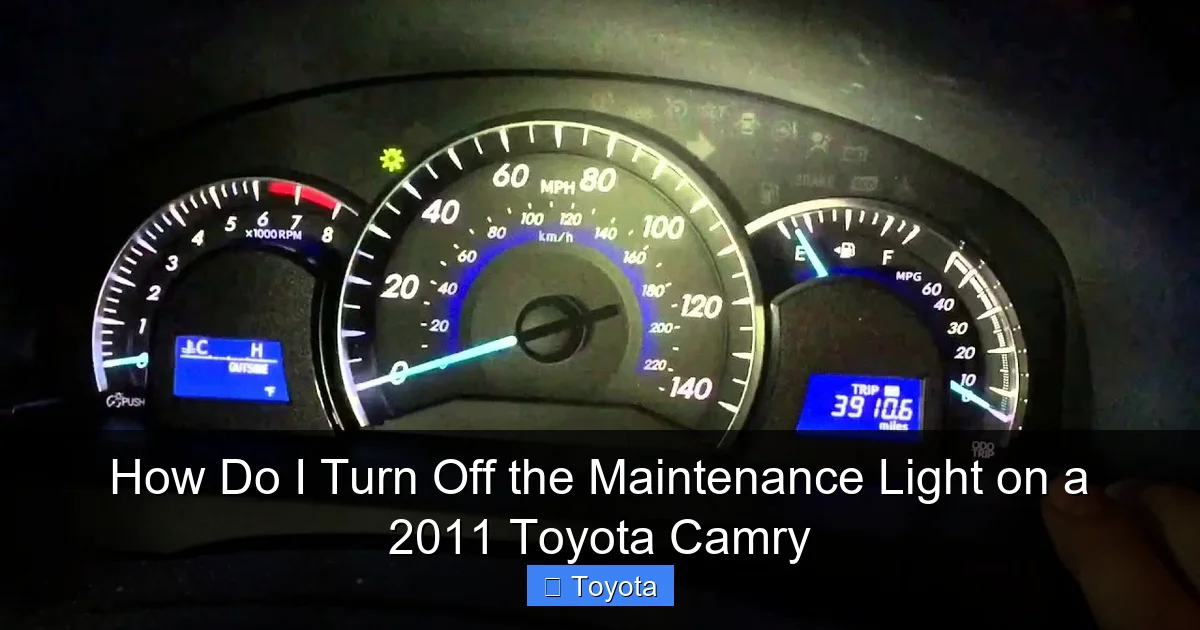
Visual guide about How Do I Turn Off the Maintenance Light on a 2011 Toyota Camry
Image source: i.ytimg.com
The “It’s Not an Emergency” Pep Talk
Let’s get this out of the way: that maintenance light is not the same as a check engine light, oil pressure light, or any other red, blinking warning. Those demand immediate, cautious attention. The maintenance required light is usually a steady, amber color. It’s saying, “Plan an appointment soon,” not “Pull over right now.” This is a key distinction that saves a lot of unnecessary stress. You have time to gather your tools, read this guide, and do the reset properly. But don’t let that calmness breed complacency. Use the time the light is on to check your oil level, tire pressure, and overall fluid levels. It’s the perfect prompt for a quick visual inspection under the hood and around the vehicle.
Getting Ready: The Pre-Reset Checklist
You wouldn’t bake a cake without checking you have flour and eggs, right? The same logic applies here. Rushing into the reset process without a plan can lead to frustration or, worse, accidentally resetting the light without having performed the needed service. Let’s get prepared.
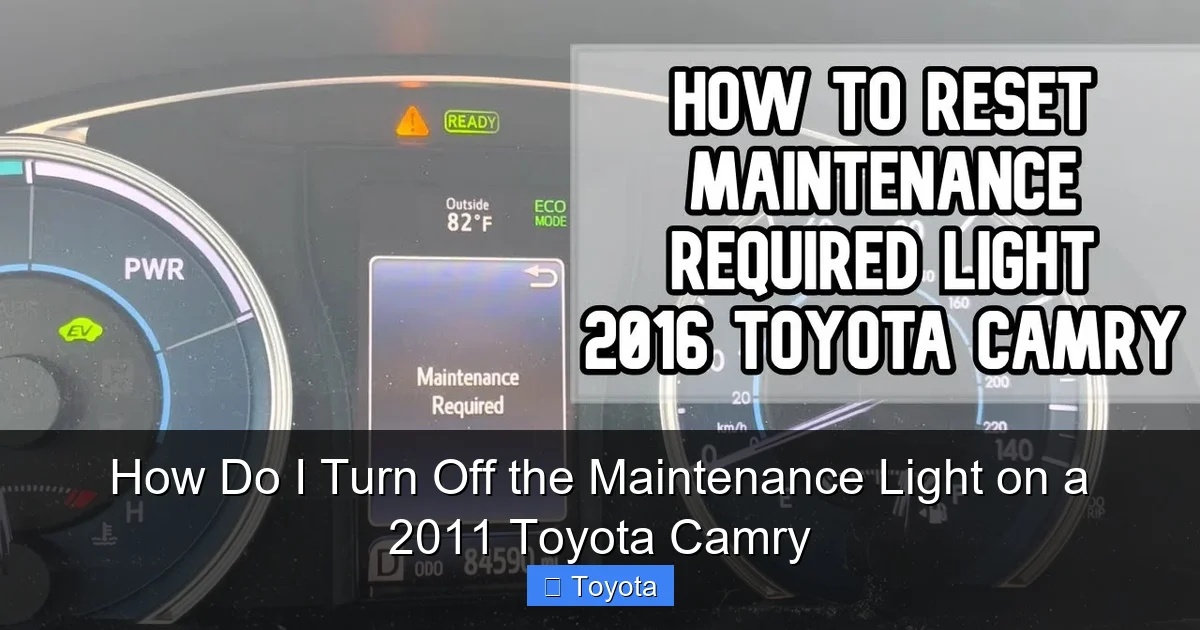
Visual guide about How Do I Turn Off the Maintenance Light on a 2011 Toyota Camry
Image source: i.ytimg.com
1. The Golden Rule: Did You Do the Maintenance?
This is the most important step. Did you just get an oil change and filter replacement? Have you had your tires rotated or your air filter changed within the recommended service interval? If the answer is yes, fantastic. You’ve earned the reset. If the answer is no, or you can’t remember, this is your cue to schedule that service first. Resetting the light without changing the oil or addressing the overdue service is like erasing your to-do list without doing the tasks. The light will come back on, and your engine will be running on old, degraded oil, which causes long-term damage. Be honest with yourself. A quick look at your maintenance log or a call to your mechanic can clarify what’s due. For a 2011 Camry with around 100,000 miles, common due items include oil & filter, tire rotation, and possibly a cabin air filter replacement.
2. Gather Your (Non-Tool) Arsenal
The beautiful thing about resetting this light is that you likely need nothing more than your own two hands and a clear head. No special tools, no diagnostic scanners. However, a few things help:
- Your Owner’s Manual: This is your bible. It has the exact, model-year-specific procedure. Keep it in the car or find a digital copy. It’s the ultimate authority.
- A Quiet Moment: Find a safe spot to park, like your driveway. Turn off the engine and give yourself a minute to focus.
- Familiarity with Your Dashboard: Know where your odometer button (or “trip”/“ODO” button) is and how to navigate the multi-information display if your Camry has one.
3. Safety First: Park and Prepare
Park your Camry on a level surface, set the parking brake firmly, and turn off the engine. For our procedure, you’ll need to turn the ignition to the “ON” or “RUN” position (where the dashboard lights come on but the engine isn’t started). You do not need to start the car. Make sure all doors are closed and your foot is off the brake pedal if you have a push-button start. This prevents any accidental vehicle movement and ensures the electrical system is in the correct state for the reset sequence.
The Main Event: How to Turn Off the Maintenance Light on a 2011 Toyota Camry
Alright, the preamble is over. Let’s get that light off. For the vast majority of 2011 Toyota Camrys, there are two primary methods. The first uses the traditional odometer button trick, which works on most base and mid-trim models. The second uses the steering wheel-mounted controls to navigate the vehicle settings menu, common on higher trims like the SE or XLE. We’ll cover both.
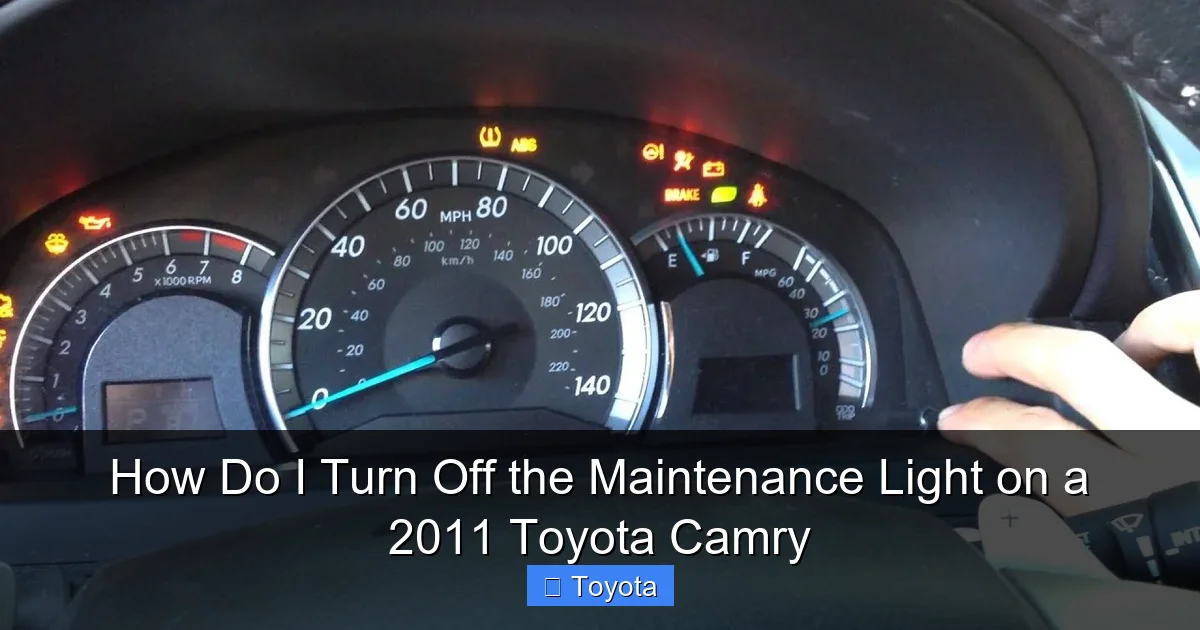
Visual guide about How Do I Turn Off the Maintenance Light on a 2011 Toyota Camry
Image source: i.ytimg.com
Method 1: The Classic Odometer Button Reset (The Most Common Method)
This method is straightforward and works on hundreds of thousands of Toyotas from this era. It’s a little dance with the ignition and the odometer reset button.
Step-by-Step:
- Turn the Ignition ON: Insert your key and turn it to the “ON” position (the position right before “START”). Do not start the engine. All your dash lights should illuminate, including the maintenance light.
- Locate the Odometer Button: This is the small button, often labeled “ODO/TRIP” or just a single stalk/push-button on the instrument cluster, used to toggle between the odometer and trip meter readings. You’ll be pressing and holding this.
- Turn the Ignition OFF: While still holding the odometer button, turn the ignition key to the “OFF” position. Keep holding that button down.
- Turn the Ignition Back ON: While continuing to hold the button, turn the key back to the “ON” position. You should see the odometer display start to blink or show dashes.
- Release and Verify: After a few seconds of blinking (5-10 seconds is typical), the maintenance required light should begin to blink as well, and then it will go out. Release the button. Wait a moment, then turn the ignition OFF and back ON again to confirm the light stays off. You’ve done it!
Pro Tip: If the light doesn’t blink, ensure you’re holding the correct button (sometimes it’s the “trip meter reset” button on the stalk) and that you’re cycling the ignition from ON -> OFF -> ON while holding it. Try the sequence a second time, holding the button a bit longer during the ON phase.
Method 2: Using the Steering Wheel Controls (For Models with Multi-Info Display)
If your Camry has a color display screen in the gauge cluster or a larger touchscreen, the reset might be buried in a settings menu accessed via buttons on the steering wheel.
Step-by-Step:
- Turn the Ignition ON: Same as before, key to “ON,” engine off.
- Navigate to Settings: Use the arrow buttons or “Menu” button on your steering wheel to scroll through the display menu. You’re looking for a section called “Settings,” “Vehicle Settings,” or “Maintenance.”
- Find the Maintenance Reset: Within that menu, look for an option like “Maintenance Reset,” “MAINT Reset,” or “Service Reset.” The exact wording varies.
- Execute the Reset: Highlight the reset option and press the “Enter” or “Set” button. The display may ask you to confirm. Do so. You should see a message like “Maintenance Reset Completed” or see the light on the dash blink and go out.
- Exit and Confirm: Exit the menu system and turn the ignition off and back on to ensure the light remains off.
Note: If you can’t find this menu, your 2011 Camry likely uses the simpler odometer button method. The steering wheel menu method became more standardized in later model years, which you might see if you look at guides for a 2020 Toyota RAV4, for example.
Uh Oh, The Light Won’t Turn Off: Troubleshooting Time
You followed the steps perfectly, but that wrench is still glaring at you. Don’t panic. This isn’t a failed reset; it’s a clue. Here’s what to check next.
Did You Actually Perform the Service?
This is the big one. Some aftermarket oil change places or even some dealerships forget to reset the light. If you just had service done, call them. They should reset it for you, and it’s a good check on their quality. If you did the work yourself, you must manually reset it—the car has no way of knowing you changed the oil unless you tell it via this procedure.
Is the Reset Sequence Correct for Your Specific Model?
While the odometer method is standard, there can be tiny variations. Double-check your owner’s manual. Search online for “2011 Toyota Camry maintenance reset” and watch a short video for your specific trim (LE, SE, XLE). Seeing it done visually often clears up confusion about which button to hold and for how long.
Could There Be an Electrical Issue?
This is rare but possible. A blown fuse related to the instrument cluster or a faulty bulb for the maintenance light could cause strange behavior. If the light is on but you can’t reset it, or if it comes back on immediately after a successful reset, there might be an underlying electrical fault. This is also the point where other, more serious warning lights might appear alongside it, indicating a separate problem. If the light persists despite multiple correct reset attempts and you’re sure the service is done, it’s time to visit a trusted mechanic. They can scan the computer for any stored codes that might be interfering with the reset process.
Beyond the Reset: Living with Your Camry’s Maintenance Schedule
Turning off the light is the final step, but understanding the schedule that triggered it is the real key to long-term reliability. Let’s look at a typical maintenance schedule for a 2011 Camry under “normal” driving conditions (not “severe” conditions, which require more frequent service).
| Service Item | Recommended Interval (Miles or Months) | Why It Matters |
|---|---|---|
| Engine Oil & Filter | Every 5,000 miles or 6 months | The lifeblood of your engine. Clean oil reduces friction, wear, and overheating. This is the #1 trigger for the maint light. |
| Tire Rotation | Every 5,000 miles | |
| Air Filter (Engine) | Every 15,000 – 30,000 miles | |
| Cabin Air Filter | Every 15,000 – 30,000 miles | |
| Brake Fluid | Every 30,000 miles or 2 years | |
| Spark Plugs | Every 30,000 miles (for some engines) | |
| Timing Belt/Chain | Every 60,000 – 90,000 miles (check manual) | CRITICAL. A failed timing belt on an interference engine (many Camry engines are) means catastrophic engine damage. Never ignore this. |
| Transmission Fluid | Every 60,000 – 100,000 miles |
Note: These are general guidelines. ALWAYS prioritize the specific intervals in your 2011 Camry owner’s manual. “Severe” driving (lots of short trips, extreme temps, dusty conditions) often requires halving these intervals.
For a broader look at Toyota’s maintenance philosophy, you can explore resources on how to reset the maintenance required light on a Toyota, which explains the system’s design across different years and models.
Don’t Make These Common Mistakes!
We’re almost done. Let’s avoid the pitfalls that turn a simple job into a headache.
Mistake 1: The “Reset Without Service” Shortcut
We talked about this, but it bears repeating. You are not smarter than the maintenance system. Turning off the light without doing the work is a false economy. You might save 30 minutes and $50 today, but you’ll pay for it with an engine rebuild or a tow truck bill later. The light is a tool for your benefit, not a bug to be squashed.
Mistake 2: Resetting at the Wrong Time
Make sure the car is in the “ON” position with the engine off. If you try to do this with the engine running, the system often won’t allow the reset. Also, don’t attempt this while the car is in drive or reverse. Park, brake set, key in ON.
Mistake 3: Confusing It With Other Lights
Is the icon a wrench (“MAINT REQD”) or is it a glowing oil can? A flashing oil pressure light is a severe, immediate danger. Stop the engine. The maintenance required light is a different symbol and behavior. If you’re unsure, consult your manual. Don’t guess. Similarly, if your airbag light is on, that’s a completely separate, serious safety issue that requires professional diagnosis—it’s not related to routine maintenance.
Mistake 4: Forgetting to Check the Fuse
Extremely rare, but if the light is on and you can’t reset it, and you’re sure all services are up to date, a blown fuse for the “METER” or “INST” circuit could be the culprit. A quick fuse box check (see your manual for location) can rule this out.
Wrapping It Up: You’ve Got This!
So, there you have it. The mystery of the persistent maintenance light on your 2011 Toyota Camry is solved. It’s not a cryptic code; it’s a simple, mileage-based reminder. The process to turn it off is a quick, button-press ritual that takes less than a minute. But the real victory isn’t just a dark dashboard—it’s the peace of mind that comes from knowing you’ve honored your car’s needs. You’ve checked the oil, you’ve considered the schedule, and you’ve taken a proactive step in caring for a machine that works hard for you every day.
Remember, that little light is your friend. It’s the gentle nudge that prevents small issues from becoming big, expensive problems. The next time it illuminates, you won’t see an annoyance; you’ll see a clear to-do list. Get the necessary service done, follow the reset steps we outlined, and get back to enjoying the smooth, reliable ride your Camry is famous for. You’ve not only turned off a light—you’ve gained a little more confidence as a car owner. Now, go enjoy that clear dashboard and the open road!
Frequently Asked Questions
How do I turn off the maintenance light on my 2011 Toyota Camry after an oil change?
You can reset the maintenance required light yourself using the odometer button. With the ignition off, press and hold the “trip/reset” button while turning the key to the “ON” position. Continue holding the button until the light blinks and goes off, then release it.
Why does the maintenance light come on in my 2011 Toyota Camry?
The maintenance required light illuminates based on your driving conditions and mileage to remind you that scheduled maintenance is due, typically an oil and filter change. It’s a preventive reminder and not an indication of an immediate, dangerous problem with your vehicle.
Is the maintenance light the same as the check engine light on a 2011 Camry?
No, they are different. The maintenance required light (usually yellow and says “MAINT REQD”) signals routine service is needed. The check engine light (usually yellow/amber with an engine icon) warns of a potential emissions or engine system fault that requires diagnosis.
What should I do if the maintenance light won’t reset on my 2011 Toyota Camry?
First, ensure you are following the exact reset procedure for your model year. If it still won’t reset, it’s possible the maintenance interval was not properly reset during the last service, or there could be an electrical issue. Consult your owner’s manual or a trusted mechanic.
Can I disconnect the battery to turn off the maintenance light on a 2011 Camry?
Disconnecting the battery may clear some codes temporarily, but it is not the correct method for the maintenance required light and can cause other issues like radio code locks or system resets. Always use the specific manual reset procedure with the odometer button.
How often does the maintenance light come on in a 2011 Toyota Camry?
The light is programmed to illuminate approximately every 5,000 miles (or 6 months, depending on your model’s settings) to remind you of the recommended service interval. The exact mileage can vary based on your driving conditions and the last reset point.







