
What Does “lamp Out” Mean on a 2004 Dodge Ram?

The “lamp out” warning on a 2004 Dodge Ram indicates a burnt-out or malfunctioning exterior light bulb. This dashboard alert helps drivers stay safe and avoid traffic violations by prompting timely bulb replacement. Understanding the cause and solution ensures your truck remains road-legal and visible at night.
If you’ve ever been driving your 2004 Dodge Ram and suddenly seen the words “LAMP OUT” flash across your dashboard, you’re not alone. This warning can be confusing, especially if you’re not sure which light is out or why it matters. But don’t worry—this isn’t a sign of a major mechanical failure. In fact, it’s usually a simple fix that you can handle yourself with just a few tools and a little know-how.
The “lamp out” message is your truck’s way of telling you that one or more of your exterior light bulbs has stopped working. Whether it’s a brake light, turn signal, tail light, or license plate light, the vehicle’s onboard computer has detected a problem and wants you to take action. While it might seem like a minor annoyance, ignoring this warning can lead to safety hazards, reduced visibility, and even traffic tickets. The good news? Most “lamp out” issues on a 2004 Dodge Ram are straightforward to diagnose and repair.
In this guide, we’ll walk you through everything you need to know about the “lamp out” warning—what it means, why it appears, how to find the faulty bulb, and how to fix it. Whether you’re a seasoned DIYer or just getting started with vehicle maintenance, this article will give you the confidence to tackle the problem head-on. Plus, we’ll share tips to prevent future warnings and keep your truck’s lighting system in top shape.
Key Takeaways
- “Lamp out” means a light bulb has failed: The warning appears when the vehicle’s computer detects a drop in electrical current from a non-functioning bulb.
- Common affected lights include brake, turn signal, and tail lights: These are critical for safety and visibility, especially at night or in bad weather.
- The 2004 Dodge Ram uses a bulb monitoring system: This system checks resistance in the lighting circuit and triggers the warning when a bulb burns out.
- Ignoring the warning can lead to safety risks and fines: Law enforcement may issue citations for non-functional lights, and other drivers may not see your signals.
- Most “lamp out” issues are easy to fix: Replacing the faulty bulb usually resolves the warning, though wiring or socket problems may require further inspection.
- Use OEM or high-quality aftermarket bulbs: Cheap bulbs may fail quickly or not register properly with the truck’s electrical system.
- Regular light checks prevent unexpected warnings: Make it a habit to test all exterior lights monthly or before long trips.
📑 Table of Contents
Understanding the “Lamp Out” Warning System
The “lamp out” warning on a 2004 Dodge Ram is part of the vehicle’s advanced lighting monitoring system. Unlike older trucks that relied solely on visual inspection, this model uses electronic sensors to detect when a bulb has failed. When a bulb burns out, the electrical resistance in that circuit changes, and the truck’s computer picks up on that difference. It then triggers the “lamp out” message on the dashboard to alert the driver.
This system is designed to improve safety by ensuring that all exterior lights are functioning properly. It monitors key lighting circuits, including brake lights, turn signals, tail lights, and sometimes even the license plate light. The warning typically appears as a text message on the instrument cluster, often accompanied by a flashing icon or chime.
It’s important to note that the “lamp out” system doesn’t always specify which exact bulb is out. Instead, it gives a general alert, leaving it up to the driver to investigate. This is why knowing how to check your lights manually is so valuable. The system is reliable, but it’s not foolproof—sometimes a loose connection or corroded socket can trigger a false alarm.
How the Monitoring System Works
The 2004 Dodge Ram uses a simple but effective method to detect bulb failure. Each lighting circuit is designed to carry a specific amount of electrical current when the bulb is working. When a bulb burns out, the circuit becomes open, and the current drops to zero. The vehicle’s body control module (BCM) constantly monitors these circuits and compares the expected current to the actual reading.
If the BCM detects a significant drop in current—indicating a failed bulb—it logs a fault code and activates the “lamp out” warning. This process happens almost instantly, which is why you might see the message the moment you turn on your headlights or press the brake pedal.
One thing to keep in mind is that the system only monitors certain lights. For example, it typically watches the brake lights, turn signals, and tail lights, but may not monitor interior lights or fog lights (if equipped). Also, if multiple bulbs fail at once, the system might not be able to pinpoint the exact location, so a thorough inspection is still necessary.
Why This Feature Matters
You might be wondering, “Why does my truck even care if a light is out?” The answer is simple: safety. Functional exterior lights are essential for communication on the road. Brake lights tell drivers behind you that you’re slowing down. Turn signals indicate your intentions to change lanes or make a turn. Tail lights make your vehicle visible at night or in low-visibility conditions.
When one of these lights fails, you become a hazard to yourself and others. Other drivers may not realize you’re braking or turning, increasing the risk of rear-end collisions or side-swipe accidents. Additionally, law enforcement officers routinely check for functioning lights during traffic stops, and a non-working brake light or turn signal can result in a citation.
The “lamp out” warning is your truck’s way of helping you stay safe and legal. It’s a proactive feature that encourages timely maintenance and reduces the chances of being caught with a burnt-out bulb.
Common Causes of the “Lamp Out” Warning
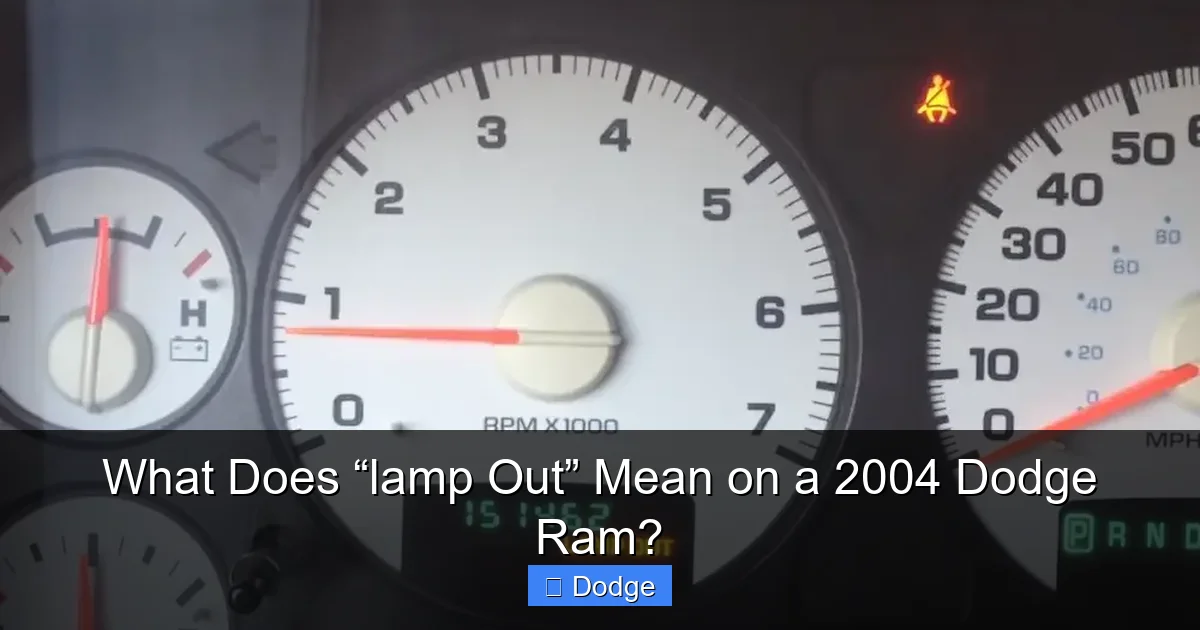
Visual guide about What Does “lamp Out” Mean on a 2004 Dodge Ram?
Image source: cdn.cartipsdaily.com
Now that you understand how the system works, let’s look at the most common reasons why the “lamp out” message appears on a 2004 Dodge Ram. While a burnt-out bulb is the usual suspect, there are several other factors that can trigger the warning.
Burnt-Out Bulb
The most obvious cause is a failed bulb. Over time, light bulbs wear out due to heat, vibration, and normal use. Incandescent bulbs, which are commonly used in older vehicles like the 2004 Ram, have a limited lifespan—typically between 500 and 1,000 hours. Once the filament inside breaks, the bulb no longer conducts electricity, and the circuit is interrupted.
This is the easiest fix: simply replace the faulty bulb with a new one of the correct type. However, it’s important to use the right bulb specification. Using the wrong wattage or size can cause electrical issues or prevent the new bulb from fitting properly.
Loose or Corroded Bulb Socket
Even if the bulb itself is fine, a loose or corroded socket can prevent proper electrical contact. Over time, moisture, dirt, and road salt can accumulate in the socket, leading to corrosion. This corrosion increases resistance in the circuit, which the truck’s computer may interpret as a failed bulb.
Similarly, if the bulb isn’t seated correctly in the socket, it may not make full contact, causing intermittent or no illumination. This is especially common after replacing a bulb if it wasn’t pushed in all the way or twisted into place properly.
Faulty Wiring or Ground Connection
Wiring issues are less common but can still cause the “lamp out” warning. Damaged or frayed wires, loose connections, or a poor ground can disrupt the electrical flow to the bulb. The ground connection is particularly important—if the bulb doesn’t have a solid path to ground, it won’t light up, even if power is reaching it.
In some cases, the wiring harness near the taillight assembly can become damaged due to repeated opening and closing of the tailgate. This is a known issue on older Rams and may require inspection by a mechanic if bulb replacement doesn’t resolve the problem.
Blown Fuse
Each lighting circuit is protected by a fuse. If a fuse blows due to a short circuit or power surge, the affected lights will stop working, triggering the “lamp out” warning. Checking the fuse box is a quick and easy step that can save you time.
The 2004 Dodge Ram has multiple fuse panels—one under the dashboard and another under the hood. Refer to your owner’s manual to locate the correct fuse for the lighting system. If you find a blown fuse, replace it with one of the same amperage. However, if the new fuse blows immediately, there may be a deeper electrical issue that requires professional diagnosis.
Faulty Light Switch or Relay
In rare cases, the problem isn’t with the bulb or wiring but with the switch or relay that controls the lights. For example, the brake light switch—located near the brake pedal—can fail over time, preventing the brake lights from illuminating even when the pedal is pressed.
Similarly, a faulty headlight switch or turn signal relay can cause intermittent or complete failure of the lighting system. These components are more complex to diagnose and may require specialized tools or a visit to a mechanic.
How to Diagnose Which Light Is Out
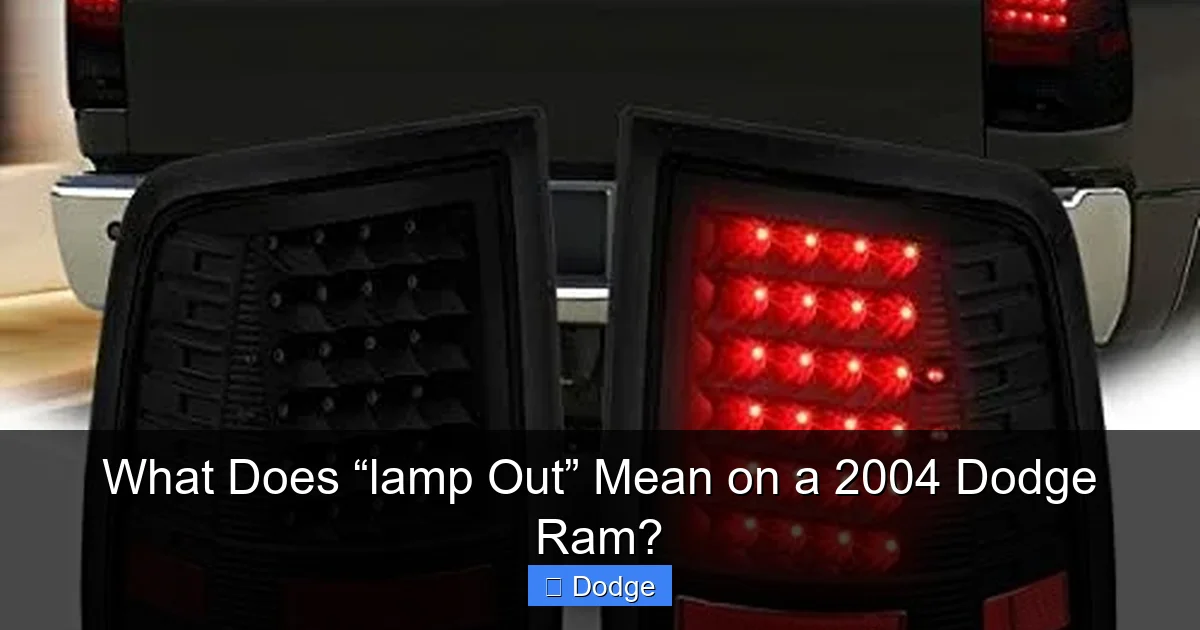
Visual guide about What Does “lamp Out” Mean on a 2004 Dodge Ram?
Image source: m.media-amazon.com
When the “lamp out” warning appears, the first step is to figure out which light is causing the problem. Since the dashboard message doesn’t specify the exact location, you’ll need to do a little detective work. Here’s a step-by-step guide to help you identify the faulty bulb.
Step 1: Turn on the Headlights
Start by turning on your headlights. This will activate the low-beam and high-beam circuits, as well as the tail lights and license plate light. Walk around the truck and visually inspect each light. Look for any that are dim, flickering, or completely off.
Pay special attention to the tail lights, which are often overlooked. If one side is out, it could be a simple bulb replacement. Also check the license plate light—it’s small but important for visibility and legality.
Step 2: Test the Brake Lights
Have a friend stand behind the truck while you press the brake pedal. Ask them to confirm whether both brake lights are working. If one is out, that’s likely the culprit. Alternatively, you can use a reflective surface like a garage door or wall to see the reflection of the brake lights.
Brake lights are critical for safety, so don’t delay replacing a failed bulb. If both brake lights are out, check the brake light switch or fuse first.
Step 3: Check the Turn Signals
Activate the left and right turn signals one at a time. Watch the front and rear indicators to ensure they’re flashing properly. A bulb that’s out will cause the turn signal to flash faster than normal—a phenomenon known as “hyperflashing.”
If you notice a faster blink rate, it’s a strong indicator that a turn signal bulb has failed. This is especially common on the rear turn signals, which also serve as brake lights in some configurations.
Step 4: Inspect the Reverse Lights
Put the truck in reverse and check the reverse lights. These are usually located in the taillight assembly and illuminate when you shift into reverse. If they’re not working, it could trigger the “lamp out” warning, depending on the truck’s configuration.
Step 5: Use a Multimeter (Optional)
If you’re comfortable with basic electrical tools, you can use a multimeter to test the voltage at each bulb socket. With the lights on, probe the contacts in the socket. If there’s power but the bulb isn’t lighting, the bulb is likely faulty. If there’s no power, the issue may be with the wiring, fuse, or switch.
This method is more advanced but can help rule out electrical problems beyond the bulb itself.
How to Replace a Faulty Bulb
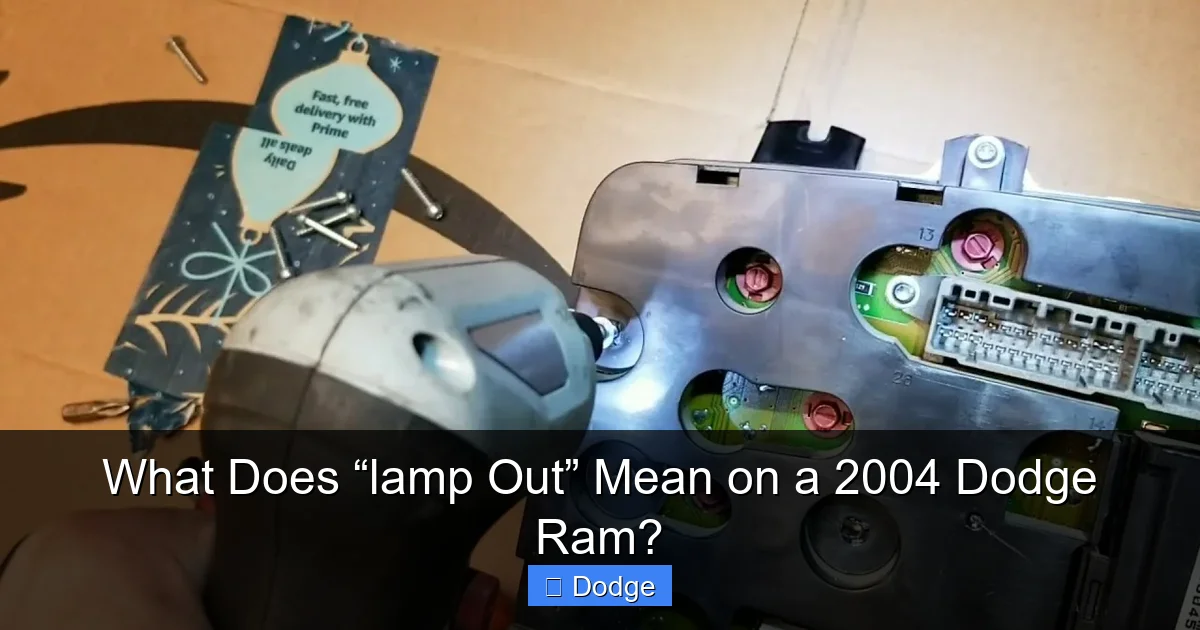
Visual guide about What Does “lamp Out” Mean on a 2004 Dodge Ram?
Image source: carnewsbox.com
Once you’ve identified the faulty bulb, it’s time to replace it. Fortunately, most bulb replacements on a 2004 Dodge Ram are straightforward and can be done in under 15 minutes with basic tools.
Gather the Right Tools and Bulbs
Before you start, make sure you have the correct replacement bulb. Check your owner’s manual or the existing bulb for the part number. Common bulb types for the 2004 Ram include:
– 3157 for brake/tail/turn signal lights
– 194 for license plate light
– 9005 or 9006 for headlights (depending on trim)
You’ll also need a clean cloth, gloves (to avoid touching the glass), and possibly a screwdriver or socket wrench, depending on the light assembly.
Access the Bulb Socket
For most exterior lights, you’ll need to access the back of the light assembly. On the taillights, this usually involves removing a few screws or clips inside the truck bed or trunk area. For headlights, you may need to remove the headlight assembly or access it from under the hood.
Be gentle when removing covers or assemblies to avoid cracking plastic parts. If you’re unsure, consult a repair manual or online guide specific to your truck.
Remove the Old Bulb
Once you have access, locate the bulb socket. It will typically twist counterclockwise to unlock. Gently pull the socket out, then remove the old bulb by pulling it straight out or twisting it slightly, depending on the design.
Avoid touching the glass of the new bulb with your bare hands—oils from your skin can cause hot spots and shorten the bulb’s lifespan. Use a clean cloth or gloves when handling the replacement.
Install the New Bulb
Insert the new bulb into the socket, making sure it’s seated properly. Reinsert the socket into the light assembly and twist it clockwise to lock it in place. Reattach any covers or panels you removed.
Test the Light
Turn on the lights and test the function. Press the brake pedal, activate the turn signals, and check all positions. If the “lamp out” warning disappears, you’ve successfully fixed the problem.
Preventing Future “Lamp Out” Warnings
While replacing a bulb is easy, the best approach is to prevent the warning from appearing in the first place. Here are some tips to keep your lighting system in top condition.
Perform Regular Light Checks
Make it a habit to check all exterior lights at least once a month. Turn on the headlights, press the brake pedal, and test the turn signals. This quick routine can catch problems early and prevent surprises on the road.
Use Quality Bulbs
Invest in high-quality bulbs from reputable brands. While cheap bulbs may save you a few dollars upfront, they often fail sooner and may not meet the electrical specifications required by your truck’s monitoring system.
Keep Sockets Clean
Periodically inspect bulb sockets for signs of corrosion or dirt. Use electrical contact cleaner and a small brush to clean the contacts. This ensures a solid connection and reduces the risk of false warnings.
Check for Moisture
Moisture inside light assemblies can lead to corrosion and bulb failure. If you notice condensation or water inside a headlight or taillight, have it inspected. A compromised seal may need to be replaced to prevent further damage.
Address Electrical Issues Promptly
If you experience repeated “lamp out” warnings or flickering lights, don’t ignore them. These could be signs of deeper electrical problems, such as a failing alternator, bad ground, or wiring damage. Early diagnosis can prevent more serious issues down the road.
When to Seek Professional Help
While most “lamp out” issues are DIY-friendly, there are times when it’s best to consult a professional. If you’ve replaced the bulb and the warning persists, or if multiple lights are out, there may be an underlying electrical problem.
A mechanic or auto electrician can use diagnostic tools to read fault codes from the body control module and pinpoint the issue. They can also inspect wiring, test relays, and check for proper grounding.
Additionally, if you’re uncomfortable working with electrical systems or don’t have the right tools, it’s perfectly fine to let a professional handle it. Your safety and peace of mind are worth the investment.
Conclusion
The “lamp out” warning on a 2004 Dodge Ram is a helpful feature designed to keep you safe and your vehicle road-legal. While it can be alarming the first time you see it, understanding what it means and how to respond makes all the difference. In most cases, it’s simply a matter of replacing a burnt-out bulb—a quick and inexpensive fix.
By learning how the monitoring system works, knowing how to diagnose the problem, and taking preventive measures, you can keep your truck’s lighting system in excellent condition. Regular maintenance not only prevents warnings but also enhances your safety and the safety of others on the road.
So the next time you see “LAMP OUT” on your dashboard, don’t panic. Grab a new bulb, follow the steps in this guide, and get back on the road with confidence. Your 2004 Dodge Ram will thank you—and so will the drivers around you.
Frequently Asked Questions
What does “lamp out” mean on a 2004 Dodge Ram?
The “lamp out” warning indicates that one or more exterior light bulbs have failed. The truck’s computer detects a loss of electrical current in the lighting circuit and alerts the driver via the dashboard message.
Can I drive with the “lamp out” warning on?
You can drive short distances, but it’s not recommended. Non-functional lights reduce visibility and increase accident risk. You may also receive a traffic citation for broken brake or turn signal lights.
Why does my 2004 Ram show “lamp out” even after replacing the bulb?
This could be due to a corroded socket, loose connection, or wiring issue. Check the bulb socket for dirt or rust, and ensure the new bulb is properly seated and the correct type.
How do I reset the “lamp out” warning?
Once the faulty bulb is replaced, the warning usually clears automatically after a few drive cycles. If it persists, check for other electrical issues or use an OBD2 scanner to clear fault codes.
Are LED bulbs compatible with the “lamp out” system?
Some LED bulbs can trigger false “lamp out” warnings because they draw less current than incandescent bulbs. Use CANbus-compatible LEDs or install load resistors to prevent this issue.
Where is the fuse for the brake lights on a 2004 Dodge Ram?
The brake light fuse is typically located in the under-hood fuse box. Refer to your owner’s manual for the exact location and amperage. A blown fuse can cause both brake lights to fail.
