
How to Turn Off X Mode in a Subaru Outback

Turning off X Mode in your Subaru Outback is simple but important for normal driving conditions. This guide walks you through the process across different model years, explains when to disable it, and shares safety tips to keep you in control on any terrain.
So, you’re behind the wheel of your Subaru Outback, cruising down a snowy backroad or navigating a muddy trail, and you’ve engaged X Mode to help you power through. It’s working great—your tires are gripping, the engine is responding smoothly, and you feel confident. But now you’re back on the paved road, heading toward the highway, and you realize: “Wait… do I need to turn X Mode off?”
Great question—and you’re not alone. Many Subaru Outback owners aren’t fully aware of how X Mode works or when it should be disabled. X Mode is one of Subaru’s most useful off-road technologies, designed to give you extra control in challenging conditions. But like any advanced system, it’s meant for specific situations. Using it when it’s not needed can actually hurt your driving experience—and your wallet.
In this guide, we’ll walk you through exactly how to turn off X Mode in your Subaru Outback, no matter what model year you drive. We’ll explain what X Mode does, why you should disable it for normal driving, and how to do it safely and correctly. Whether you’re a new Outback owner or you’ve been driving one for years, this article will give you the confidence to use X Mode like a pro—and know exactly when to switch it off.
Key Takeaways
- X Mode enhances off-road traction by managing engine output and braking, but it’s not needed for everyday driving.
- You can turn off X Mode by pressing the X MODE button on the center console—usually located near the gear shifter.
- X Mode automatically deactivates at speeds above 25 mph in most Outback models, so you don’t always need to manually disable it.
- Leaving X Mode on during highway driving can reduce fuel efficiency and cause unnecessary strain on the drivetrain.
- Always re-engage X Mode when driving on snow, mud, or steep inclines for better stability and control.
- Some newer Outback trims (2020+) have Dual-Function X Mode, which includes settings for deep snow/mud and steep terrain.
- If the X Mode light stays on or won’t turn off, check for system faults or consult your owner’s manual or a Subaru technician.
📑 Table of Contents
What Is X Mode in the Subaru Outback?
Before we dive into how to turn it off, let’s first understand what X Mode actually is. X Mode is Subaru’s intelligent off-road assist system, designed to help drivers maintain traction and stability on slippery, uneven, or steep terrain. It’s available on most Outback models from 2015 onward, and it’s especially useful for drivers who frequently travel in snowy, muddy, or rocky conditions.
When you activate X Mode, the system takes control of several key vehicle functions. It adjusts the engine’s power output, manages brake force to individual wheels, and can even limit gear shifts to keep torque low and consistent. The goal is simple: prevent wheel spin, reduce the risk of getting stuck, and help you maintain control when the going gets tough.
For example, imagine you’re driving up a snow-covered hill. Without X Mode, your wheels might spin as you try to gain traction, especially if the snow is deep or icy. But with X Mode engaged, the system detects wheel slip and automatically applies the brakes to the spinning wheel while sending more power to the wheels that still have grip. It’s like having a co-pilot who knows exactly how to handle low-traction situations.
X Mode also works well on gravel roads, wet grass, sand, and even light rock crawling. It’s not a full-time off-road system like those found in heavy-duty trucks, but for a crossover SUV like the Outback, it’s incredibly effective.
How X Mode Works: The Tech Behind the Traction
At its core, X Mode is a combination of Subaru’s Symmetrical All-Wheel Drive (AWD) system and advanced electronic controls. When you press the X MODE button, the vehicle’s onboard computer activates a series of sensors and actuators that monitor wheel speed, steering angle, throttle position, and brake pressure.
If the system detects that one or more wheels are losing traction, it responds in real time. It might reduce engine power slightly to prevent spinning, or apply the brakes to a slipping wheel to redirect torque to the wheels with better grip. This process happens seamlessly and almost instantly—often before the driver even notices a problem.
In newer Outback models (2020 and later), Subaru introduced Dual-Function X Mode. This upgraded version offers two settings:
– Snow/Dirt Mode: Ideal for light off-road conditions, snow-covered roads, or gravel paths. It provides moderate traction control and is perfect for everyday winter driving.
– Deep Snow/Mud Mode: Designed for more extreme conditions, like deep mud, loose sand, or steep, uneven terrain. This mode allows for slightly more wheel slip to help the vehicle “dig in” and maintain momentum.
Both modes are easy to activate and deactivate, and they work in harmony with other Subaru safety systems like Vehicle Dynamics Control (VDC) and Hill Descent Control (HDC).
When Should You Turn Off X Mode?
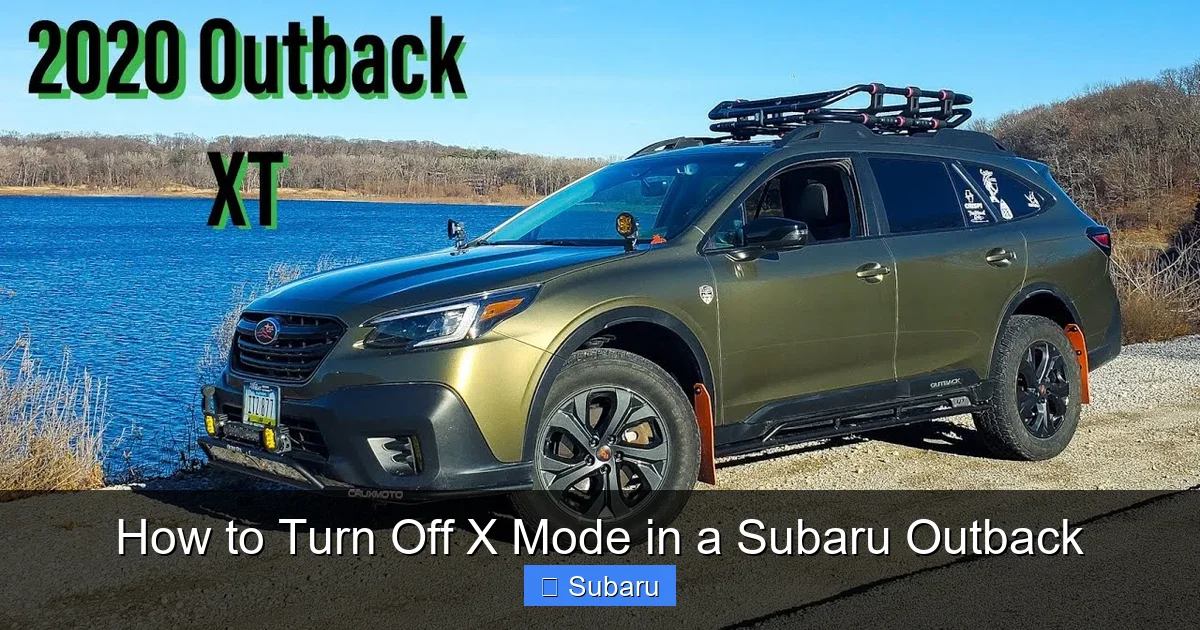
Visual guide about How to Turn Off X Mode in a Subaru Outback
Image source: i.ytimg.com
Now that you know what X Mode does, the next question is: when should you turn it off? The short answer is: whenever you’re driving on normal, dry pavement or highways. X Mode is not designed for everyday driving—it’s a tool for specific off-road or low-traction scenarios.
Using X Mode on regular roads can actually have some negative effects. For one, it can reduce fuel efficiency. Because the system is constantly monitoring and adjusting power and braking, it may cause the engine to work harder than necessary, especially at higher speeds. Over time, this can lead to increased fuel consumption.
Additionally, leaving X Mode on during highway driving can cause unnecessary wear on your drivetrain and braking system. The constant micro-adjustments made by the system aren’t needed on smooth, dry asphalt, and they can generate extra heat and friction in components that aren’t meant to handle it continuously.
Another reason to turn off X Mode is comfort. Some drivers report that the system can make the vehicle feel “choppy” or less responsive on paved roads. The engine may feel sluggish, and gear shifts can seem delayed. This is because X Mode prioritizes traction over performance, which is great off-road but unnecessary on the highway.
So, when should you disable it? Here are a few common scenarios:
– You’ve finished driving on snow, mud, or gravel and are back on paved roads.
– You’re merging onto a highway or driving at speeds above 25 mph.
– You’re in stop-and-go city traffic with no slippery conditions.
– You’re parking or driving in a parking lot with dry pavement.
In short: if the road is dry and you’re not facing any traction challenges, it’s time to turn off X Mode.
Does X Mode Turn Off Automatically?
Yes—and this is a common point of confusion. In most Subaru Outback models, X Mode is designed to deactivate automatically once the vehicle reaches a certain speed. For most trims, that speed is around 25 mph (40 km/h). Once you exceed that threshold, the system assumes you’re back on normal roads and disengages X Mode.
You’ll know it’s turned off because the X MODE indicator light on your dashboard will go out. If you’re driving and the light suddenly disappears, that’s likely why.
However, this automatic shutoff doesn’t always happen instantly. In some cases, especially in older models or during gradual acceleration, the system may take a few seconds to recognize the change in conditions. That’s why it’s still a good idea to manually turn off X Mode when you know you’re back on pavement.
Also, keep in mind that the automatic deactivation only works if the system is functioning properly. If there’s a fault in the sensors or control module, X Mode might not turn off on its own—even at high speeds. That’s why it’s important to pay attention to the dashboard lights and your driving experience.
How to Turn Off X Mode in Your Subaru Outback
Visual guide about How to Turn Off X Mode in a Subaru Outback
Image source: kk-auto.com.ua
Turning off X Mode is simple, but the exact steps can vary slightly depending on your Outback’s model year and trim level. Below, we’ll walk you through the process for different generations of the Outback, so you can find the method that matches your vehicle.
For 2015–2019 Subaru Outback Models
If you drive a 2015 to 2019 Outback, here’s how to turn off X Mode:
1. Locate the X MODE button on the center console. It’s usually a round button with the letters “X MODE” on it, positioned near the gear shifter or climate controls.
2. Press the button once. If X Mode is currently active, the button will light up, and the X MODE indicator will appear on your dashboard.
3. To turn it off, simply press the button again. The light on the button will go out, and the dashboard indicator will disappear.
4. You’ll also notice a change in how the vehicle drives—engine response will become more immediate, and the system will no longer intervene with braking or power delivery.
It’s that easy. Just one press to turn it off.
For 2020–2024 Subaru Outback Models (Dual-Function X Mode)
Starting in 2020, Subaru introduced Dual-Function X Mode, which includes two settings: Snow/Dirt and Deep Snow/Mud. Here’s how to turn it off:
1. Find the X MODE button on the center console. It looks similar to the older version but may have a small icon or label indicating the dual functions.
2. Press the button once to activate X Mode. The dashboard will show which mode is active (Snow/Dirt or Deep Snow/Mud).
3. To turn off X Mode, press the button again. The light will go out, and the system will disengage.
4. Alternatively, if you’re driving above 25 mph, the system will automatically deactivate after a few seconds.
Note: In some 2020+ models, you can also use the touchscreen infotainment system to access X Mode settings. Tap the “Vehicle” or “Settings” menu, then look for “X MODE” or “Off-Road Assist.” From there, you can toggle it on or off.
What If the X Mode Light Won’t Turn Off?
Sometimes, the X MODE indicator light stays on—even after you’ve pressed the button or driven above 25 mph. This could indicate a few things:
– The system is still detecting low traction (e.g., you’re on a wet or icy road).
– There’s a temporary glitch in the system.
– A sensor or module is malfunctioning.
If the light remains on and you’re sure you’re on dry pavement, try turning the vehicle off and restarting it. This often resets the system and clears minor errors.
If the problem persists, check your owner’s manual for troubleshooting tips. You can also visit a Subaru dealership or certified mechanic to have the system scanned for fault codes.
Safety Tips for Using and Disabling X Mode
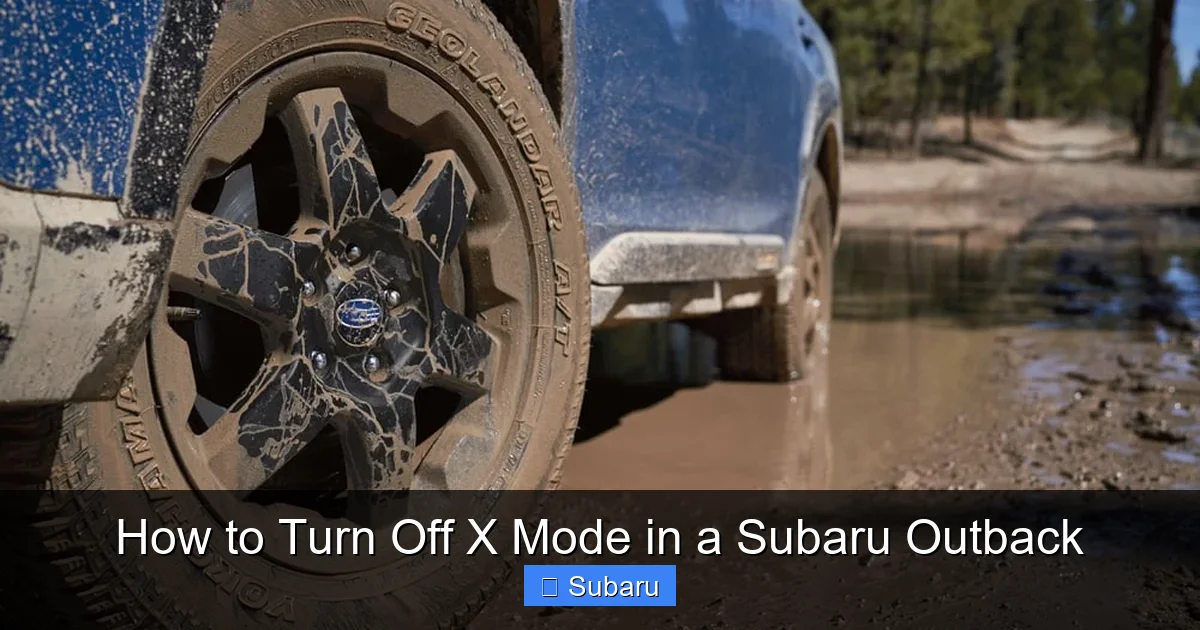
Visual guide about How to Turn Off X Mode in a Subaru Outback
Image source: di-sitebuilder-assets.s3.amazonaws.com
While turning off X Mode is straightforward, it’s important to use the system wisely to stay safe and protect your vehicle. Here are some practical tips to keep in mind:
Only Use X Mode When Needed
Don’t leave X Mode on all the time “just in case.” It’s not a performance enhancer—it’s a safety tool for specific conditions. Using it unnecessarily can reduce fuel economy and strain your vehicle’s systems.
Re-Engage X Mode for Off-Roading or Winter Driving
If you’re heading into snow, mud, or steep terrain, turn X Mode back on. It can make a huge difference in your ability to maintain control and avoid getting stuck.
Don’t Rely Solely on X Mode
X Mode is helpful, but it’s not a substitute for safe driving. Always adjust your speed to match road conditions, maintain proper tire pressure, and use winter tires in cold climates.
Check Your Tires
X Mode works best with good tires. If your tread is worn or your tires aren’t suited for the conditions, even the best traction system won’t help much.
Know Your Model’s Limits
The Outback is capable off-road, but it’s not a rock crawler. Avoid extreme terrain unless you’re experienced and have the right equipment.
Troubleshooting Common X Mode Issues
Even with proper use, you might encounter occasional issues with X Mode. Here are some common problems and how to fix them:
X Mode Won’t Turn On
If pressing the button doesn’t activate X Mode, check the following:
– Is the vehicle in Park or Neutral? X Mode won’t engage while driving in Drive.
– Is the engine running? The system requires power to activate.
– Is there a warning light on the dashboard? A VDC or AWD fault could prevent X Mode from working.
X Mode Light Flashes or Stays On
A flashing X MODE light usually means the system is actively working to maintain traction. If it stays on solid, the system is engaged. If it won’t turn off, try restarting the vehicle or checking for error codes.
Reduced Performance or Strange Noises
If your Outback feels sluggish or makes unusual sounds while X Mode is on, it could be due to excessive system intervention. Turn off X Mode and see if the issue resolves. If not, have the vehicle inspected.
Conclusion
Turning off X Mode in your Subaru Outback is a simple but important part of driving safely and efficiently. Whether you’ve just come off a snowy trail or you’re merging onto the highway, knowing when and how to disable X Mode can improve your fuel economy, protect your vehicle, and make your ride smoother.
Remember: X Mode is a powerful tool for off-road and low-traction driving, but it’s not meant for everyday use. Press the X MODE button to turn it off when you’re back on dry pavement, and let your Outback’s Symmetrical AWD system handle the rest.
With this guide, you’re now equipped to use X Mode like a pro—knowing exactly when to engage it, how to turn it off, and how to troubleshoot any issues that arise. So the next time you’re out exploring, you can focus on the adventure, not the dashboard lights.
Frequently Asked Questions
How do I turn off X Mode in a Subaru Outback?
To turn off X Mode, simply press the X MODE button on the center console. The button light and dashboard indicator will go out, indicating the system is disabled. In most models, X Mode also turns off automatically when you exceed 25 mph.
Does X Mode turn off automatically in the Subaru Outback?
Yes, in most Outback models, X Mode deactivates automatically when the vehicle reaches speeds above 25 mph. This helps ensure the system isn’t used unnecessarily on highways or dry pavement.
Can I drive normally with X Mode on?
While you can drive with X Mode on, it’s not recommended for normal conditions. It can reduce fuel efficiency, cause drivetrain strain, and make the vehicle feel less responsive on paved roads.
Why won’t my X Mode turn off?
If X Mode won’t turn off, it could be due to a system fault, sensor issue, or the vehicle still detecting low traction. Try restarting the car or checking for dashboard warning lights. If the problem persists, consult a Subaru technician.
Is X Mode the same on all Subaru Outback models?
No. Older models (2015–2019) have basic X Mode, while 2020+ models feature Dual-Function X Mode with Snow/Dirt and Deep Snow/Mud settings. The activation and deactivation process is similar, but newer models offer more control.
Should I turn off X Mode before highway driving?
Yes, it’s a good idea to turn off X Mode before driving on highways or at high speeds. This improves fuel economy, reduces wear on components, and ensures smoother performance.
