
How to Reset the Maintenance Required Light on a Toyota

Resetting the maintenance required light on a Toyota is simple and can be done at home in under five minutes. This guide walks you through the process for various models, ensuring your dashboard stays clear and your vehicle runs smoothly.
Key Takeaways
- Know Your Model: Reset procedures vary slightly between Toyota models like Camry, Corolla, RAV4, and Tacoma. Always check your owner’s manual first.
- Use the Trip Meter Button: Most Toyotas use the trip meter or odometer button to access the reset menu.
- Turn the Ignition On (But Don’t Start the Engine): This powers the dashboard without engaging the engine, allowing you to reset the light safely.
- Hold the Button Until the Light Flashes: Timing is key—press and hold the button until the maintenance light blinks or turns off.
- Confirm the Reset: After resetting, turn the car off and back on to ensure the light stays off.
- Don’t Skip Actual Maintenance: Resetting the light doesn’t replace oil changes or inspections—keep up with scheduled service.
- When in Doubt, Visit a Dealer: If the light won’t reset or you’re unsure, a Toyota service center can help quickly and safely.
📑 Table of Contents
- Why the Maintenance Required Light Matters
- Understanding the Difference: Maintenance Light vs. Check Engine Light
- Step-by-Step Guide to Resetting the Maintenance Light
- Model-Specific Reset Instructions
- Common Issues and Troubleshooting Tips
- When to Visit a Toyota Service Center
- Maintaining Your Toyota Beyond the Light
- Conclusion
Why the Maintenance Required Light Matters
The maintenance required light on your Toyota isn’t just a nagging reminder—it’s a helpful signal that your vehicle needs attention. Unlike a check engine light, which warns of serious mechanical issues, the maintenance light simply indicates that it’s time for routine service, like an oil change, tire rotation, or fluid top-off. Toyota designed this system to keep drivers informed without causing panic.
Think of it like your phone’s low battery alert. It doesn’t mean your phone is broken—it just means it’s time to plug it in. Similarly, the maintenance light reminds you to take care of your car so it can keep taking care of you. Ignoring it won’t cause immediate damage, but skipping regular maintenance can lead to bigger problems down the road, like reduced fuel efficiency, engine wear, or even costly repairs.
Toyota’s maintenance reminder system is smart and consistent across most models. It typically triggers after every 5,000 to 10,000 miles, depending on your driving habits and the type of oil used. Some newer models even adjust the interval based on real-time driving data. The good news? Resetting the light is usually a quick, DIY task that doesn’t require special tools or a trip to the mechanic.
Understanding the Difference: Maintenance Light vs. Check Engine Light
It’s easy to confuse the maintenance required light with the check engine light, but they serve very different purposes. The maintenance light—often labeled “MAINT REQD” or “OIL”—is a gentle nudge to schedule routine service. It’s yellow or orange and usually appears as a wrench icon or text on your dashboard.
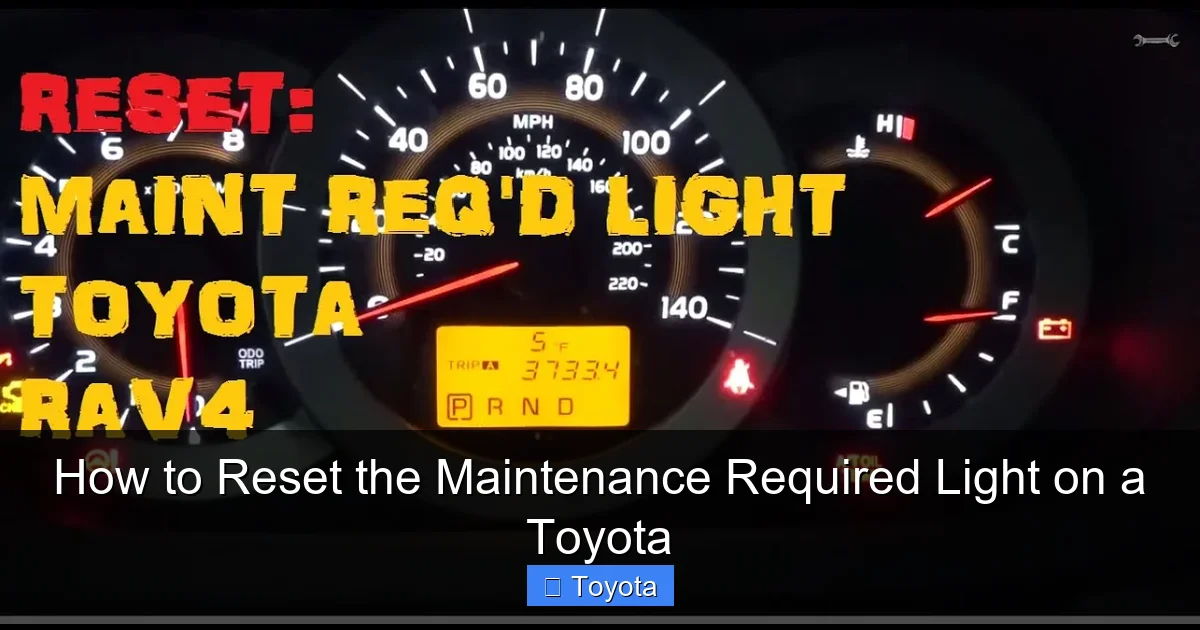
Visual guide about How to Reset the Maintenance Required Light on a Toyota
Image source: i.ytimg.com
In contrast, the check engine light (CEL) is red or bright orange and shaped like an engine. It signals a potential problem with your vehicle’s emissions, fuel system, or engine performance. If this light comes on, it’s important to have your car diagnosed as soon as possible.
Why This Distinction Matters
Knowing the difference helps you respond appropriately. If the maintenance light is on, you can reset it yourself after completing service. But if the check engine light is on, resetting it without fixing the underlying issue could lead to further damage or failed emissions tests.
For example, if you recently changed your oil and the maintenance light is still on, that’s normal—it just needs to be reset. But if the check engine light appears after an oil change, there might be a loose gas cap or a sensor issue that needs attention.
Step-by-Step Guide to Resetting the Maintenance Light
Resetting the maintenance required light on most Toyota models follows a similar process. While there are slight variations between vehicles, the core steps remain consistent. Below is a universal method that works for popular models like the Camry, Corolla, RAV4, and Highlander.
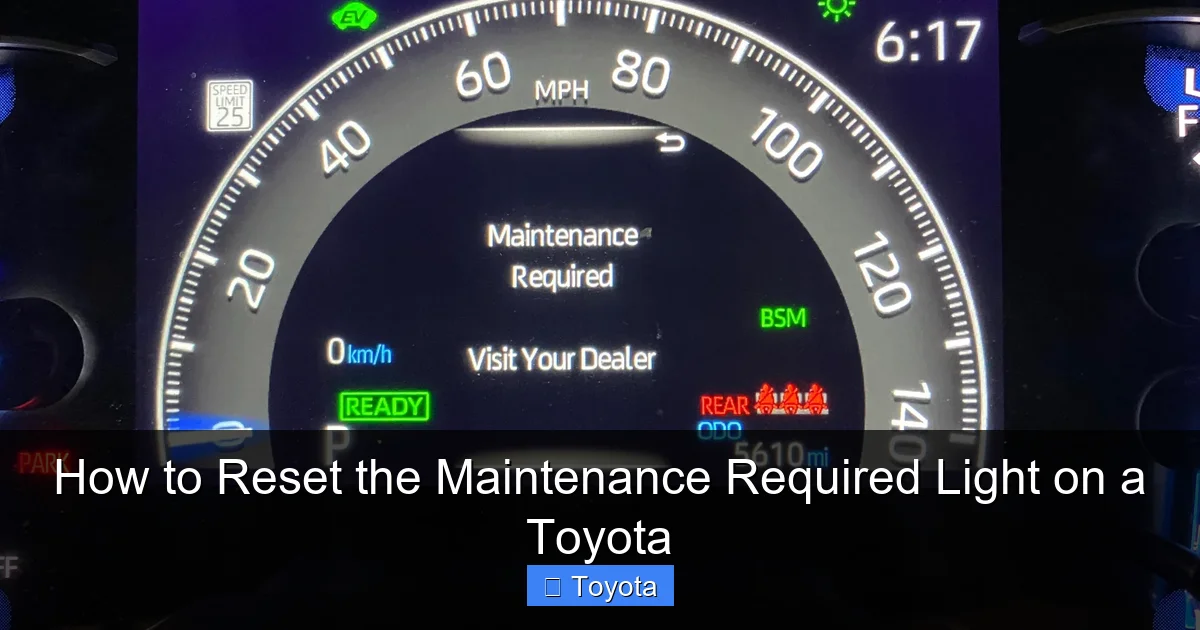
Visual guide about How to Reset the Maintenance Required Light on a Toyota
Image source: rav4resource.com
Step 1: Turn the Ignition to the “On” Position
Insert your key into the ignition and turn it to the “ON” position. This powers up the dashboard and electronic systems, but do not start the engine. You should see all the dashboard lights illuminate, including the maintenance required light.
If you have a push-button start, press the “Start” button once (without pressing the brake pedal) to enter accessory mode. The engine won’t start, but the dashboard will light up.
Step 2: Locate the Trip Meter Button
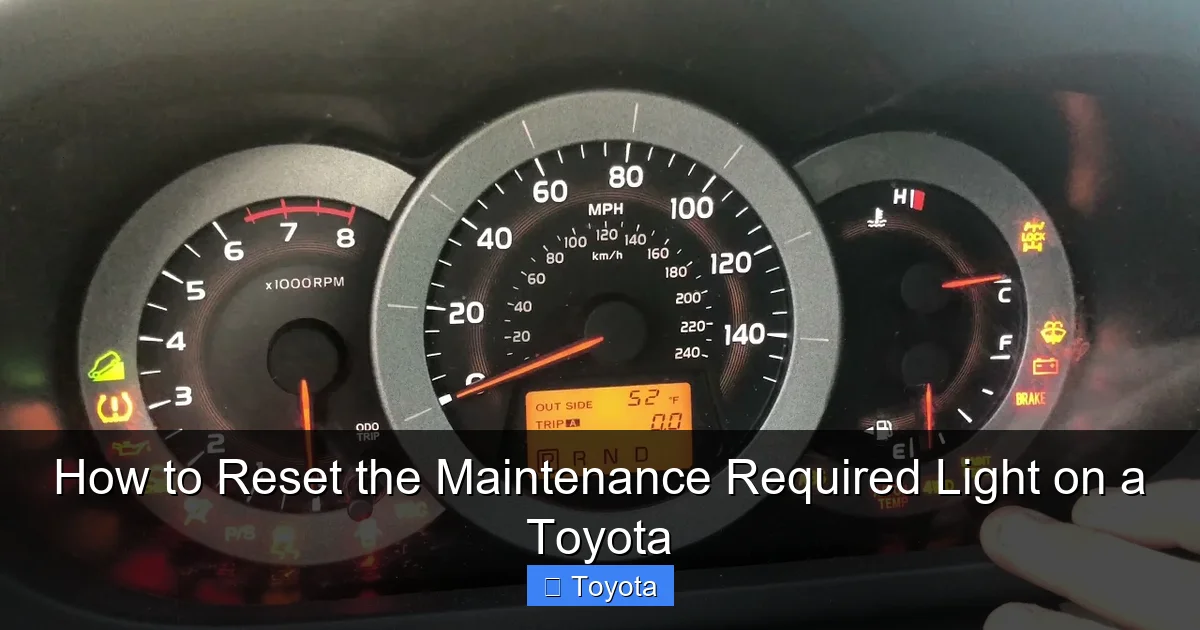
Look for the trip meter button on your instrument cluster. It’s usually located on the side of the speedometer or tachometer and labeled “TRIP” or “ODO/TRIP.” This button cycles through trip distance, average fuel economy, and other data.
On some models, like the Toyota Tacoma or 4Runner, the button may be on the steering column stalk. In newer vehicles with digital displays, you might need to use the steering wheel controls to navigate the menu.
Step 3: Press and Hold the Trip Button
With the ignition on and the engine off, press and hold the trip meter button. Keep holding it as you watch the odometer or trip display.
After a few seconds, the odometer will begin to count down or flash. On many models, it will show “000000” or start blinking. This indicates that the system is ready to reset the maintenance light.
Step 4: Turn the Ignition Off and Back On
While still holding the trip button, turn the ignition back to the “OFF” position. Wait about 30 seconds, then turn it back to “ON.” Continue holding the trip button during this process.
You should see the maintenance light flash or turn off completely. On some models, the odometer will display “000000” again, confirming the reset.
Step 5: Release the Button and Confirm
Once the light is off or flashing, release the trip button. Turn the ignition off completely, then start the engine normally. Check the dashboard—the maintenance required light should no longer be illuminated.
If the light comes back on immediately, repeat the process. Sometimes it takes two or three attempts, especially if the timing isn’t perfect.
Model-Specific Reset Instructions
While the general method works for most Toyotas, some models have unique steps. Below are detailed instructions for popular vehicles.
Visual guide about How to Reset the Maintenance Required Light on a Toyota
Image source: i.ytimg.com
Toyota Camry (2012–2023)
For the Camry, the process is straightforward:
- Turn the ignition to “ON” (do not start the engine).
- Press the trip button until the odometer shows “TRIP A.”
- Turn the ignition off.
- Press and hold the trip button while turning the ignition back to “ON.”
- Continue holding until the odometer counts down to “000000” and the maintenance light turns off.
- Release the button and start the engine.
This method works for both gasoline and hybrid versions of the Camry.
Toyota Corolla (2014–2023)
The Corolla uses a similar process but may require cycling through trip modes:
- Turn the ignition to “ON.”
- Press the trip button to switch to “TRIP A.”
- Turn the ignition off.
- Press and hold the trip button, then turn the ignition back to “ON.”
- Hold until the odometer resets and the maintenance light blinks or turns off.
- Release and restart the engine.
On some Corolla models, you may need to press the trip button multiple times before the reset begins.
Toyota RAV4 (2013–2023)
The RAV4 follows the standard method, but newer models with digital displays may require menu navigation:
- Turn the ignition to “ON.”
- Use the steering wheel controls to navigate to the “Settings” menu.
- Select “Vehicle Settings” > “Maintenance” > “Reset.”
- Confirm the reset when prompted.
For older RAV4 models with analog dashboards, use the trip button method described earlier.
Toyota Tacoma (2016–2023)
The Tacoma has a slightly different approach:
- Turn the ignition to “ON.”
- Press the trip button until “TRIP A” appears.
- Turn the ignition off.
- Press and hold the trip button, then turn the ignition back to “ON.”
- Continue holding until the odometer counts down and the maintenance light turns off.
- Release and restart the engine.
Some Tacoma owners report needing to hold the button for up to 10 seconds before the reset begins.
Common Issues and Troubleshooting Tips
Even with clear instructions, you might run into problems when resetting the maintenance light. Here are some common issues and how to fix them.
The Light Won’t Turn Off
If the maintenance light remains on after following the steps, try repeating the process. Timing is critical—turning the ignition off and on too quickly can interrupt the reset.
Also, ensure you’re holding the trip button the entire time. If you release it too soon, the system won’t register the reset.
The Odometer Doesn’t Count Down
If the odometer stays at your current mileage and doesn’t flash or count down, you may not be in the correct trip mode. Make sure you’re on “TRIP A” before starting the reset.
On some models, you need to cycle through all trip modes (A, B, etc.) before the reset option becomes available.
The Light Comes Back On After a Few Days
If the maintenance light reappears shortly after resetting, it could mean the system detected incomplete service. Double-check that you’ve completed all required maintenance, such as an oil change or tire rotation.
In rare cases, a faulty sensor or software glitch may cause the light to return. If this happens repeatedly, visit a Toyota service center for diagnostics.
Push-Button Start Models Are Tricky
Vehicles with push-button ignitions can be finicky. Make sure you’re pressing the button only once (without the brake) to enter accessory mode. Pressing it twice or with the brake will start the engine, which can interfere with the reset.
If you accidentally start the engine, turn it off and wait 30 seconds before trying again.
When to Visit a Toyota Service Center
While most maintenance light resets can be done at home, there are times when professional help is the best option.
Complex Dashboard Systems
Newer Toyotas with advanced infotainment systems may require menu navigation that’s not intuitive. If you can’t find the reset option or the dashboard doesn’t respond, a technician can reset it using diagnostic tools.
Persistent Warning Lights
If the maintenance light won’t reset or keeps coming back, there may be an underlying issue. A service center can scan your vehicle’s computer for error codes and ensure all systems are functioning properly.
Warranty or Recall Concerns
If your Toyota is under warranty or part of a recall, it’s best to have any maintenance performed and reset by an authorized dealer. This ensures compliance and protects your warranty coverage.
Lack of Confidence
If you’re unsure about the process or uncomfortable working with your vehicle’s electronics, don’t hesitate to visit a service center. The cost is usually minimal, and it gives you peace of mind.
Maintaining Your Toyota Beyond the Light
Resetting the maintenance light is just one part of vehicle care. To keep your Toyota running smoothly, follow these best practices:
Stick to the Maintenance Schedule
Your owner’s manual outlines a detailed maintenance schedule based on mileage and time. Follow it closely—don’t wait for the light to come on.
For example, most Toyotas need an oil change every 5,000 to 10,000 miles, depending on driving conditions. Severe driving (frequent short trips, towing, or extreme temperatures) may require more frequent service.
Use Genuine Toyota Parts and Fluids
Toyota designs its vehicles to work best with genuine parts and recommended fluids. Using aftermarket oil or filters may not meet specifications and could affect performance or warranty coverage.
Keep Records
Maintain a log of all services, including dates, mileage, and work performed. This helps track maintenance and increases resale value.
Listen to Your Car
Pay attention to unusual noises, vibrations, or changes in performance. These can be early signs of issues that the maintenance light won’t catch.
Schedule Regular Inspections
Even if the light isn’t on, have your Toyota inspected annually. A technician can spot potential problems before they become serious.
Conclusion
Resetting the maintenance required light on your Toyota is a simple task that saves time and money. With just a few button presses, you can clear the reminder and keep your dashboard clean. Whether you drive a Camry, Corolla, RAV4, or Tacoma, the process is quick and easy once you know the steps.
But remember—resetting the light doesn’t replace actual maintenance. Use the reminder as a cue to schedule oil changes, tire rotations, and inspections. By staying on top of routine care, you’ll extend the life of your Toyota, improve fuel efficiency, and avoid costly repairs.
If you ever run into trouble, don’t hesitate to consult your owner’s manual or visit a Toyota service center. With the right knowledge and a little attention, your Toyota will keep running reliably for years to come.
Frequently Asked Questions
How often should I reset the maintenance light on my Toyota?
You should reset the maintenance light after every scheduled service, such as an oil change or tire rotation. This typically happens every 5,000 to 10,000 miles, depending on your model and driving habits.
Can I reset the maintenance light without doing the service?
Technically, yes—but it’s not recommended. Resetting the light without performing the required maintenance can lead to engine wear, reduced performance, and potential damage over time.
Why won’t my Toyota maintenance light turn off after resetting?
This could be due to incorrect timing, not holding the button long enough, or an incomplete reset process. Try repeating the steps carefully. If it persists, visit a Toyota service center.
Does the maintenance light affect my car’s performance?
No, the light itself doesn’t affect performance. However, it’s a reminder that maintenance is due. Ignoring it can lead to issues like poor fuel economy or engine problems.
Can I reset the maintenance light on a hybrid Toyota?
Yes, the process is the same for hybrid models like the Prius, Camry Hybrid, or RAV4 Hybrid. Use the trip button method or menu navigation, depending on your dashboard type.
What if my Toyota has a digital dashboard?
Newer models with digital displays may require using steering wheel controls to access the maintenance menu. Navigate to “Settings” > “Vehicle” > “Maintenance” and select “Reset.”