
How to Reset the Maintenance Light on a 2017 Toyota Tundra

Resetting the maintenance light on your 2017 Toyota Tundra is quick and easy—no tools or mechanic needed. This guide walks you through the exact steps using your dashboard controls, so you can clear the reminder and keep your truck running smoothly.
Owning a 2017 Toyota Tundra is a rewarding experience. This full-size pickup is known for its rugged reliability, powerful V8 engine, and impressive towing capacity. Whether you’re hauling a trailer across the state or just commuting to work, the Tundra handles it all with confidence. But like any well-built machine, it needs regular maintenance to stay in top shape. That’s where the maintenance light comes in—a helpful reminder from Toyota to keep you on track with oil changes, tire rotations, and other routine services.
The maintenance light, often labeled “MAINT REQD” or “OIL,” isn’t a warning of trouble. Instead, it’s a friendly nudge from your truck saying, “Hey, it’s time for service!” But once you’ve taken care of that oil change or inspection, the light doesn’t always turn off on its own. That’s when you need to reset it manually. And while it might seem tricky at first, the process is actually quite simple. You don’t need a scan tool, a trip to the dealership, or even a smartphone app. Everything you need is right inside your cab.
In this guide, we’ll walk you through exactly how to reset the maintenance light on your 2017 Toyota Tundra. We’ll explain what the light means, why it’s important to reset it, and give you clear, step-by-step instructions. Whether you’re a seasoned DIYer or this is your first time under the dashboard, you’ll find this process straightforward and stress-free. Plus, we’ll share some tips to help you stay on top of your truck’s maintenance schedule long after the light is gone.
Key Takeaways
- No special tools required: You can reset the maintenance light using only the buttons on your instrument panel.
- Works for oil change and general service reminders: This method clears both oil life and scheduled maintenance alerts.
- Takes less than 2 minutes: The entire process is fast and can be done in your driveway.
- Does not affect vehicle performance: Resetting the light is purely informational and won’t change how your truck runs.
- Important to reset after service: Always reset the light after an oil change or maintenance to ensure accurate future reminders.
- Works on most 2014–2021 Tundra models: While this guide focuses on the 2017 model, the steps are nearly identical for nearby years.
- Keep your owner’s manual handy: It’s a great reference if you ever get stuck or want to confirm settings.
📑 Table of Contents
Understanding the Maintenance Light on Your 2017 Toyota Tundra
Before we dive into the reset process, it’s helpful to understand what the maintenance light actually does. On the 2017 Toyota Tundra, the “MAINT REQD” or “OIL” indicator appears on your instrument cluster—usually near the speedometer or tachometer. This light is part of Toyota’s Maintenance Reminder System, designed to help drivers keep up with scheduled service intervals.
The system tracks your driving habits, mileage, and engine conditions to estimate when maintenance is due. For most drivers, this means an oil change every 5,000 to 10,000 miles, depending on driving conditions. If you do a lot of stop-and-go city driving, towing, or drive in extreme temperatures, your truck may recommend service more frequently. The maintenance light isn’t based solely on mileage—it also considers how the engine has been running.
When the light comes on, it doesn’t mean your truck is broken or in danger. It simply means it’s time to schedule service. Toyota recommends addressing the maintenance within a reasonable timeframe—usually within a few hundred miles of the light appearing. Ignoring it for too long could lead to reduced engine performance or increased wear over time.
It’s also worth noting that the maintenance light can appear for different reasons. Sometimes it’s just an oil change reminder. Other times, it might indicate that other services—like a tire rotation, brake inspection, or fluid top-off—are due. Always check your owner’s manual or consult a service advisor to confirm what’s needed when the light comes on.
Why the Light Doesn’t Turn Off Automatically
One common question Tundra owners ask is: “Why doesn’t the light turn off after I get an oil change?” The answer is simple—Toyota designed the system to require a manual reset. This ensures that the reminder is truly acknowledged and that the service was actually completed. It’s a safety feature to prevent drivers from accidentally skipping maintenance.
Think of it like a digital checklist. The light says, “Service needed.” You get the service done. Then you reset the light to say, “Done—next reminder in X miles.” Without the reset, the system doesn’t know the work was completed, so the light stays on. That’s why it’s so important to reset the maintenance light after every service. Otherwise, you’ll keep seeing that annoying glow on your dashboard, even though your truck is in great shape.
What the Light Means vs. Warning Lights
It’s easy to confuse the maintenance light with other dashboard warnings, but they’re not the same. The “MAINT REQD” light is a service reminder, not a fault indicator. It won’t flash or blink, and it won’t trigger a chime. In contrast, warning lights like the check engine light, oil pressure light, or battery light indicate a potential problem that needs immediate attention.
For example, if your oil pressure light comes on, you should pull over and turn off the engine right away. But if it’s just the maintenance light, you can safely drive to your next service appointment. That said, don’t ignore it for months on end. Regular maintenance is key to your Tundra’s longevity.
Tools and Preparation Needed
Visual guide about How to Reset the Maintenance Light on a 2017 Toyota Tundra
Image source: i.ytimg.com
The great news is that resetting the maintenance light on your 2017 Toyota Tundra requires no special tools. You don’t need a scan tool, OBD2 reader, or even a smartphone. Everything you need is built into your truck’s dashboard and steering wheel controls.
All you need is:
– Your 2017 Toyota Tundra (obviously!)
– The ignition key or key fob
– About 2 minutes of your time
You don’t need to jack up the truck, remove any panels, or connect any wires. The process is entirely electronic and uses the buttons on your instrument panel. That means you can do it in your driveway, at a gas station, or even in a parking lot.
Where to Find the Controls
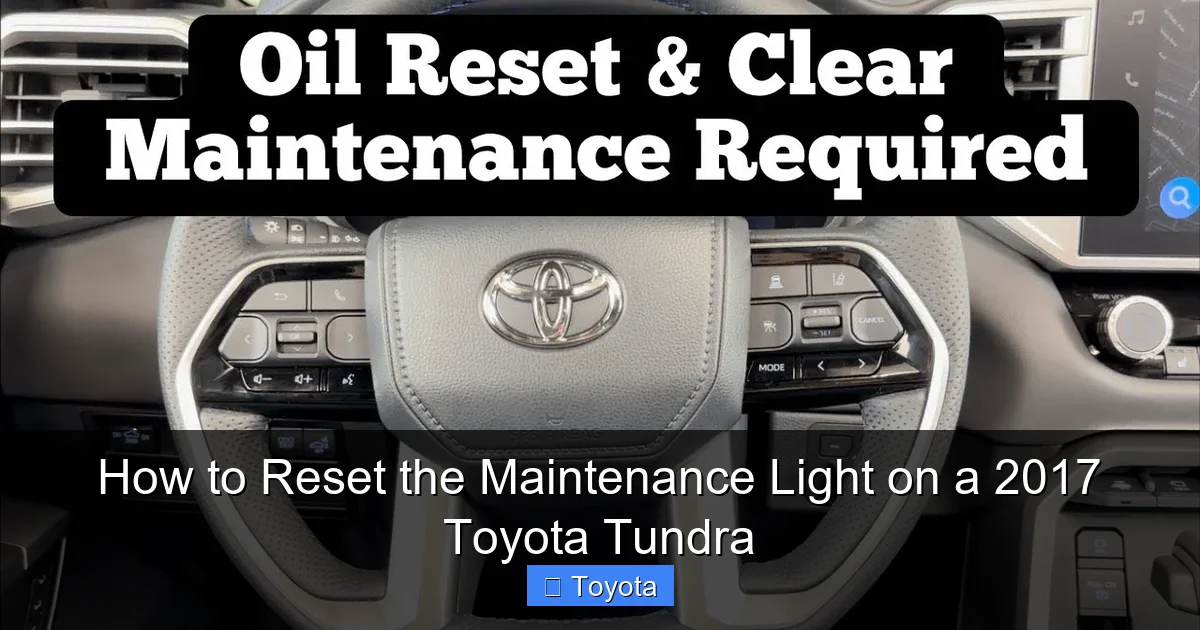
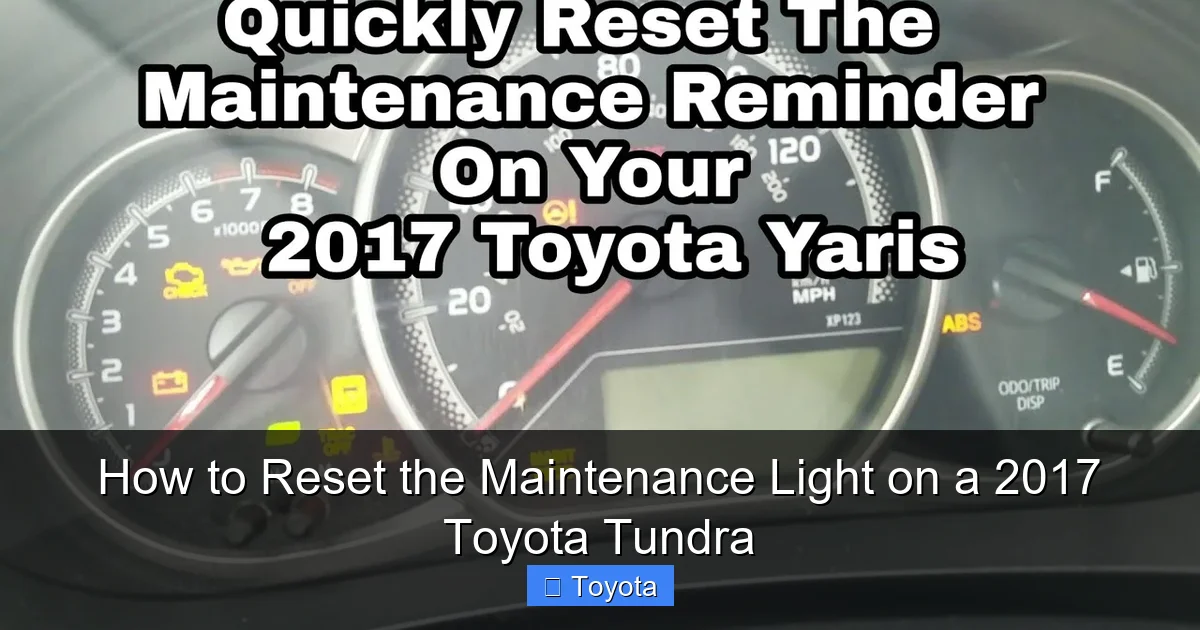
The reset process uses the trip meter button, which is usually located on the right side of your instrument cluster. It’s a small button labeled “TRIP” or “ODO/TRIP.” You’ll also use the ignition switch—either turning the key or pressing the start button—to cycle through the reset steps.
If you’re not sure where the trip button is, look for a small knob or button near your speedometer. On most 2017 Tundras, it’s on the right side, just below the tachometer. Pressing it cycles through trip A, trip B, and odometer readings. This same button is used to access the maintenance reset menu.
Before You Begin: Safety and Tips
Before starting the reset process, make sure your truck is parked on a level surface with the engine off. You don’t need to turn the engine on, but you will need to turn the ignition to the “ON” position (without starting the engine). This powers up the dashboard electronics so you can access the reset function.
Also, double-check that your recent service was completed. Resetting the light without doing the actual maintenance defeats the purpose of the reminder system. If you’re not sure what service was done, check your service receipt or ask the technician.
Finally, keep your owner’s manual nearby. While this guide covers the standard reset procedure, your specific Tundra trim (SR, SR5, Limited, Platinum, etc.) might have slight variations. The manual is your best resource if you run into any issues.
Step-by-Step Guide to Reset the Maintenance Light
Visual guide about How to Reset the Maintenance Light on a 2017 Toyota Tundra
Image source: i.ytimg.com
Now that you’re prepared, let’s walk through the reset process. This method works for most 2017 Toyota Tundra models, including those with the 5.7L V8 engine and both automatic and manual transmissions. Follow these steps carefully, and you’ll have that light cleared in no time.
Step 1: Turn the Ignition to the “ON” Position
Start by getting into your Tundra and closing the door. Insert your key into the ignition or press the start button (if your truck has push-button start). Turn the key to the “ON” position—this is the second click, where all the dashboard lights come on, but the engine does not start. If you have a push-button start, press the button once without pressing the brake pedal.
You should see all the warning lights illuminate briefly, including the maintenance light. This confirms that the dashboard is powered and ready for the reset.
Step 2: Locate the Trip Meter Button
Next, find the trip meter button on your instrument panel. As mentioned earlier, it’s usually on the right side of the cluster, near the speedometer. It may be labeled “TRIP” or “ODO/TRIP.” This button is used to cycle through your trip odometer readings.
Press and hold this button. Keep it held down for the next step.
Step 3: Turn the Ignition to “OFF” While Holding the Button
While still holding the trip button, turn the ignition back to the “OFF” position. If you have a key, turn it all the way back. If you have push-button start, press the button again to turn the ignition off.
Keep holding the trip button the entire time. Don’t let go.
Step 4: Turn the Ignition Back to “ON” While Still Holding the Button
Now, while continuing to hold the trip button, turn the ignition back to the “ON” position. Again, do not start the engine—just power up the dashboard.
You should see the odometer display change. Instead of showing mileage, it may show a series of dashes or the word “RESET.” This indicates that the system is ready to reset the maintenance light.
Step 5: Release the Button and Watch for Confirmation
After a few seconds, release the trip button. The odometer should now display “0” or “— — — —”. This means the maintenance light has been reset.
At this point, the “MAINT REQD” or “OIL” light should turn off. If it doesn’t go off immediately, wait a few seconds. Sometimes it takes a moment for the system to register the reset.
Step 6: Turn Off the Ignition and Restart the Engine
Once the light is off, turn the ignition back to “OFF.” Then, start your engine normally. The maintenance light should remain off, and your truck should run as usual.
If the light comes back on right away, you may need to repeat the process. Sometimes the reset doesn’t take the first time, especially if the steps weren’t followed exactly. Just go through the steps again, making sure to hold the button the entire time.
Troubleshooting Common Issues
Visual guide about How to Reset the Maintenance Light on a 2017 Toyota Tundra
Image source: i.ytimg.com
Even with clear instructions, sometimes the reset doesn’t work the first time. Don’t worry—this is normal. Here are some common issues and how to fix them.
The Light Won’t Turn Off
If the maintenance light stays on after following the steps, double-check that you held the trip button the entire time. The reset requires continuous pressure during the ignition cycle. If you released the button too early, the system won’t register the command.
Also, make sure you turned the ignition to “ON” without starting the engine. Starting the engine can interrupt the reset process.
The Odometer Doesn’t Change
If the odometer doesn’t show dashes or “RESET” when you hold the button, your truck may not be in the correct mode. Try cycling the trip button a few times before starting the reset. Sometimes the system needs to be in trip A or trip B mode to access the reset function.
The Light Comes Back On After Driving
If the light reappears after you drive a short distance, it could mean the reset didn’t fully take. Repeat the process, and this time, wait a full 10 seconds after releasing the button before turning the ignition off.
Alternatively, your truck’s maintenance schedule may be based on time as well as mileage. If it’s been over a year since your last service, the system might trigger the light again even if you just reset it. In that case, schedule a service to stay on track.
Maintaining Your Tundra After the Reset
Resetting the maintenance light is just one part of keeping your 2017 Toyota Tundra in great condition. To get the most out of your truck, follow a regular maintenance schedule. Here are some key tips:
– Change the oil every 5,000 to 10,000 miles, depending on driving conditions.
– Rotate your tires every 7,500 miles to ensure even wear.
– Check and top off fluids (coolant, brake fluid, transmission fluid) regularly.
– Inspect brakes, belts, and hoses during each service.
– Replace the cabin and engine air filters as recommended.
Keeping up with maintenance not only prevents breakdowns but also helps maintain your truck’s resale value. And remember—always reset the maintenance light after service to keep your reminders accurate.
Conclusion
Resetting the maintenance light on your 2017 Toyota Tundra is a simple task that takes just a few minutes. With the right steps, you can clear the reminder and get back to enjoying your truck without that persistent dashboard glow. No tools, no dealership visit, no hassle.
By understanding how the system works and following the reset procedure carefully, you’ll stay on top of your truck’s maintenance needs. And when it’s time for the next service, you’ll know exactly what to do.
So the next time that “MAINT REQD” light pops up, don’t stress. Grab your keys, follow this guide, and reset it like a pro. Your Tundra will thank you with years of reliable performance.
Frequently Asked Questions
How often should I reset the maintenance light on my 2017 Toyota Tundra?
You should reset the maintenance light every time you complete an oil change or scheduled service. This ensures the next reminder appears at the correct interval.
Will resetting the maintenance light affect my truck’s performance?
No, resetting the light is purely informational. It doesn’t change how your engine runs or affect any mechanical systems.
Can I reset the light myself, or do I need a mechanic?
You can absolutely reset it yourself using the dashboard controls. No mechanic or special tools are required.
What if the maintenance light comes back on right after resetting?
This could mean the reset didn’t take properly. Try the process again, making sure to hold the trip button the entire time. If it persists, check if additional service is needed.
Does this reset method work on other Toyota models?
The process is similar for many Toyota trucks and SUVs from 2014 to 2021, including the Tacoma and Sequoia. Always check your owner’s manual for model-specific instructions.
What should I do if I can’t find the trip button?
The trip button is usually on the right side of the instrument cluster. If you can’t locate it, consult your owner’s manual or look for a small button near the speedometer labeled “TRIP” or “ODO.”
