How to Sync a Key Fob to a Car

Syncing a key fob to your car doesn’t have to be complicated or expensive. With the right tools and a little patience, most drivers can complete the process at home—no mechanic needed. This guide walks you through everything from understanding your fob type to troubleshooting common issues.
Have you ever stood in the driveway, pressing the button on your key fob over and over, only to hear nothing but silence from your car? It’s frustrating—especially when you’re running late or caught in the rain. Maybe you just bought a used car, replaced a dead fob battery, or got a new replacement fob online. Whatever the reason, learning how to sync a key fob to a car is a skill every driver should have in their back pocket.
The good news? You don’t always need to visit a dealership or pay a hefty fee to get your remote working again. Many modern vehicles allow you to program or resync a key fob yourself using simple steps involving the ignition, door locks, and timing. While some high-end or newer models may require specialized equipment, a surprising number of cars—especially those made in the last 15–20 years—can be synced at home with nothing more than a working key and a few minutes of your time.
In this guide, we’ll walk you through everything you need to know about syncing a key fob to your car. From identifying your fob type to troubleshooting failed attempts, we’ve got you covered. Whether you’re dealing with a basic remote lock/unlock fob or a smart key with push-button start, these practical tips will help you regain control of your vehicle’s remote functions without breaking the bank.
In This Article
- 1 Key Takeaways
- 2 📑 Table of Contents
- 3 Understanding Your Key Fob: Types and Functions
- 4 Preparing to Sync Your Key Fob
- 5 Step-by-Step Methods to Sync a Key Fob
- 6 Troubleshooting Common Syncing Problems
- 7 When to Call a Professional
- 8 Maintaining Your Key Fob for Long-Term Reliability
- 9 Conclusion
- 10 Frequently Asked Questions
Key Takeaways
- Know your fob type: Not all key fobs are the same—some require professional programming, while others can be synced manually using your car’s ignition and buttons.
- Check your owner’s manual first: Your vehicle’s manufacturer provides specific syncing instructions tailored to your make and model—don’t skip this step.
- Use the right tools: A working original fob, a new battery, and sometimes a diagnostic tool (like an OBD2 scanner) may be needed for successful syncing.
- Timing matters: Many sync procedures require precise timing—pressing buttons or turning the ignition within seconds of each other—so stay focused.
- Try the “ignition cycle” method: For many domestic vehicles, turning the key from “off” to “on” multiple times in a row can trigger programming mode.
- When in doubt, consult a pro: If DIY methods fail, a locksmith or dealership can reprogram your fob—sometimes for less than you’d expect.
- Test immediately after syncing: Always verify that lock, unlock, trunk, and panic functions work before assuming the job is done.
📑 Table of Contents
Understanding Your Key Fob: Types and Functions
Before you dive into syncing, it’s important to understand what kind of key fob you’re working with. Not all fobs are created equal, and the method you use will depend heavily on the type of remote your car uses.
Basic Remote Key Fobs
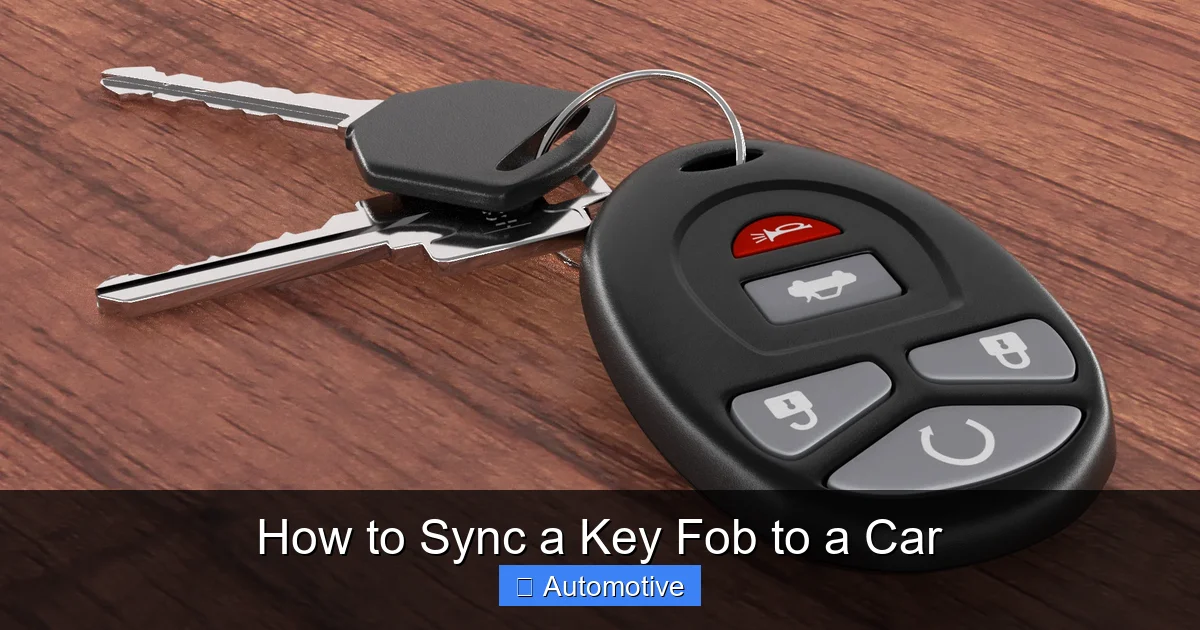
These are the most common type—simple plastic remotes with buttons for lock, unlock, trunk release, and sometimes a panic alarm. They don’t have built-in electronics for starting the car (you still use a physical key), but they do communicate wirelessly with your vehicle’s security system. Most basic fobs can be synced using manual programming methods, especially if you have at least one working fob already.
For example, if you’ve replaced the battery in an older Honda Civic fob, you might just need to press the lock and unlock buttons in a specific sequence while the car is off. These fobs typically use radio frequency (RF) signals and don’t require advanced diagnostics to reprogram.
Transponder Key Fobs
These look similar to basic remotes but contain a small microchip embedded in the key blade. When you insert the key into the ignition, the chip sends a unique code to the car’s immobilizer system. If the code doesn’t match, the engine won’t start—even if the key turns physically.
Syncing a transponder fob often requires programming both the remote functions (like lock/unlock) and the immobilizer chip. This usually means you’ll need either a second working key or professional help, as many vehicles won’t allow you to program a new transponder key from scratch without existing authentication.
Smart Keys (Keyless Entry and Push-Button Start)
Found in many modern vehicles like Toyota, Lexus, BMW, and Ford models, smart keys don’t need to be inserted into the ignition at all. Instead, you carry the fob in your pocket or bag, and the car detects its presence automatically. You can lock, unlock, and start the engine with the push of a button—no physical key needed.
These systems are more complex and often require specialized tools or dealership-level software to sync properly. However, some manufacturers (like Hyundai and Kia) offer owner-accessible programming modes that let you add a new smart key using existing ones.
Aftermarket vs. OEM Fobs
If you’ve purchased a replacement fob online, make sure it’s compatible with your vehicle. OEM (Original Equipment Manufacturer) fobs are made by your car’s brand and are guaranteed to work. Aftermarket fobs are cheaper but may not support all features or could require additional programming steps.
Always check the product description for compatibility with your exact year, make, and model. Some aftermarket fobs come pre-programmed, while others need to be synced manually—or not at all, depending on the car’s security system.
Preparing to Sync Your Key Fob
Visual guide about How to Sync a Key Fob to a Car
Image source: quoteinspector.com
Now that you know what kind of fob you’re dealing with, it’s time to get ready. Proper preparation can mean the difference between a smooth sync and hours of frustration.
Gather Your Tools and Materials
You won’t need much, but having the right items on hand will save time:
– A working original key fob (if available)
– A new battery for the fob (even if it seems fine, weak batteries can cause sync failures)
– Your car’s owner’s manual (this is crucial—manufacturer instructions vary widely)
– A quiet, distraction-free environment (timing is everything!)
– Optional: An OBD2 scanner or diagnostic tool (for advanced models)
Ensure Your Car Is Ready
Before starting, make sure your vehicle is in a safe, stationary position with the engine off. Close all doors, including the trunk and hood. Some procedures require the driver’s door to be open or closed at specific times, so pay close attention to the steps.
Also, check that your car’s battery is fully charged. Low voltage can interfere with the syncing process, especially in vehicles with complex electronic systems. If your car has been sitting for a while, consider giving it a quick drive or using a battery charger.
Read the Owner’s Manual
This cannot be stressed enough. Every car manufacturer has its own method for syncing key fobs. For instance:
– Ford often uses the “ignition on/off” cycle method.
– Toyota may require holding the lock and unlock buttons simultaneously.
– GM vehicles sometimes need you to press the door lock switch while turning the key.
Skipping the manual and relying on generic YouTube tutorials can lead to wasted time—or worse, accidentally locking yourself out of programming mode. Take five minutes to find the “Keyless Entry” or “Remote Programming” section in your manual.
Step-by-Step Methods to Sync a Key Fob
Visual guide about How to Sync a Key Fob to a Car
Image source: vroom.zone
There’s no one-size-fits-all method, but here are the most common and effective techniques used across different vehicle brands. Try these in order, starting with the simplest.
Method 1: The Ignition Cycle Method (Common for Ford, GM, Chrysler)
This is one of the most widely used DIY syncing techniques. It works on many domestic vehicles from the 1990s to the 2010s.
1. Sit in the driver’s seat with all doors closed.
2. Insert the key into the ignition (do not start the engine).
3. Turn the key to the “ON” position (dashboard lights on, engine off) and wait 5 seconds.
4. Turn the key back to “OFF.”
5. Repeat this ON/OFF cycle a total of 3–8 times (exact number varies by model—check your manual).
6. On the final turn to “ON,” the car should chirp or flash its lights, indicating it’s in programming mode.
7. Within 10–30 seconds, press the “LOCK” button on your new fob. You should hear a confirmation chirp.
8. Press any button on additional fobs you want to program.
9. Turn the ignition to “OFF” to exit programming mode.
💡 *Pro Tip:* For some Ford models, you’ll need to press the “UNLOCK” button on the door panel during the cycle instead of using the fob.
Method 2: Door Lock Switch Method (Common for Toyota, Honda, Nissan)
Many Japanese automakers use a door lock-based approach.
1. Close all doors.
2. Insert the key into the driver’s side door lock.
3. Turn the key to “UNLOCK” and hold for 2 seconds, then turn to “LOCK” and hold for 2 seconds.
4. Repeat this UNLOCK/LOCK cycle 3–5 times (usually ends on UNLOCK).
5. On the final UNLOCK, remove the key. The car should chirp or flash lights to confirm programming mode.
6. Within 30 seconds, press the “LOCK” and “UNLOCK” buttons on your fob simultaneously for 1–2 seconds.
7. The car will chirp again to confirm sync.
8. Test all buttons before exiting.
💡 *Example:* A 2008 Honda Accord uses this exact method. If you have two fobs, program the first one, then immediately program the second—don’t exit the mode in between.
Method 3: Using a Working Fob to Program a New One
If you already have one working fob, you can often use it to sync a second. This is common in GM, Ford, and some European vehicles.
1. Stand within 3 feet of the car.
2. Press and hold the “LOCK” and “UNLOCK” buttons on the working fob for 10–15 seconds.
3. While still holding those buttons, press the “LOCK” button on the new fob.
4. Release all buttons. The car should chirp or flash.
5. Test the new fob immediately.
⚠️ *Note:* This method only works if the car supports “fob-to-fob” programming. Not all models allow it.
Method 4: OBD2 Scanner or Diagnostic Tool
For newer vehicles (especially 2015+), manual methods may not work due to advanced encryption. In these cases, you’ll need an OBD2 scanner with key programming capabilities.
Popular tools include:
– Autel MaxiCOM
– Foxwell NT510
– Advanced Diagnostics T-Code
These devices plug into your car’s OBD2 port (usually under the dashboard) and guide you through the syncing process via a screen. They can program keys, reset immobilizers, and even clone fobs in some cases.
While these tools cost $100–$500, they’re worth it if you frequently work on cars or own multiple vehicles. Some auto parts stores (like AutoZone or O’Reilly) also offer free key programming services if you buy the fob from them.
Troubleshooting Common Syncing Problems
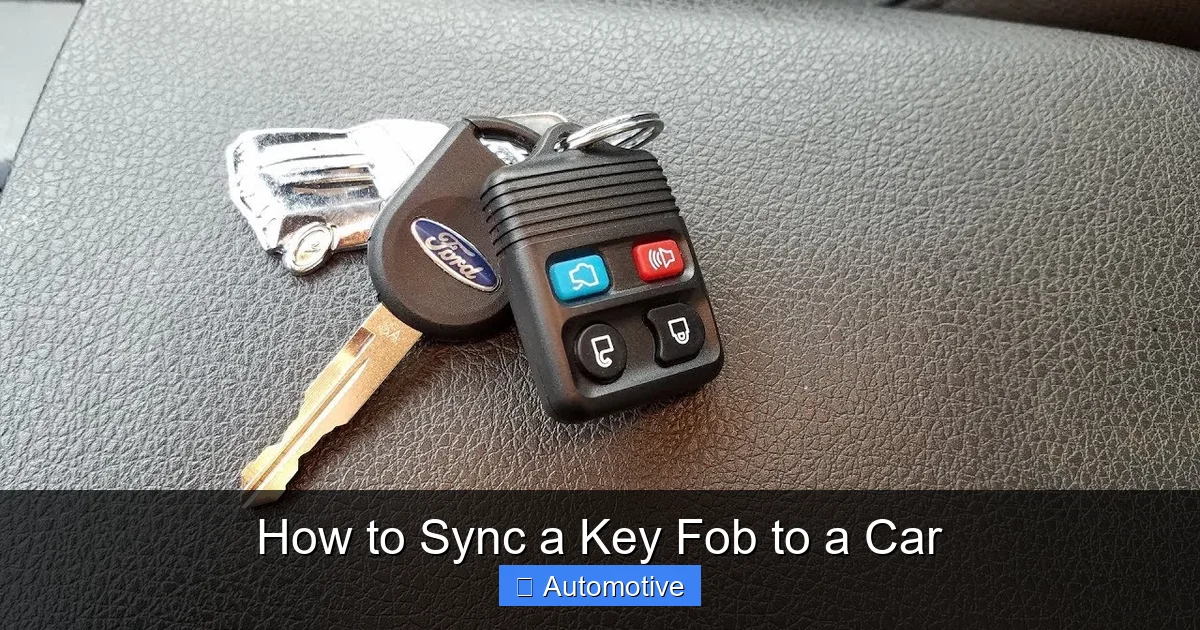
Visual guide about How to Sync a Key Fob to a Car
Image source: i.ytimg.com
Even with the right method, things can go wrong. Here’s how to fix the most common issues.
Fob Doesn’t Respond After Syncing
– **Check the battery:** A weak or incorrectly installed battery is the #1 cause of failure. Use a multimeter to test voltage (should be 3V for most CR2032 batteries).
– **Distance matters:** Stand close to the car—within 3–5 feet—when testing. Walls, metal objects, and electronic interference can block signals.
– **Try re-syncing:** Sometimes the first attempt fails. Repeat the process carefully, watching for confirmation signals (chirps, lights).
Car Won’t Enter Programming Mode
– **Timing is off:** Many procedures require exact timing—like turning the key within 5 seconds. Practice the sequence slowly first, then speed up.
– **Door status:** Ensure all doors are fully closed. Some cars won’t enter programming mode if a door is ajar.
– **Ignition position:** Make sure you’re turning to “ON” (not “START”) and that the engine remains off.
Only Some Buttons Work
This usually means the fob was synced, but not all functions were activated.
– Try re-syncing and press each button during programming.
– For trunk or panic buttons, some cars require a separate activation step (check your manual).
– If the fob is aftermarket, it may not support all features.
Immobilizer Prevents Engine Start
If your car starts but then stalls, or won’t start at all, the transponder chip isn’t synced.
– You’ll likely need a professional locksmith or dealership to program the chip.
– Some OBD2 tools can handle this, but not all.
– Never force the key—this can damage the ignition cylinder.
When to Call a Professional
DIY syncing is great, but there are times when it’s smarter (and safer) to get expert help.
No Working Fob Available
If you’ve lost all your keys, most modern cars won’t let you program a new one without dealer authorization. This is a security feature to prevent theft. In this case, contact a licensed locksmith or your dealership. Many locksmiths now have the tools to program keys on-site, often for less than the dealer charges.
High-Security or Luxury Vehicles
Brands like Mercedes-Benz, BMW, Audi, and Tesla use encrypted systems that require proprietary software. Attempting to sync these fobs yourself could trigger anti-theft locks or void warranties.
Repeated Failures
If you’ve tried multiple methods and nothing works, there may be an underlying issue—like a faulty receiver module, damaged wiring, or a dead car battery. A professional diagnostic can pinpoint the problem quickly.
💡 *Cost Tip:* Dealerships often charge $100–$300 for key programming. Independent locksmiths may charge $50–$150 and can come to your location. Always get a quote first!
Maintaining Your Key Fob for Long-Term Reliability
Once your fob is synced, keep it working smoothly with these maintenance tips:
– **Replace batteries annually:** Even if the fob still works, weak batteries reduce signal strength.
– **Avoid water and heat:** Don’t leave fobs in hot cars or pockets during laundry. Moisture can damage internal circuits.
– **Use a protective case:** Prevent button wear and accidental presses with a silicone sleeve.
– **Keep it clean:** Wipe the fob with a dry cloth regularly. Dirt and grime can interfere with button contact.
– **Store spare fobs properly:** If you have a backup, keep it in a Faraday pouch (or aluminum foil) to prevent signal hacking.
Conclusion
Syncing a key fob to your car might seem intimidating at first, but with the right knowledge and a little patience, it’s totally doable. Whether you’re using the ignition cycle method, door lock switches, or a diagnostic tool, the key is to follow your vehicle’s specific instructions and stay calm if the first attempt doesn’t work.
Remember: your owner’s manual is your best friend. It contains the exact steps tailored to your car—something no generic online guide can match. And if all else fails, don’t hesitate to call a professional. The cost is often reasonable, and it beats being stranded with a non-working fob.
By learning how to sync a key fob to a car, you’re not just saving money—you’re gaining independence and confidence as a driver. So the next time your remote stops working, you’ll know exactly what to do.
Frequently Asked Questions
Can I sync a key fob without a working original?
In most cases, no—especially for modern vehicles with immobilizer systems. You typically need at least one programmed fob to add a new one. If you’ve lost all keys, contact a locksmith or dealership.
How long does it take to sync a key fob?
Most DIY methods take 5–15 minutes, including preparation and testing. Using an OBD2 tool may take slightly longer but is more reliable for newer cars.
Will syncing a fob damage my car’s computer?
No, when done correctly. The process is designed by the manufacturer and won’t harm your vehicle. However, incorrect steps (like forcing the ignition) could cause mechanical issues.
Do I need to reprogram my fob after replacing the battery?
Not usually. Most fobs retain their programming when the battery is changed. However, if the fob stops working entirely, a re-sync may be needed.
Can I use any replacement fob for my car?
Only if it’s compatible with your make, model, and year. Always check compatibility before buying. OEM fobs are safest; aftermarket ones may lack features or require extra steps.
Why does my car chirp when I sync the fob?
The chirp is a confirmation signal that the car has accepted the fob’s programming. It means the sync was successful—always test the buttons afterward to be sure.