
How to Reset the Service Engine Soon Light on a Toyota Camry

Contents
- 1 Key Takeaways
- 2 📑 Table of Contents
- 3 Introduction: Decoding Your Camry’s Service Light
- 4 Understanding the “Service Engine Soon” Light vs. the “Check Engine” Light
- 5 When You Should NEVER Reset the Light
- 6 Method 1: The Standard Trip Meter Button Reset (Most Common)
- 7 Method 2: Using an OBD2 Scanner
- 8 Method 3: The Battery Disconnect Method (Use with Caution)
- 9 What to Do If the Light Comes Back Immediately or Won’t Reset
- 10 Conclusion: A Simple Task with Important Pre-Checks
- 11 Frequently Asked Questions



Resetting the Service Engine Soon light on a Toyota Camry is a simple process, but it must be done correctly and for the right reasons. The light indicates scheduled maintenance is due, not necessarily a serious engine fault. You can reset it using the trip meter button, an OBD2 scanner, or by briefly disconnecting the battery. However, you should only reset it after performing the required maintenance, like an oil change, to avoid engine damage. Ignoring the light’s reminder can lead to neglected service and potential long-term issues.
Key Takeaways
- The Service Engine Soon light is a maintenance reminder, not an engine failure warning. It typically illuminates after a set mileage or time interval since your last service.
- Always perform the required maintenance first. Resetting the light without changing the oil or filters defeats its purpose and can harm your engine.
- The primary reset method is via the odometer/trip meter button. This is a manual procedure that takes less than 30 seconds and requires no tools for most Camry years.
- An OBD2 scanner offers a universal reset. Any basic code reader can clear the light, but ensure it can access the “Maintenance Required” system, not just check engine codes.
- Disconnecting the battery is a last resort. This method can reset other vehicle systems (radio, climate controls) and may require re-learning for some models.
- If the light returns immediately after resetting, a sensor issue may exist. A persistent light after a proper reset indicates a fault that needs diagnosis, not just clearing.
- Consult your owner’s manual for model-specific instructions. Procedures can vary slightly between generation changes (e.g., 2012-2017 vs. 2018-2024).
[FEATURED_IMAGE_PLACEHOLDER]
📑 Table of Contents
- Introduction: Decoding Your Camry’s Service Light
- Understanding the “Service Engine Soon” Light vs. the “Check Engine” Light
- When You Should NEVER Reset the Light
- Method 1: The Standard Trip Meter Button Reset (Most Common)
- Method 2: Using an OBD2 Scanner
- Method 3: The Battery Disconnect Method (Use with Caution)
- What to Do If the Light Comes Back Immediately or Won’t Reset
- Conclusion: A Simple Task with Important Pre-Checks
Introduction: Decoding Your Camry’s Service Light
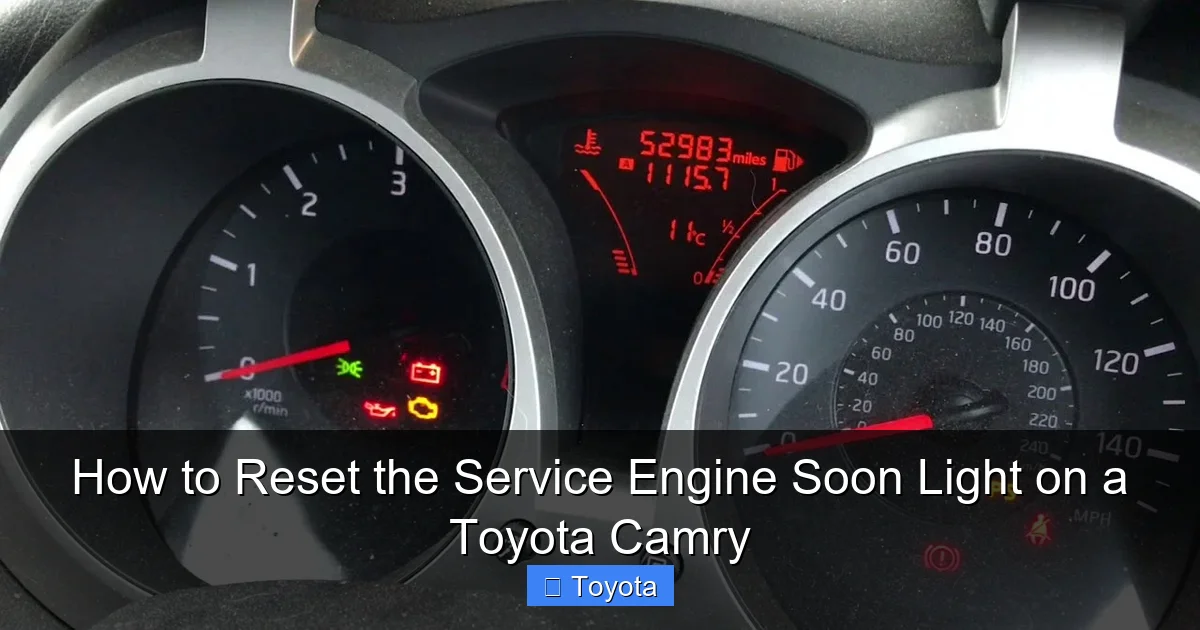
That little icon on your dashboard—the one that looks like a little engine with the words “Service Engine Soon”—has appeared. For many Toyota Camry owners, it’s a moment of mild panic. Is the engine failing? Is there a serious, expensive problem lurking under the hood? Take a deep breath. In your Toyota Camry, this light is overwhelmingly likely to be a maintenance reminder, not a dire emergency signal. Its primary job is to nudge you that it’s time for scheduled service, most commonly an oil and filter change, based on your driving conditions and time since the last service.
Understanding this distinction is the first and most critical step. The “Service Engine Soon” light on modern Camrys (typically model years 2007 and newer) is part of Toyota’s sophisticated Maintenance Required (MR) system. It calculates service intervals using algorithms that account for both mileage and engine runtime parameters. This means it might come on at 5,000 miles if you do mostly short trips, or wait until 7,500 miles if you primarily drive on the highway. Resetting this light is simply telling the car’s computer, “The maintenance has been performed, you can start the countdown again.”
This comprehensive guide will walk you through every safe and correct method to reset that light. We’ll cover the standard button-press method for the vast majority of Camrys, how to use an OBD2 scanner, and the battery disconnect technique. More importantly, we’ll stress when you absolutely should not reset it and what it means if the light returns quickly. Getting this right protects your investment and keeps your reliable Camry running smoothly for years to come.
Understanding the “Service Engine Soon” Light vs. the “Check Engine” Light
Two Different Systems, Two Different Meanings
Confusion between the “Service Engine Soon” light and the “Check Engine” light is the root of many mistakes. They are not the same. The “Check Engine” light (often a yellow outline of an engine) illuminates when the Powertrain Control Module (PCM) detects a fault in the engine, transmission, or emissions systems. This is a diagnostic trouble code (DTC) that requires a scanner to read and diagnose. Common triggers include a loose gas cap, faulty oxygen sensor, or misfiring cylinder.

Visual guide about How to Reset the Service Engine Soon Light on a Toyota Camry
Image source: images.saymedia-content.com
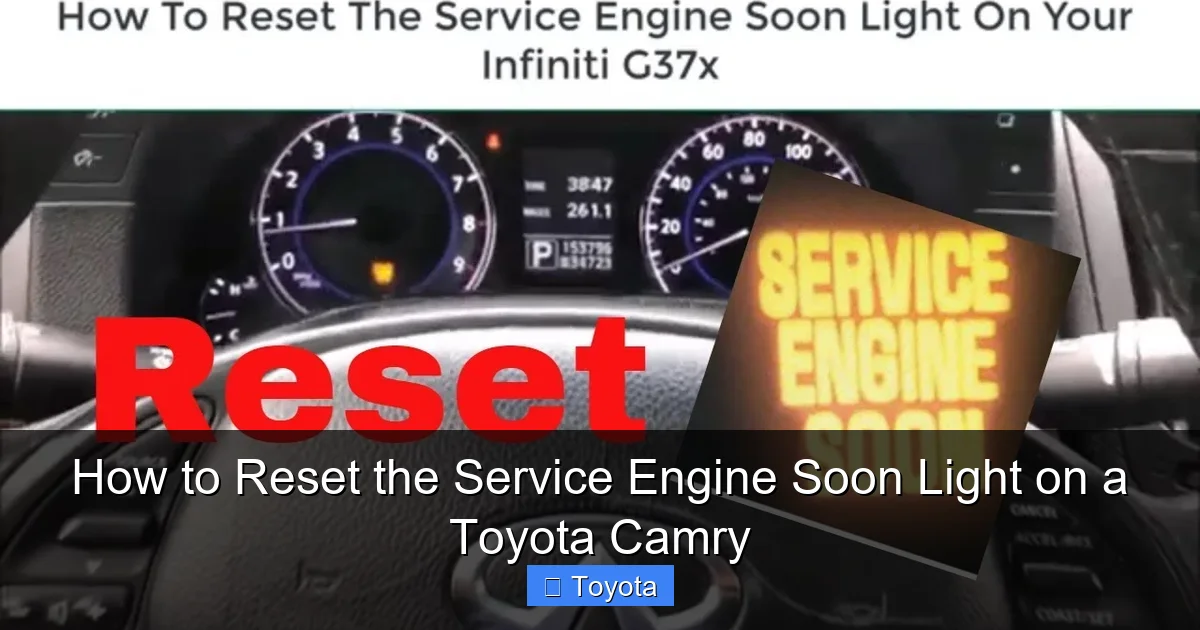
The “Service Engine Soon” light (often the same icon but sometimes with “Service” or “Maint Req” text) is controlled by a separate maintenance timer in the computer. It is a purely mileage/time-based reminder. It has nothing to do with current engine performance or faults. You will not find a stored trouble code for it; it’s a simple flag that gets set after a predetermined interval. This is why you can reset it without a scanner—you’re just resetting a timer.
Practical Example: Imagine your Camry is due for an oil change. The maintenance system sets the “Service Engine Soon” light. You get the oil changed. The mechanic (or you) must now perform the reset procedure to turn off the light and restart the 5,000/7,500-mile countdown. If, during that same oil change, the technician notices a loose electrical connector, a separate “Check Engine” light might illuminate for an entirely different reason. That would require its own diagnosis.
When You Should NEVER Reset the Light
Resetting Is Not a Fix; It’s a Final Step
Here is the golden rule: Only reset the Service Engine Soon light after you have completed the required maintenance. If you simply reset the light while the oil is old and dirty, you are silencing the reminder but leaving your engine at risk. The light is your car’s way of protecting itself and ensuring longevity. Ignoring it leads to accelerated wear, poor performance, and potentially catastrophic engine failure.
Visual guide about How to Reset the Service Engine Soon Light on a Toyota Camry
Image source: askmyauto.com
Furthermore, if your Camry is displaying a steady “Check Engine” light (not the maintenance reminder), you must diagnose and repair that issue first. Using a scanner to clear all codes might turn off both lights temporarily, but the underlying problem will persist, and the Check Engine light will return. Driving with an active Check Engine light can damage the catalytic converter and reduce fuel economy. Always read the codes first with a tool like an OBD2 scanner for a Toyota Corolla—the process is identical for a Camry—to understand if there’s a legitimate fault.
Red Flag: If you reset the Service Engine Soon light and it comes back on within 100-200 miles, the maintenance timer may not have been reset correctly. If it comes back after you’ve driven the full service interval (e.g., 5,000 miles), that’s normal. If it comes back much sooner, double-check your procedure or consult a professional.
Method 1: The Standard Trip Meter Button Reset (Most Common)
For Model Years ~2007-2024 (Confirm in Your Manual)
This is the factory-prescribed method for the vast majority of Toyota Camry models. It uses the odometer/trip meter display and the button on the instrument cluster. The process is straightforward but requires precise timing. Make sure your car is parked, turned off, and the key is in the “ON” or “ACC” position (dashboard lights on, engine off).

Visual guide about How to Reset the Service Engine Soon Light on a Toyota Camry
Image source: askmyauto.com
Step-by-Step Instructions:
- Step 1: Turn the ignition to the “ON” position (do not start the engine). Press the “ODO/TRIP” button on the instrument cluster until the display shows the total odometer reading (not a trip meter “A” or “B”).
- Step 2: Turn the ignition key to the “OFF” position.
- Step 3: While holding down the “ODO/TRIP” button, turn the ignition key back to the “ON” position (again, do not start the engine).
- Step 4: Continue holding the “ODO/TRIP” button. The odometer display will change. You will see dashes “—–” appear, then a series of numbers counting down (e.g., 5, 4, 3, 2, 1).
- Step 5: When you see the “0” or when the display returns to the normal odometer reading, release the button. The “Service Engine Soon” light should blink a few times and then go out, confirming the reset was successful.
Pro Tip: If the light doesn’t go out, repeat the procedure carefully. The timing of holding the button during the key cycle is critical. If your Camry has a smart key system (push-button start), the procedure is the same, but you’ll press the “START/STOP” button twice without touching the brake pedal to put the car in “ON” mode for steps 1 and 4.
Method 2: Using an OBD2 Scanner
The Universal Reset Tool
Any standard OBD2 scanner (also called a code reader or scan tool) that can access manufacturer-specific systems will reset the maintenance light. This is the most reliable method, especially if the trip meter button method fails or if you’re already using a scanner to diagnose a Check Engine light. Basic models like the Autel, Launch, or even inexpensive Bluetooth adapters with a phone app can do this.
Step-by-Step Instructions:
- Step 1: Locate the OBD2 port under your Camry’s dashboard, typically to the left of the steering column. Plug in your scanner.
- Step 2: Turn the ignition to the “ON” position (do not start the engine). Turn on the scanner and navigate its menu.
- Step 3: Look for a menu option like “Maintenance Reset,” “Service Reset,” “Maint Req,” or “Oil Service Reset.” Do not confuse this with “Erase Codes” or “Clear DTCs,” which is for the Check Engine light.
- Step 4: Select the correct reset function. The scanner may ask you to confirm or input the new service interval (some advanced tools do this). Follow the on-screen prompts.
- Step 5: Once the scanner confirms the reset is complete, you can disconnect it. The light should be off. Start the engine to verify.
Important Note: Not all cheap, generic OBD2 scanners can access the Toyota maintenance system. They may only read and clear generic powertrain codes. If your scanner only has “Read Codes” and “Erase Codes,” using “Erase Codes” will likely not reset the Service Engine Soon light and may even cause other issues. You need a tool that specifically lists a maintenance reset function. For other Toyota models, the process is similar; you can see an example with a 2021 Toyota RAV4.
Method 3: The Battery Disconnect Method (Use with Caution)
A Nuclear Option for Stubborn Lights
Disconnecting the negative battery terminal for a short period will cause the car’s computer (ECU) to lose all saved data, including the maintenance timer. This is a surefire way to reset the light, but it comes with significant side effects. Use this only if the other two methods fail, and be prepared to re-initialize some systems.
Step-by-Step Instructions & Warnings:
- Step 1: Ensure the car is off, key removed, and all accessories are off. Open the hood.
- Step 2: Locate the negative (-) battery terminal. Loosen the nut with the appropriate wrench (usually 10mm).
- Step 3: Carefully lift the negative cable clamp off the terminal and tuck it away so it cannot touch the battery post.
- Step 4: Wait for at least 10-15 minutes. This allows the ECU’s residual power to drain completely. You can turn on the headlights during this time to help discharge the system.
- Step 5: Reconnect the negative cable clamp and tighten the nut securely. Close the hood.
- Step 6: When you start the car, you will likely need to reset the clock, radio presets, and window auto-up/down functions. The car’s idle may be rough for the first start as the ECU relearns fuel trims.
Why This Is a Last Resort: This method is like rebooting your computer by pulling the plug. It works, but it’s crude. It can also cause issues with systems like the steering angle sensor or require a drive cycle for the transmission to re-learn shift points. For a simple maintenance light reset, the button or scanner method is always preferred.
What to Do If the Light Comes Back Immediately or Won’t Reset
Troubleshooting a Persistent Service Light
You followed the steps perfectly, but the “Service Engine Soon” light is back on within a day or two. This is a clear signal that something is wrong. First, re-try the reset procedure. Sometimes the system needs a full drive cycle (a specific sequence of speeds and engine loads) to recognize the reset. Drive normally for 20-30 minutes, including both city and highway speeds.
If the light persists, consider two possibilities:
- The Reset Wasn’t Completed: For some newer Camrys (2018+), the system might require you to confirm the new service interval on the multi-information display before the reset is finalized. Did your screen ask you to set a mileage or date? If so, you must complete that step.
- A Separate Fault Exists: A very rare, but possible, scenario is that a sensor related to the maintenance system has failed. More commonly, you might be confusing the “Service Engine Soon” light with a genuine “Check Engine” light that has a stored code. Use your OBD2 scanner to check for any active trouble codes. If there are any codes (P0xxx, P1xxx, etc.), you have a diagnostic issue, not just a reminder. For example, an issue with the TPMS system on a Honda might trigger a light, but on a Camry, a major sensor fault could illuminate the same icon.
If no codes are present and the light still won’t stay off after multiple reset attempts, consult a Toyota technician. There may be a software update required for the ECU or a deeper electrical issue.
Conclusion: A Simple Task with Important Pre-Checks
Resetting the Service Engine Soon light on your Toyota Camry is one of the easiest DIY maintenance tasks you can perform. For most owners, it’s a 30-second process using the trip meter button. The availability of affordable OBD2 scanners makes it even more accessible. However, the simplicity of the reset is precisely why it’s so crucial to use it responsibly.
Remember the core principle: this light is a helpful reminder from your car, not an annoyance to be silenced. Always perform the scheduled service—primarily oil and filter changes, but also tire rotations, air filter replacements, and inspections as outlined in your owner’s manual—before you reset the light. Treating this light with respect ensures your Camry’s legendary reliability and longevity. By following the correct procedure for your model year and understanding what the light truly means, you can confidently manage this aspect of your vehicle’s care. If you’re ever in doubt about the required service or the nature of the illuminated light, a quick call to your trusted mechanic or a visit to a Toyota dealership’s service department is always the wisest course of action. Your Camry will thank you with many more miles of smooth, dependable service.
Frequently Asked Questions
Can I drive my Camry with the Service Engine Soon light on?
Yes, you can drive it, but only for the limited distance needed to reach a service center for the scheduled maintenance (like an oil change). The light means service is overdue. Continuing to drive long distances without performing the maintenance can cause engine wear and damage.
Will resetting the Service Engine Soon light erase any Check Engine codes?
No. Resetting the maintenance light is a separate function from clearing diagnostic trouble codes. Using the trip meter button method only resets the maintenance timer. Using an OBD2 scanner’s “Maintenance Reset” function also only resets the reminder. You must use a separate “Erase Codes” function to clear a Check Engine light, and doing so does not fix the underlying problem.
My Service Engine Soon light came on at 4,500 miles. Is that normal?
It can be. The maintenance interval is not just based on mileage. It also uses engine runtime data and driving conditions (like frequent short trips in cold weather) to calculate oil degradation. If you mostly drive in severe conditions (stop-and-go traffic, extreme temperatures, dusty roads), the system may alert you sooner. Check your owner’s manual for the exact service schedule.
Do I need a special scanner to reset the light?
No. The standard trip meter button method works for most Camrys and requires no tools. However, if you prefer using a scanner, you need one that specifically lists a “Maintenance Reset” or “Service Reset” function for Toyota vehicles. Basic code readers that only read/erase engine codes often cannot access this system.
I reset the light after an oil change, but it came back on in 200 miles. Why?
This usually means the reset procedure was not completed correctly. The system did not register the reset command. Double-check the steps for your specific model year, ensuring you hold the button during the correct key cycle. On some newer models, you may also need to confirm the reset on the multi-information display screen after performing the button sequence.
Is the “Service Engine Soon” light the same as the “Maintenance Required” light?
Yes, they are the same thing. Toyota uses different terminology (“Service Engine Soon,” “Maint Req,” “Service”) for the identical maintenance reminder system across different model years and markets. The function and reset procedure are identical.







