
How to Program a Toyota Key

Contents


Programming a Toyota key doesn’t have to be complicated or expensive. Whether you’ve lost your key, bought a used car, or just want a spare, this guide walks you through the entire process—from basic self-programming to using professional tools—so you can get back on the road quickly and safely.
Programming a Toyota key might sound like something only a mechanic or dealership technician can do—but that’s not always true. With the right knowledge, tools, and a bit of patience, many Toyota owners can successfully program a new key themselves. Whether you’ve misplaced your only key, bought a used Toyota without extras, or simply want a backup, understanding how key programming works can save you hundreds of dollars and hours of frustration.
Toyota has evolved its key technology significantly over the past two decades. What started as simple mechanical keys in the 1990s quickly transitioned to transponder-equipped keys in the early 2000s, and now many models feature advanced smart keys with push-button start, remote entry, and even proximity sensors. Each evolution added layers of security—and complexity. But don’t worry: this guide breaks down every step clearly, whether you’re working with a basic 2000 Camry or a 2023 RAV4 Hybrid.
The good news? You don’t always need to visit a dealership. While some procedures absolutely require professional equipment, others can be done at home with just a screwdriver and your car’s ignition. The key (pun intended) is knowing which method applies to your specific Toyota model and year. In the following sections, we’ll walk you through everything from identifying your key type to troubleshooting common issues—so you can confidently program your Toyota key like a pro.
Key Takeaways
- Not all Toyota keys are programmable at home: Older models (pre-2003) often allow DIY programming, while newer vehicles with transponder chips or smart keys require specialized tools or a dealership visit.
- You’ll need at least one working key for most methods: Many self-programming procedures require an existing programmed key to add a new one—without it, you may need professional help.
- Transponder chips prevent theft: Modern Toyota keys contain encrypted chips that communicate with your car’s immobilizer system—without the correct chip, the engine won’t start.
- OBD2 scanners and key programmers simplify the process: Devices like the Autel MaxiIM IM608 or cheaper options like the XTOOL X100 Pad+ can program keys for many Toyota models without visiting a locksmith.
- Always test your new key before relying on it: After programming, verify that the key starts the car, unlocks doors remotely (if applicable), and doesn’t trigger warning lights.
- Keep records of your key codes: If you have the original key code (often found in the owner’s manual or on a key tag), programming becomes faster and easier.
- When in doubt, consult a professional: Complex systems like Toyota’s Smart Key (push-to-start) are best handled by certified technicians to avoid damaging your vehicle’s electronics.
📑 Table of Contents
Understanding Toyota Key Types
Before you even think about programming, it’s crucial to identify what kind of key you’re dealing with. Toyota uses several different key systems, and each requires a different approach. Using the wrong method won’t just fail—it could potentially damage your vehicle’s immobilizer system or leave you stranded.
Mechanical Keys (Pre-2000 Models)
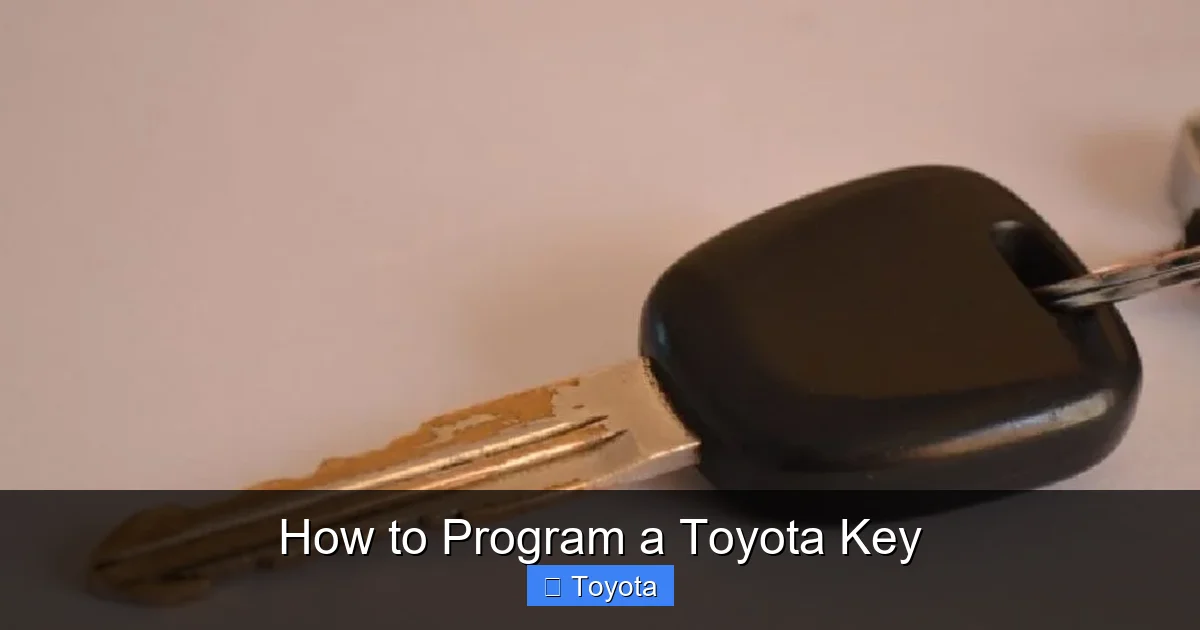
These are the simplest keys—no electronics, no chips, just a metal blade that physically turns the ignition. Found in older models like the 1995 Corolla or 1998 Tacoma, these keys don’t require programming at all. If you lose one, you can get a duplicate cut at any hardware store or auto parts retailer for under $10. However, they offer no anti-theft protection beyond the physical lock, so upgrading to a transponder key is recommended if possible.
Transponder Keys (Early 2000s–Mid 2010s)
Starting around 2000, Toyota began equipping most vehicles with transponder keys. These look almost identical to mechanical keys but contain a small RFID chip embedded in the plastic head. When you insert the key into the ignition, the car’s immobilizer system sends a radio signal to the chip. If the chip responds with the correct encrypted code, the engine will start. If not—even if the key turns the ignition—the fuel pump and starter are disabled.
Common examples include the 2003 Camry, 2007 Highlander, and 2010 Prius. These keys must be programmed to match your vehicle’s unique security code. Some models allow DIY programming if you already have one working key; others require diagnostic tools.
Smart Keys (Push-to-Start / Keyless Entry)
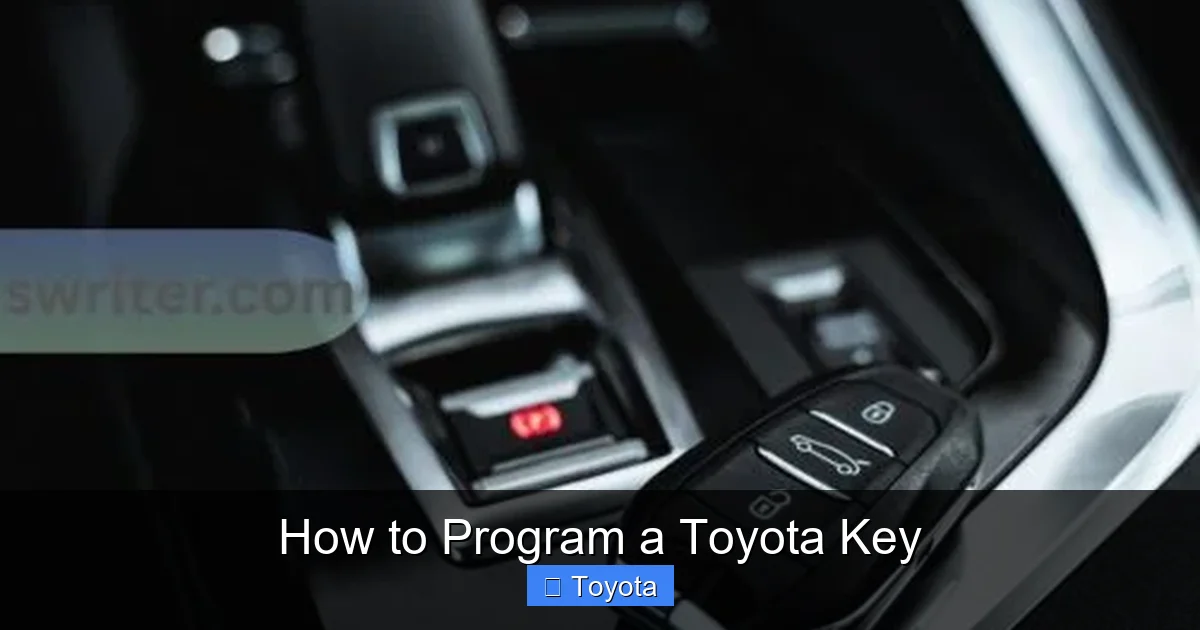
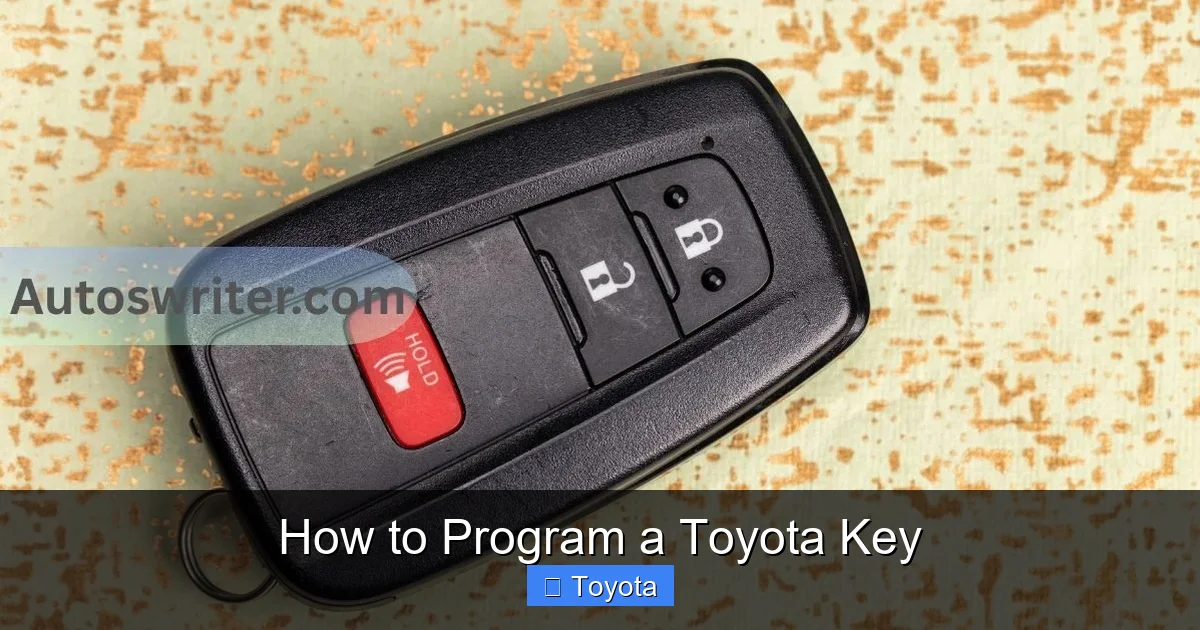
Introduced in the late 2000s and now standard on most new Toyotas, smart keys—also called “key fobs” or “intelligent keys”—don’t need to be inserted into the ignition at all. Instead, you carry the fob in your pocket or bag, and the car detects its presence via low-frequency signals. Press a button on the dash to start the engine, and use buttons on the fob to lock/unlock doors remotely.
Models like the 2015 Avalon, 2020 RAV4, and 2022 Sienna use this system. Programming these keys is more complex because they communicate with multiple vehicle modules (immobilizer, body control, security). Most require professional-grade OBD2 programmers or dealership software.
Hybrid and Keyless Go Systems
Some hybrid models, especially the Prius line, use enhanced keyless systems that include features like trunk release, panic alarms, and even smartphone integration via Toyota’s app. These often have additional security layers and may require extra steps during programming, such as synchronizing with the hybrid control unit.
Knowing your key type is the first step toward successful programming. Check your owner’s manual, look for a chip inside the key head (you may need to pry it open gently), or consult Toyota’s VIN decoder online to confirm your vehicle’s specifications.
Tools and Equipment You’ll Need
Visual guide about How to Program a Toyota Key
Image source: safetyfic.com
Once you’ve identified your key type, gather the right tools. The good news is that many programming tasks require minimal equipment—especially for older models. But for newer systems, investing in the right gear pays off in time and stress saved.
Basic Tools for DIY Programming
For transponder keys on older Toyotas (typically 2000–2010), you might only need:
– A working programmed key (essential for most self-programming methods)
– A new blank transponder key (make sure it matches your model—H chip, 4D60, etc.)
– Your vehicle’s ignition switch (obviously!)
– Patience and a quiet workspace
No special scanners or computers are needed for these procedures. The car’s onboard computer handles the programming via a sequence of ignition cycles.
OBD2 Key Programmers
For vehicles from 2010 onward—or if you don’t have a working key—you’ll likely need an OBD2 key programmer. These devices plug into your car’s diagnostic port (usually under the dashboard near the steering wheel) and communicate directly with the immobilizer system.
Popular options include:
– **Autel MaxiIM IM608**: A professional-grade tool that supports nearly all Toyota models, including smart keys. It’s pricey ($1,500+) but ideal for mechanics or serious DIYers.
– **XTOOL X100 Pad+**: A mid-range option (~$300–$500) that handles most transponder and some smart key programming for Toyotas up to 2020.
– **VVDI Key Tool Plus**: Great for cloning chips and programming older systems; less capable with newer smart keys but very affordable (~$150).
Always check compatibility before buying! Many sellers list supported models, so cross-reference your Toyota’s year and trim.
Blank Keys and Cloning Devices
You’ll also need a blank key that matches your system. For transponder keys, look for “Toyota H chip” or “4D60” blanks (available on Amazon or from locksmiths). For smart keys, buy OEM-style fobs labeled for your exact model (e.g., “2018 RAV4 Smart Key Fob”).
Cloning devices like the **AD900 Pro** can copy an existing key’s data to a blank—useful if you have a working key but don’t want to go through full programming. However, cloning doesn’t work on all models and may not update security counters, so full programming is often safer.
Dealership vs. Locksmith vs. DIY
If you’re short on time, tools, or confidence, consider professional help:
– **Toyota Dealership**: Most reliable but expensive ($150–$400+ per key). They have factory software and genuine parts.
– **Certified Automotive Locksmith**: Often cheaper than dealerships ($80–$200) and mobile—they come to you! Ensure they specialize in Toyotas and have the right tools.
– **DIY**: Free (aside from blank key cost) if you have a working key and follow instructions carefully. Best for budget-conscious owners with basic mechanical skills.
Weigh your options based on urgency, budget, and technical comfort. For most people, starting with DIY (if possible) is a great way to learn—and save money.
Step-by-Step Guide to Programming a Toyota Key
Visual guide about How to Program a Toyota Key
Image source: autoswriter.com
Now for the main event: actually programming your key. Below are detailed methods based on your key type and available resources. Always disconnect any aftermarket alarms or tracking devices before starting—they can interfere with programming.
Method 1: Self-Programming with One Working Key (Older Transponder Keys)
This method works for many Toyotas from 2000–2012 (e.g., Camry, Corolla, RAV4) if you already have one programmed key.
**Steps:**
1. Insert your working key into the ignition and turn it to “ON” (don’t start the engine). Wait 5 seconds.
2. Turn the key back to “OFF” and remove it. Wait 10 seconds.
3. Insert the new blank key and turn to “ON.” Leave it there for 60 seconds.
4. Turn back to “OFF” and remove the key.
5. Test the new key by starting the car.
If successful, the immobilizer light (usually a key-shaped icon on the dash) should turn off after a few seconds. If it flashes or stays on, repeat the process or try Method 2.
> **Pro Tip**: Perform this sequence within 40 seconds total. Timing is critical—go too slow, and the system resets.
Method 2: Adding a Second Key Without a Working Key (Using OBD2 Programmer)
If you’ve lost all keys, you’ll need an OBD2 programmer. Here’s how to use a tool like the XTOOL X100 Pad+:
1. Plug the programmer into your OBD2 port (driver’s side, under dash).
2. Turn the ignition to “ON” (again, don’t start).
3. Follow the device prompts: select “Toyota,” then your model/year, then “Immobilizer” > “Add Key.”
4. Insert the new blank key when prompted.
5. Wait for confirmation (usually a beep or message like “Key Added Successfully”).
6. Test the key.
This method typically takes 5–10 minutes and works for most 2005–2020 models. Always update your device’s firmware beforehand for best results.
Method 3: Programming Smart Keys (Push-to-Start)
Smart keys require more advanced steps. Using an Autel IM608:
1. Connect the tool to the OBD2 port.
2. Select “Smart Key” > “Toyota” > your model.
3. Choose “Program Smart Key” and follow on-screen instructions.
4. You may need to enter a PIN code (sometimes found in the owner’s manual or obtained via VIN from Toyota).
5. Hold the new fob near the start button when prompted.
6. The system will sync the fob and test functionality.
Without a PIN or proper tool, this process is nearly impossible at home. If you attempt it and get an error, stop immediately—repeated failed attempts can lock the immobilizer system temporarily.
Troubleshooting Common Issues
– **Immobilizer light stays on**: Key not recognized. Try reprogramming or check if the blank has the correct chip.
– **Car starts but dies after 2 seconds**: Immobilizer mismatch. Re-program or verify key compatibility.
– **No response from OBD2 tool**: Check fuse #14 (often labeled “ECU” or “IG”)—a blown fuse can disable communication.
– **Smart key not detected**: Ensure the fob battery is charged (CR2032). Weak batteries prevent signal transmission.
Always consult your vehicle’s service manual or Toyota’s technical service bulletins (TSBs) for model-specific quirks.
Cost Comparison: DIY vs. Professional Programming
Visual guide about How to Program a Toyota Key
Image source: autoswriter.com
Let’s talk money—because nobody likes surprise bills. Programming a Toyota key can range from $0 to $500+, depending on your approach.
| Method | Estimated Cost | Time Required | Best For |
|——–|—————-|—————|———-|
| DIY (with working key) | $10–$30 (blank key only) | 10–15 minutes | Budget owners with older models |
| OBD2 Programmer (one-time purchase) | $150–$500 (tool) + $20/key | 15–30 minutes | Frequent DIYers or multi-car households |
| Locksmith | $80–$200 per key | 30–60 minutes | Urgent needs, no tools |
| Toyota Dealership | $150–$400+ per key | 1–2 hours (including wait) | Newer models, warranty concerns |
While the upfront cost of an OBD2 programmer seems high, it pays for itself after 2–3 keys. Plus, you gain peace of mind knowing you can handle future lockouts or key losses.
> **Real-World Example**: Sarah, a 2012 Highlander owner, lost her only key. A dealership quoted $320. She bought a $280 XTOOL X100 Pad+ and programmed two spare keys herself in under an hour. Total cost: $280 + $40 for blanks = $320—but now she owns the tool and can help friends or family later.
Always factor in your long-term needs. If you plan to keep your Toyota for years, investing in a programmer makes sense.
Safety, Security, and Best Practices
Programming a key isn’t just about convenience—it’s about security. A poorly programmed key can leave your vehicle vulnerable to theft or cause electrical issues.
Protect Your Immobilizer System
Never force a key into the ignition or use damaged blanks. Modern Toyotas log failed programming attempts, and too many errors can trigger a temporary immobilizer lockout (requiring a dealership reset).
Keep Key Codes Safe
If you have the original key code (a 5- or 6-digit number), store it securely—not in your glove box! This code speeds up programming and is required for some methods. If you don’t have it, a locksmith or dealership can retrieve it using your VIN (for a fee).
Test Thoroughly
After programming:
– Start the engine and let it idle for 5 minutes.
– Test remote lock/unlock (if applicable).
– Check dashboard for warning lights.
– Try the key in all doors and the trunk.
A key that starts the car but doesn’t unlock doors remotely indicates incomplete programming—common with smart keys.
Avoid Cheap Knockoffs
Generic “universal” keys often use low-quality chips that fail prematurely or aren’t recognized by Toyota’s updated security protocols. Stick to reputable brands like Strattec, Ilco, or OEM equivalents.
When to Call a Professional
Despite our best efforts, some situations demand expert help:
– You have **no working keys** and own a 2015+ model with smart key.
– Your OBD2 tool gives repeated errors or “security access denied” messages.
– The immobilizer system has been reset or replaced (common after battery replacement or ECU work).
– You’re uncomfortable working with electronics or fear damaging your car.
In these cases, a certified Toyota locksmith or dealership technician is your safest bet. They have access to Techstream (Toyota’s official diagnostic software) and can bypass complex security measures legally and safely.
Remember: your car’s security system exists to protect you. Don’t compromise it with guesswork.
Programming a Toyota key might seem daunting at first, but with the right preparation, it’s entirely manageable for most owners. From simple ignition-cycle methods on older models to advanced OBD2 programming for smart keys, there’s a solution that fits your skill level and budget. The key takeaway? Know your key type, use the right tools, and never skip testing.
By following this guide, you’re not just saving money—you’re gaining valuable knowledge about your vehicle’s security system. And in today’s world, where car theft is on the rise and replacement keys cost a fortune, that knowledge is priceless. So grab your blank key, fire up that programmer (or just your ignition), and take control of your Toyota’s access. You’ve got this.
Frequently Asked Questions
Can I program a Toyota key without a working key?
It depends on your model and year. Older Toyotas (pre-2010) may allow emergency programming with special tools, but most 2010+ models—especially those with smart keys—require at least one working key or professional equipment to add a new one.
How much does it cost to program a Toyota key at a dealership?
Dealerships typically charge between $150 and $400 per key, including labor and the blank. Prices vary by model, location, and whether the key includes remote functions or a smart chip.
Will a cloned key work in my Toyota?
A cloned key may start the car on older models, but it won’t update security counters or work reliably with newer immobilizer systems. Full programming is recommended for long-term reliability and security.
What if my immobilizer light stays on after programming?
This means the key wasn’t recognized. Try reprogramming, ensure the blank has the correct chip type, or check for blown fuses. If the issue persists, consult a professional.
Can I use a key from another Toyota model?
No. Each Toyota key is uniquely coded to its vehicle’s immobilizer system. Even keys that look identical won’t work unless properly programmed for your specific VIN.
Do I need to reprogram my key after replacing the car battery?
Usually not. However, if the battery was disconnected for a long time or the ECU lost power, some systems may require a relearn procedure. Check your owner’s manual or test the key first.







