Facebook Marketplace Sell Car
Selling your car on Facebook Marketplace is fast, free, and effective—if you do it right. With over 1 billion monthly active users, the platform connects you directly with local buyers, cutting out middlemen and fees. This guide walks you through every step to help you sell your car quickly, safely, and for top dollar.
In This Article
- 1 Key Takeaways
- 2 📑 Table of Contents
- 3 Why Facebook Marketplace Is a Smart Choice to Sell Your Car
- 4 How to Create a Winning Facebook Marketplace Listing
- 5 Pricing Your Car Right on Facebook Marketplace
- 6 Safety Tips When Selling Your Car on Facebook Marketplace
- 7 Handling Inquiries and Closing the Sale
- 8 Alternatives and When to Consider Other Platforms
- 9 Final Thoughts: Make the Most of Your Sale
- 10 Frequently Asked Questions
Key Takeaways
- Free to list: Facebook Marketplace doesn’t charge listing fees, making it one of the most cost-effective ways to sell your car.
- Local reach: You’ll connect with buyers in your area, which simplifies meetups, test drives, and paperwork.
- High visibility: With billions of users, your listing can get seen by thousands of potential buyers quickly.
- Great photos matter: Clear, well-lit images from multiple angles dramatically increase interest and offers.
- Accurate pricing is key: Research similar vehicles to price competitively and avoid wasting time with lowballers.
- Stay safe: Always meet in public places, bring a friend, and avoid sharing personal financial details.
- Be responsive: Quick replies build trust and keep buyers engaged, increasing your chances of a fast sale.
📑 Table of Contents
- Why Facebook Marketplace Is a Smart Choice to Sell Your Car
- How to Create a Winning Facebook Marketplace Listing
- Pricing Your Car Right on Facebook Marketplace
- Safety Tips When Selling Your Car on Facebook Marketplace
- Handling Inquiries and Closing the Sale
- Alternatives and When to Consider Other Platforms
- Final Thoughts: Make the Most of Your Sale
Why Facebook Marketplace Is a Smart Choice to Sell Your Car
If you’re looking to sell your car without the hassle of dealerships or the fees of classified ads, Facebook Marketplace might just be your best bet. It’s free, easy to use, and puts your vehicle in front of millions of local buyers who are actively shopping for cars. Unlike traditional methods that require newspaper ads or third-party websites with subscription fees, Facebook lets you create a listing in minutes—right from your phone or computer.
What makes Facebook Marketplace especially powerful is its integration with your existing social network. Buyers can see your profile (if you allow it), which adds a layer of trust and transparency. They’re more likely to reach out if they recognize mutual friends or see that you’re a real person with a history on the platform. Plus, the built-in messaging system makes communication seamless—no need to share your phone number right away.
Another major advantage? Speed. Cars listed on Facebook often sell faster than those on other platforms because of the high volume of daily users. Whether you’re upgrading to a new ride, downsizing, or just ready to part ways with your current vehicle, Facebook Marketplace gives you direct access to motivated buyers in your neighborhood.
How to Create a Winning Facebook Marketplace Listing
Visual guide about Facebook Marketplace Sell Car
Image source: helixdigital.com.au
Creating a listing that stands out starts with preparation. Before you even open the app, gather all the essential details about your car: make, model, year, mileage, VIN (optional but helpful), condition, and any recent repairs or upgrades. The more information you provide upfront, the fewer questions buyers will have—and the more serious inquiries you’ll attract.
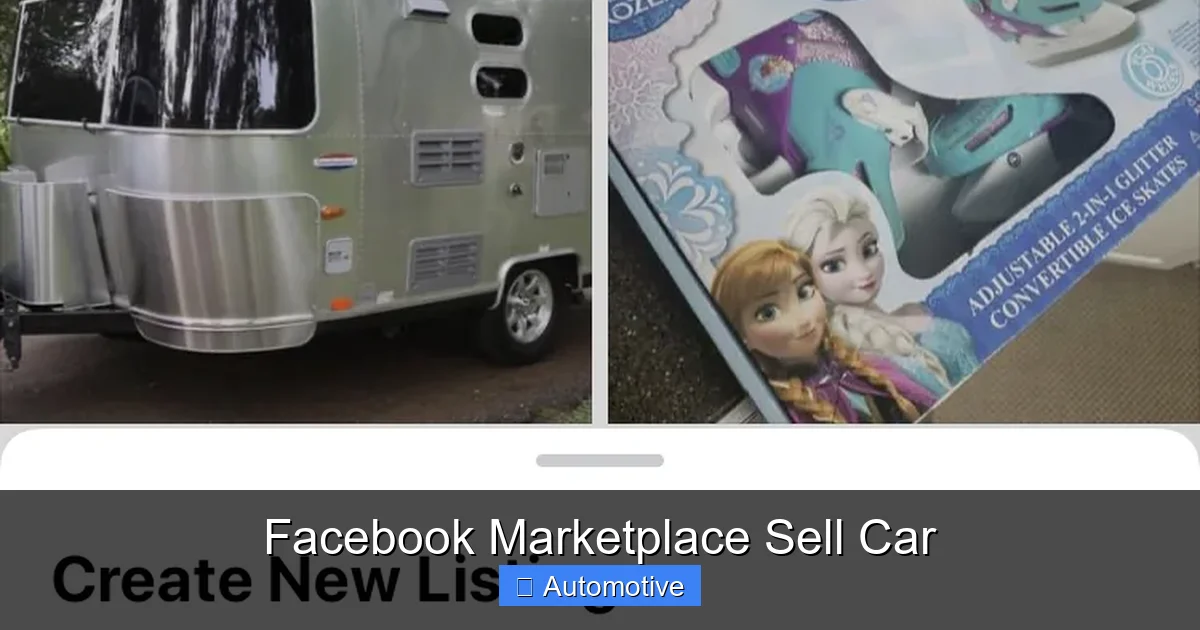
Start by going to Facebook Marketplace—either through the app or website—and click “Create New Listing.” Select “Vehicles” and then “Car or Truck.” From there, fill in the required fields accurately. Don’t skip optional details like trim level, transmission type, fuel economy, or features (e.g., backup camera, heated seats, Apple CarPlay). These specifics help filter out unqualified buyers and show that you’re serious about transparency.
One common mistake? Using vague titles like “Nice Car for Sale.” Instead, use descriptive titles such as “2018 Honda Civic EX – Low Miles, Clean Title, One Owner.” This not only improves search visibility but also attracts the right audience. Remember, buyers often scan listings quickly—your title is your first impression.
Write a Clear, Honest Description
Your description should be concise yet thorough. Highlight key selling points: low mileage, excellent maintenance history, new tires, recent oil changes, or included extras like winter tires or a roof rack. Be honest about any flaws—mention minor scratches, dents, or mechanical issues upfront. Hiding problems may lead to lost sales or disputes later.
For example:
“Well-maintained 2016 Toyota Camry LE with 68,000 miles. Single owner, always serviced at dealership. New brakes and battery installed last month. Minor paint chip on rear bumper (see photo). Non-smoker, no accidents, clean Carfax available. Asking $14,500 OBO.”
Avoid exaggerations like “perfect condition” unless it’s truly spotless. Buyers appreciate honesty—it builds credibility and reduces back-and-forth messages.
Upload High-Quality Photos
Photos are arguably the most important part of your listing. A car might have great specs, but if the photos are dark, blurry, or taken from odd angles, buyers will scroll right past it. Aim for at least 8–10 high-resolution images that showcase your vehicle from every angle.
Start with a clean car—wash it inside and out before shooting. Natural daylight is best; avoid taking pictures at night or in direct sunlight that creates harsh shadows. Capture the front, back, both sides, interior (driver’s seat, passenger side, back seat), trunk, engine bay, and wheels. Include close-ups of any imperfections so buyers know exactly what they’re getting.
Pro tip: Take one photo with the car parked in front of a neutral background (like a plain wall or empty driveway) to make it look professional. Avoid cluttered garages or busy streets unless they add context (e.g., showing off off-road capability).
Pricing Your Car Right on Facebook Marketplace
Visual guide about Facebook Marketplace Sell Car
Image source: autoxloo.com
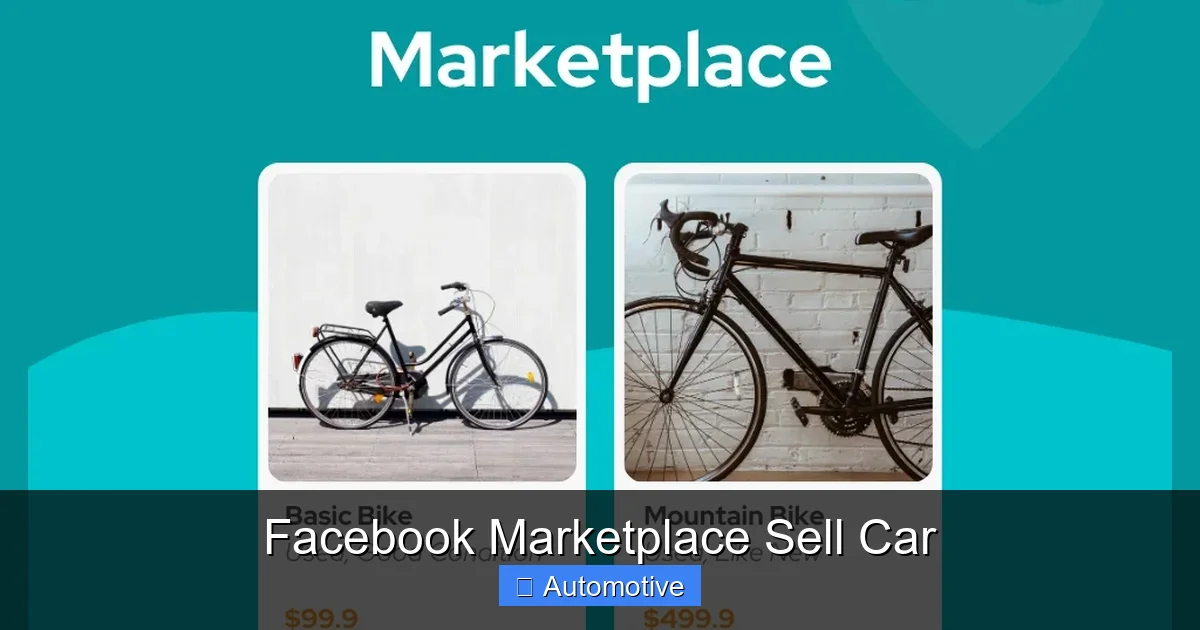
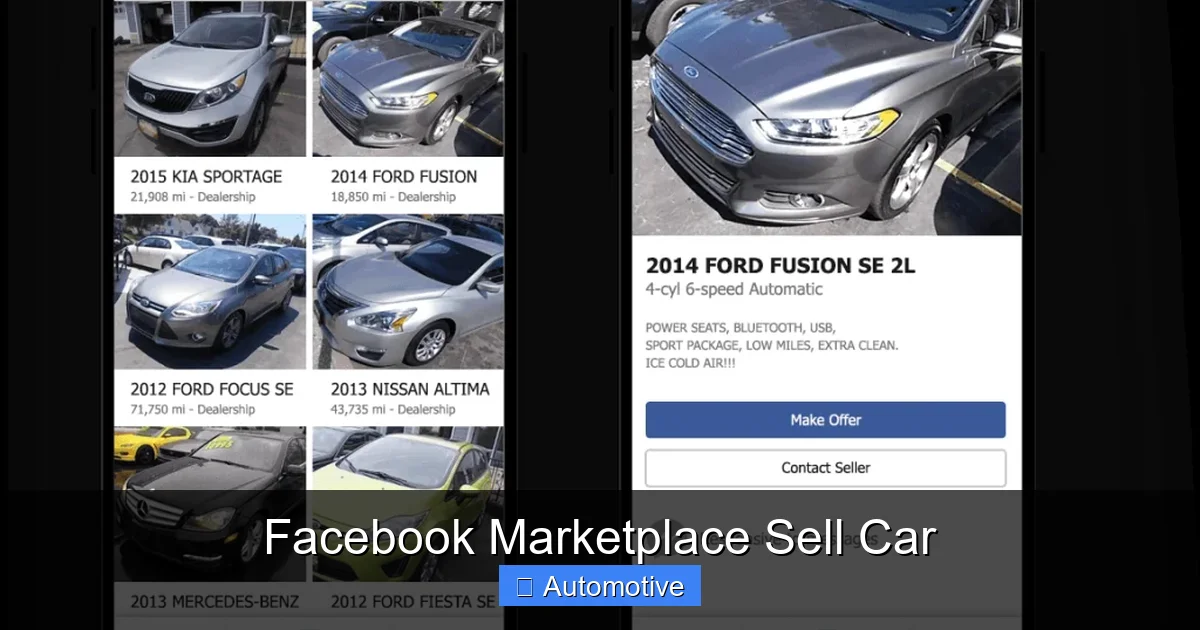
Pricing is where many sellers go wrong—either overpricing and waiting months for a bite or underpricing and leaving money on the table. The key is research. Start by checking similar listings on Facebook Marketplace, Craigslist, Kelley Blue Book (KBB), Edmunds, and Autotrader. Look for vehicles with comparable year, mileage, condition, trim, and location.
Don’t just copy the highest price you see. Consider factors like market demand (SUVs and trucks often sell faster in rural areas), seasonal trends (convertibles move better in spring/summer), and local competition. If three identical cars are listed near you for $15,000, pricing yours at $17,000 will likely scare off buyers.
Use KBB’s “Private Party Value” as a baseline, then adjust based on your car’s condition and extras. If you’ve recently replaced the timing belt or added premium features, you can justify a slight premium—but don’t overdo it.
Should You Negotiate or Set a Firm Price?
Most buyers expect some room for negotiation, so consider pricing slightly above your minimum acceptable offer (e.g., add $500 if you’re willing to accept $14,000). However, if you’re in a hurry to sell or the market is hot, you might set a firm price and state “Firm” or “No Lowballers” in your description.
Be prepared for low offers—especially in the first few days. Some buyers test the waters with unrealistic bids. Politely decline or counter with a reasonable number. Remember, serious buyers will respect a fair price.
Safety Tips When Selling Your Car on Facebook Marketplace
Visual guide about Facebook Marketplace Sell Car
Image source: www-cdn.bigcommerce.com
While Facebook Marketplace is generally safe, scams and unsafe encounters do happen. Protect yourself by following these best practices:
Always meet in a public, well-lit place—like a police station parking lot, mall, or busy shopping center. Many police departments even offer “safe exchange zones” specifically for online transactions. Never invite strangers to your home or meet in isolated areas.
Bring a friend or family member with you for test drives and meetups. There’s safety in numbers, and having someone else present can deter bad actors.
Avoid sharing sensitive information like your home address, bank details, or Social Security number. Legitimate buyers won’t ask for these. If someone pressures you for personal data or wants to pay with a cashier’s check or wire transfer, it’s likely a scam.
Watch Out for Common Scams
One red flag is a buyer who wants to pay upfront via PayPal “Friends & Family” or Zelle and asks you to ship the car. Real local buyers want to see and drive the vehicle first. Another scam involves fake cashier’s checks—they look real but bounce after you deposit them, leaving you out of pocket.
Never accept payment before transferring ownership. In most states, you must sign over the title and complete a bill of sale before receiving funds. Use cash or a certified cashier’s check from a local bank (verify it in person).
If something feels off, trust your gut. It’s better to lose a potential sale than risk your safety or finances.
Handling Inquiries and Closing the Sale
Once your listing goes live, expect messages—sometimes within hours. Respond promptly and professionally. A quick reply shows you’re serious and helps build rapport.
When answering questions, be friendly but concise. Provide only the information asked unless it’s relevant to mention something else (e.g., “Yes, it has Bluetooth—and the tires were replaced last winter”). Avoid oversharing personal details.
Scheduling Test Drives
For test drives, always accompany the buyer. Never hand over your keys unless you’re in the car. Bring your driver’s license and proof of insurance. Some sellers ask for a copy of the buyer’s license and insurance as well—this is smart practice.
Keep the test drive short (15–20 minutes) and stick to familiar routes. Avoid highways or remote roads. If the buyer seems overly aggressive or asks to drive alone, politely decline.
Finalizing the Transaction
When you’ve agreed on a price, it’s time to close the deal. Both parties should sign the vehicle title (check your state’s requirements—some need notarization or specific wording). Complete a bill of sale (available free online from most DMV websites) that includes names, addresses, VIN, sale price, and date.
Remove your license plates (in most states) and cancel your insurance immediately after the sale. Notify your DMV within the required timeframe to avoid liability for parking tickets or accidents.
Accept payment in a secure form: cash is safest for amounts under $10,000. For larger sums, meet at the buyer’s bank to verify a cashier’s check. Never release the car until payment is confirmed.
Alternatives and When to Consider Other Platforms
While Facebook Marketplace is excellent for local, private-party sales, it’s not the only option. If you’re not getting traction after 2–3 weeks, consider expanding your reach.
Craigslist remains popular in some regions, especially for older or budget vehicles. Autotrader and Cars.com offer broader exposure but charge listing fees ($25–$100+). Dealership trade-ins are convenient but usually yield lower offers.
If your car is luxury, rare, or high-mileage, niche forums or enthusiast groups (like Facebook groups for specific car models) might attract more qualified buyers.
That said, for most everyday cars, Facebook Marketplace strikes the perfect balance of reach, cost, and convenience.
Final Thoughts: Make the Most of Your Sale
Selling your car on Facebook Marketplace doesn’t have to be stressful. With the right photos, honest description, fair pricing, and safety precautions, you can turn your vehicle into cash quickly and confidently. The platform’s massive user base means more eyes on your listing—and more chances to find the right buyer fast.
Remember: patience pays off. Don’t rush into a low offer just because you’re eager to sell. At the same time, be responsive and flexible. A little effort upfront can result in a smooth, satisfying transaction.
Whether you’re upgrading to a newer model, switching to a motorcycle, or simply decluttering your driveway, Facebook Marketplace gives you the tools to sell on your terms. So clean up that car, snap some great photos, and get listing—you might be surprised how fast it goes!
Frequently Asked Questions
Is it free to sell a car on Facebook Marketplace?
Yes, Facebook Marketplace does not charge any listing fees for selling a car. You can create and post your listing at no cost, making it one of the most affordable options available.
How long does it take to sell a car on Facebook Marketplace?
Most cars sell within 1–3 weeks if priced correctly and presented well. High-demand models in good condition can sell in just a few days, especially during peak buying seasons.
Do I need to meet buyers in person?
Yes, nearly all transactions on Facebook Marketplace involve in-person meetings for test drives and final paperwork. Always meet in public places and prioritize safety.
Can I sell my car if it has a lien or loan?
You can list it, but you must pay off the loan before transferring ownership. Some sellers coordinate with lenders to handle payoff at the time of sale—check with your bank first.
What should I do after the sale is complete?
Remove your license plates, cancel your insurance, sign over the title, and notify your DMV. Keep a copy of the bill of sale for your records in case of future disputes.
Are there scams to watch out for?
Yes—common scams include fake checks, requests to ship the car, or buyers who refuse to meet in person. Always verify payment and meet locally to avoid fraud.