
Can I Update My Lexus Navigation System?

Yes, you can update your Lexus navigation system—and you should. Regular updates ensure accurate maps, new roads, points of interest, and improved routing. Whether you drive a 2015 Lexus RX or a 2023 Lexus ES, keeping your navigation current enhances safety and convenience.
Key Takeaways
- Yes, Lexus navigation systems can be updated: Most models from 2007 onward support map and software updates via USB or dealership services.
- Updates improve accuracy and safety: New roads, traffic patterns, and speed limits are included, helping you avoid delays and hazards.
- Free updates may be available: Some Lexus owners qualify for complimentary map updates during warranty periods or through loyalty programs.
- DIY updates are simple: You can download updates from the official Lexus website using a USB drive—no tools or technical skills required.
- Dealerships offer professional support: If you prefer hands-off service, your local Lexus dealer can install updates quickly and safely.
- Frequency matters: Experts recommend updating your navigation system at least once every 1–2 years for optimal performance.
- Check compatibility first: Not all older models support the latest update formats—verify your system version before proceeding.
📑 Table of Contents
- Can I Update My Lexus Navigation System?
- Why Updating Your Lexus Navigation System Matters
- How to Check If Your Lexus Navigation System Can Be Updated
- Step-by-Step Guide: Updating Your Lexus Navigation System at Home
- Getting Updates at a Lexus Dealership
- How Often Should You Update Your Lexus Navigation System?
- Common Issues and Troubleshooting Tips
- Final Thoughts: Keep Your Lexus Navigation Current
If you’re driving a Lexus—whether it’s a sleek ES sedan, a rugged GX SUV, or a sporty IS coupe—you likely rely on its built-in navigation system to get you where you need to go. But have you ever wondered if that system stays up to date? The short answer is: yes, you absolutely can update your Lexus navigation system. And in today’s fast-changing world of new roads, construction zones, and evolving traffic patterns, keeping your maps current isn’t just convenient—it’s essential.
Lexus has long been known for blending luxury with cutting-edge technology, and their navigation systems are no exception. Over the years, they’ve evolved from basic GPS units to sophisticated infotainment hubs with real-time traffic, voice recognition, and integration with smartphone apps. But like any tech, these systems need regular maintenance to perform at their best. Outdated maps can lead to wrong turns, missed exits, or even unsafe routing decisions—especially in unfamiliar areas.
The good news? Updating your Lexus navigation system is easier than you might think. Whether you’re tech-savvy or prefer to leave it to the professionals, there are multiple ways to ensure your system stays current. From DIY downloads to dealership visits, we’ll walk you through everything you need to know—including how often to update, what’s included in updates, and how to check if your specific model is eligible.
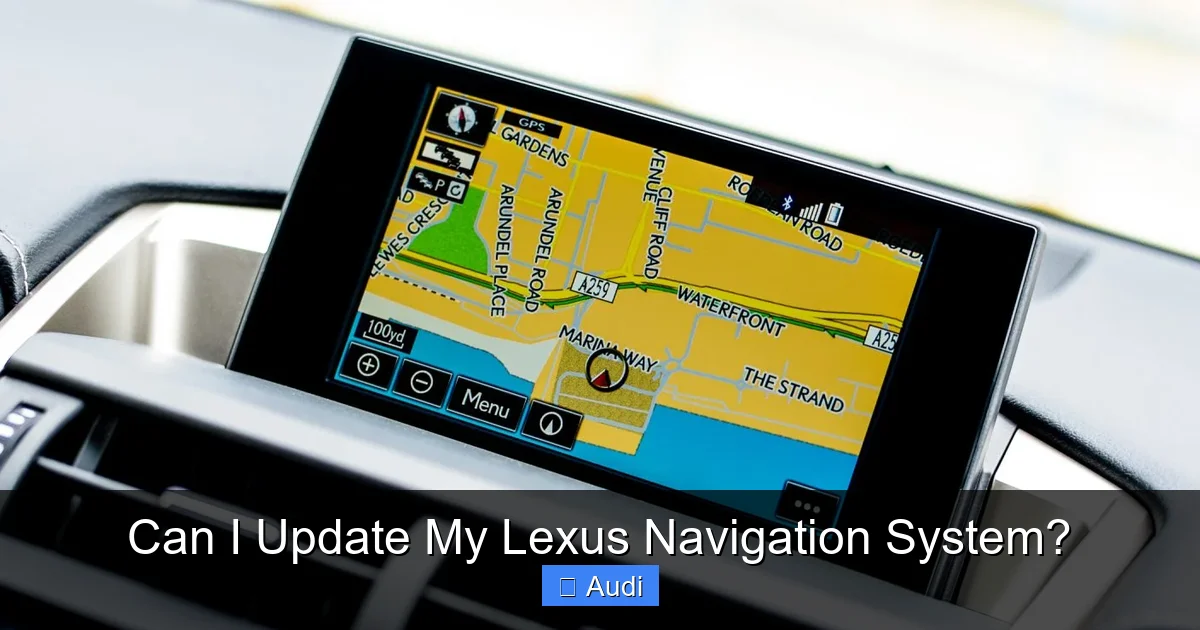
Visual guide about Can I Update My Lexus Navigation System?
Image source: mag.lexus.co.uk
You might be thinking, “My GPS works fine—why bother updating?” But consider this: the average city adds dozens of new roads, traffic signals, and points of interest every year. Without updates, your navigation system is essentially working with a map that could be years out of date. That means it might not know about a new highway bypass, a recently opened shopping center, or even a temporary road closure due to construction.
Safety and Accuracy
One of the most compelling reasons to update your Lexus navigation system is safety. Modern updates include not just new roads, but also revised speed limits, school zones, accident-prone areas, and traffic camera locations. For example, if a busy intersection recently added a red-light camera, an updated system can alert you in advance—helping you avoid a costly ticket.
Moreover, accurate routing reduces driver stress. Imagine driving through a new suburb only to have your GPS insist you turn left onto a road that doesn’t exist anymore. Frustrating, right? Updated maps prevent these scenarios by reflecting real-world changes, so you can drive with confidence.
Improved Route Efficiency
Outdated maps often lead to inefficient routes. Your system might direct you down a congested street when a faster alternate route is now available. With regular updates, your Lexus can take advantage of new highways, bypasses, or even HOV lanes that weren’t present when your car was first sold.
For instance, let’s say you frequently drive from downtown Dallas to the suburbs. If a new toll road opened last year that cuts 15 minutes off your commute, an updated navigation system will know about it—and suggest it as the fastest option. Without the update? You’re stuck in traffic, unaware of the better path.
Enhanced Points of Interest (POI)
Another benefit of updating is access to the latest Points of Interest. This includes gas stations, restaurants, hospitals, parking garages, EV charging stations, and more. If a new Starbucks opened near your office or a popular restaurant relocated, your updated system will reflect that.
This is especially useful for travelers. Whether you’re road-tripping across the country or just exploring a new city, having current POI data means you won’t miss out on great local spots—or waste time searching for a restroom when you need one.
Software Stability and Features
Beyond maps, navigation updates often include software improvements. These can fix bugs, improve touchscreen responsiveness, enhance voice command accuracy, and even add new features like improved lane guidance or 3D building views.
For example, a recent update for the 2020 Lexus RX introduced better integration with Apple CarPlay and Android Auto, allowing smoother transitions between phone apps and the car’s display. Without the update, you might experience lag or connectivity issues.
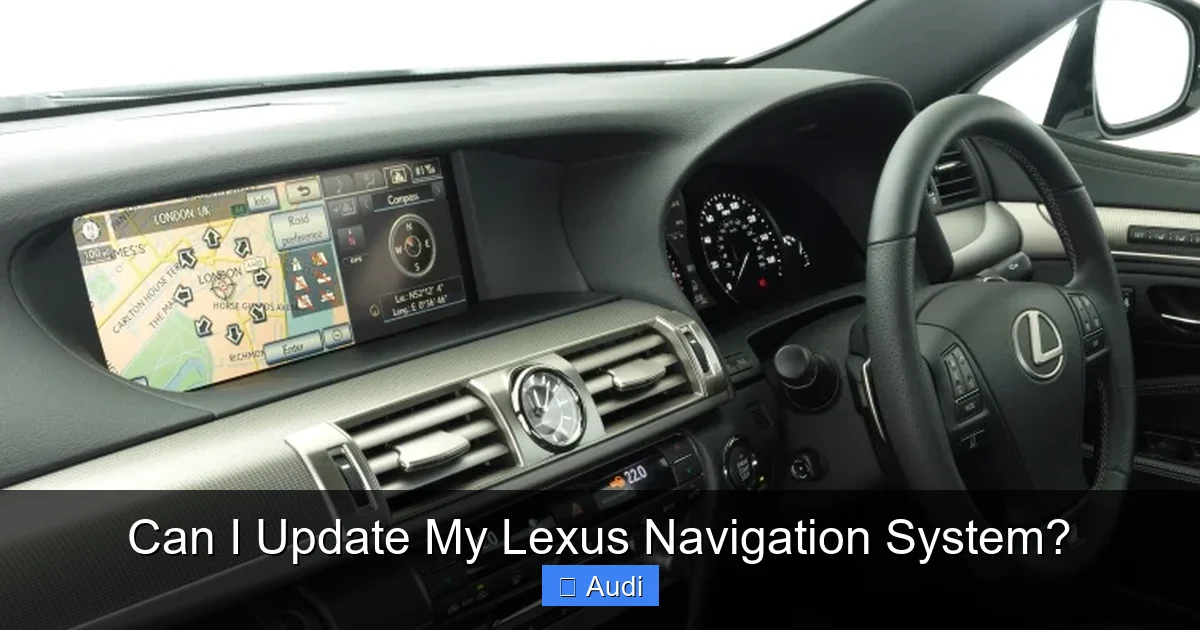
Visual guide about Can I Update My Lexus Navigation System?
Image source: mag.lexus.co.uk
Before you rush to download the latest update, it’s important to confirm that your specific Lexus model and year support navigation updates. While most vehicles from 2007 onward are eligible, there are some exceptions—especially for very early GPS systems.
Identify Your System Type
Lexus has used several navigation platforms over the years, including:
– **Lexus Navigation System (LNS)** – Found in models from 2007–2012
– **Lexus Enform** – Introduced around 2013, with cloud-based features
– **Lexus Multimedia System (LMS)** – Used in newer models (2018+), often with larger touchscreens and over-the-air capabilities
To find your system type, check your owner’s manual or look at the home screen of your infotainment system. You can also visit the official Lexus website and enter your VIN to see compatible updates.
Check Your Vehicle’s Eligibility
Not all older models can receive the latest updates. For example, vehicles with DVD-based navigation (common in pre-2010 models) may no longer be supported. Lexus typically provides updates for systems that use USB or SD card storage.
To verify eligibility:
1. Visit [Lexus Drivers](https://www.lexus.com/drivers) and log in or create an account.
2. Enter your vehicle’s VIN (Vehicle Identification Number).
3. Navigate to the “Navigation” or “Software Updates” section.
4. The site will tell you if updates are available and what method to use.
If your system is no longer supported, you may still be able to get basic map updates through third-party services—but these are not officially endorsed by Lexus and may not include all features.
Determine Your Update Method
Once you confirm your system is updatable, you’ll need to choose how to install the update. The two main options are:
– **DIY via USB:** Download the update from Lexus, transfer it to a USB drive, and install it in your car.
– **Dealership installation:** Visit your local Lexus service center, where a technician will handle the update for you.
We’ll cover both methods in detail below.
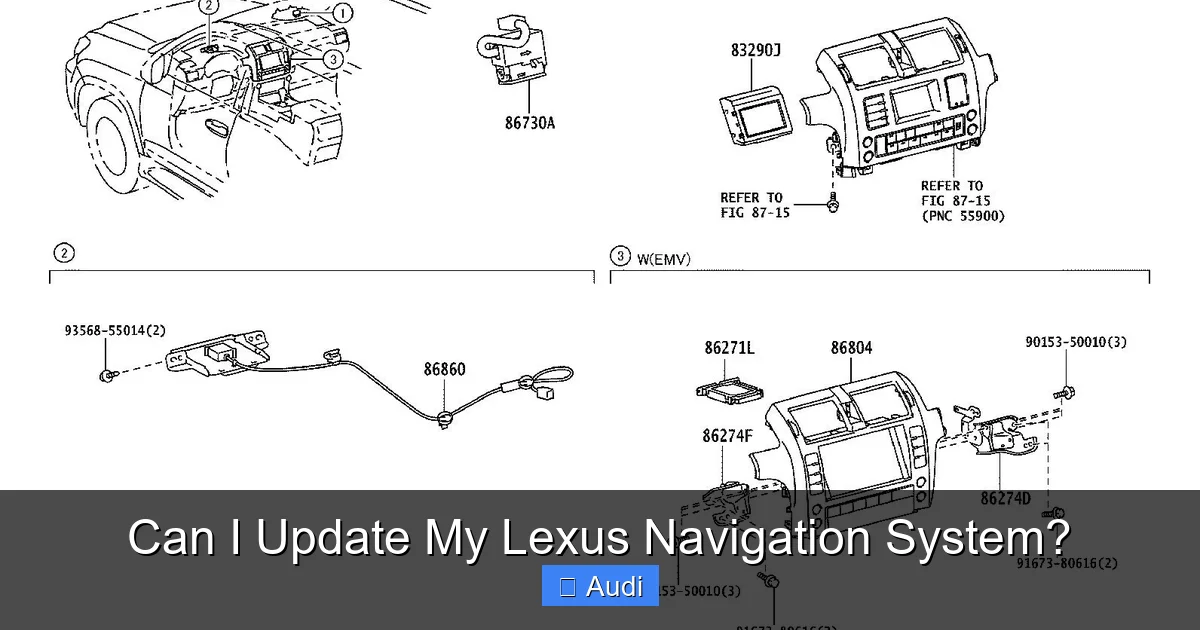
Visual guide about Can I Update My Lexus Navigation System?
Image source: images.simplepart.com
If you’re comfortable with technology and prefer to save time and money, updating your navigation system at home is a great option. Here’s how to do it safely and correctly.
Step 1: Prepare Your USB Drive
You’ll need a USB flash drive with at least 8GB of storage (16GB recommended). Make sure it’s formatted to FAT32—this is required for compatibility with Lexus systems.
To format your USB drive:
– On Windows: Insert the drive, open “This PC,” right-click the USB, select “Format,” choose FAT32, and click “Start.”
– On Mac: Open “Disk Utility,” select the USB, click “Erase,” choose “MS-DOS (FAT),” and click “Erase.”
⚠️ Warning: Formatting will erase all data on the drive, so back up any important files first.
Step 2: Download the Update from Lexus
1. Go to the official [Lexus Navigation Updates](https://www.lexus.com/drivers/navigation-updates) page.
2. Enter your VIN to verify eligibility.
3. If updates are available, you’ll see a download link for the latest map and software package.
4. Click “Download” and save the file to your computer.
The download may take 10–30 minutes, depending on your internet speed. The file size is typically between 4GB and 8GB.
Step 3: Transfer the Update to Your USB Drive
Once the download is complete, extract the files (usually in a .zip folder) and copy them to the root directory of your USB drive. Do not place them in a folder—your Lexus system needs to access them directly.
Step 4: Install the Update in Your Vehicle
1. Start your Lexus and ensure the engine is running (updates require power and may take 30–60 minutes).
2. Insert the USB drive into the USB port (usually in the center console or dashboard).
3. The system should automatically detect the update and prompt you to begin.
4. Follow the on-screen instructions. Do not turn off the car or remove the USB during the process.
5. Once complete, the system will restart, and your navigation will be up to date.
💡 Pro Tip: Perform the update in a safe, parked location—never attempt this while driving.
Step 5: Verify the Update
After installation, check the map version in your system settings (usually under “System Info” or “Navigation Settings”). Compare it to the version listed on the Lexus website to confirm success.
Getting Updates at a Lexus Dealership
If you’d rather not handle the update yourself, your local Lexus dealership can do it for you. This is a great option if you’re short on time, uncomfortable with technology, or want peace of mind knowing a professional handled it.
What to Expect at the Dealership
When you visit the service department, let them know you’d like a navigation update. They’ll:
– Verify your vehicle’s eligibility
– Download and install the latest maps and software
– Test the system to ensure everything works correctly
The process usually takes 30–60 minutes and can often be done while you wait.
Cost of Dealership Updates
While some updates are free—especially if your vehicle is under warranty or part of a loyalty program—others may cost between $100 and $200. However, many dealerships offer seasonal promotions or service packages that include free updates.
💡 Tip: Call ahead to ask about current offers. Some service centers provide complimentary updates for returning customers.
Benefits of Professional Installation
– No risk of user error
– Technicians can diagnose other infotainment issues
– Often includes a system health check
– Guaranteed compatibility and support
If your system has connectivity issues or slow performance, a dealership visit might uncover additional problems that a DIY update wouldn’t fix.
There’s no one-size-fits-all answer, but most experts recommend updating your navigation system **at least once every 12 to 24 months**. Here’s why:
Map Data Changes Frequently
According to mapping companies like HERE Technologies (which supplies data to Lexus), over 2 million miles of road change globally each year. That includes new highways, closed roads, altered speed limits, and updated traffic patterns.
In rapidly developing areas—like Austin, Texas, or Phoenix, Arizona—you might benefit from updates every 6–12 months.
Software Improvements Roll Out Regularly
Lexus frequently releases software patches to improve performance, fix bugs, and enhance features. For example, a 2022 update for the Lexus NX added better voice recognition and improved route calculation speed.
Seasonal and Event-Based Updates
Some updates include seasonal changes, such as winter road conditions or holiday traffic patterns. Others may reflect temporary closures due to events like marathons or festivals.
💡 Recommendation: Set a calendar reminder every 18 months to check for updates. Mark it as “Lexus Nav Check” so you don’t forget.
Common Issues and Troubleshooting Tips
Even with the best preparation, things can go wrong. Here are some common problems and how to fix them.
Update Fails to Start
If your system doesn’t recognize the USB drive:
– Ensure the USB is formatted to FAT32
– Try a different USB port
– Use a different USB drive (some brands aren’t compatible)
– Restart the car and try again
Update Gets Stuck or Freezes
Never turn off the car during an update. If it freezes:
– Wait at least 10 minutes—sometimes the system is processing
– If no progress, carefully remove the USB and restart the car
– Try the update again with a freshly formatted drive
Maps Still Look Outdated After Update
Double-check the map version in your system settings. If it hasn’t changed, the update may not have installed correctly. Re-download the file and try again.
No Sound or Voice Guidance
After an update, audio settings may reset. Go to “Audio Settings” and ensure navigation voice prompts are enabled.
Updating your Lexus navigation system is a small task with big rewards. It keeps your maps accurate, improves safety, saves time, and enhances your overall driving experience. Whether you choose to do it yourself or visit a dealership, the process is straightforward and well worth the effort.
Remember: your car’s navigation is only as good as its last update. In a world where roads change daily, staying current isn’t optional—it’s essential. So don’t wait until you’re lost in a new city or stuck in unexpected traffic. Take a few minutes today to check if your system needs an update. Your future self (and your passengers) will thank you.
Frequently Asked Questions
How often does Lexus release navigation updates?
Lexus typically releases navigation updates once or twice a year. These include new map data, software improvements, and updated Points of Interest. Check the official Lexus website regularly or set a reminder to stay informed.
Are Lexus navigation updates free?
Some updates are free, especially during your vehicle’s warranty period or through Lexus loyalty programs. However, older models or out-of-warranty vehicles may require a paid update, usually between $100 and $200 at a dealership.
Can I update my Lexus navigation system myself?
Yes, most Lexus owners can update their navigation system at home using a USB drive. Simply download the update from the Lexus website, transfer it to a formatted USB, and follow the on-screen instructions in your vehicle.
What happens if I don’t update my navigation system?
Without updates, your maps may become outdated, leading to incorrect directions, missed routes, or inefficient travel. You might also miss new safety features, traffic alerts, and Points of Interest.
Will updating my navigation system delete my saved locations?
No, updating your navigation system does not delete saved destinations, favorites, or user preferences. Your personal data remains intact during the update process.
Can I use a third-party navigation app instead of updating?
Yes, you can use apps like Google Maps or Waze via Apple CarPlay or Android Auto. However, these require a smartphone and data connection, while the built-in system works offline—making updates still valuable for reliability and convenience.
