
How to Reset the Oil Change Light on a Toyota Tundra

The oil change light on your Toyota Tundra is a crucial maintenance reminder that illuminates when your engine requires fresh oil. Resetting it is a simple process you can do yourself after an oil change, typically using the odometer button or a scan tool. It’s vital to never reset the light without actually changing the oil, as this defeats the system’s purpose of protecting your engine. Always consult your owner’s manual for model-specific instructions, as procedures can vary slightly between generations.
Key Takeaways
- Purpose First: The oil change light is a maintenance reminder, not an emergency alert. It signals it’s time for scheduled service, not that immediate engine damage is occurring.
- Two Main Methods: You can usually reset the light manually via the dashboard buttons (trip/odometer) or by using an OBD2 scan tool. The manual method is free and universal; the scan tool is often faster and can also clear other codes.
- Model Year Matters: The exact button sequence can differ between Tundra generations (e.g., 2007-2013 vs. 2014-2021 vs. 2022+). Your owner’s manual is the final authority.
- Never Skip the Oil Change: Resetting the light without replacing the oil and filter is dangerous. It turns off a critical warning system, leaving you unprotected from severe engine wear.
- Safety is Key: Always perform the reset with the ignition in the “ON” or “RUN” position (engine off), and ensure the parking brake is engaged. Do not attempt this while driving.
- When to Seek Help: If the light returns immediately after a proper reset or illuminates alongside the check engine light, there may be a sensor issue or a genuine engine problem requiring a professional mechanic.
- Part of a Routine: Resetting the light is the final step in a complete oil change service, which should also include checking fluid levels, tire pressure, and performing any other scheduled maintenance.
📑 Table of Contents
- Introduction: Understanding Your Tundra’s Silent Guardian
- What Exactly Is the Oil Change Light Telling You?
- Essential Preparation Before You Begin
- Method 1: The Standard Manual Reset (Button Sequence)
- Method 2: Using an OBD2 Scan Tool
- Model Year Variations and Special Cases
- Troubleshooting: What to Do When the Light Won’t Reset
- Conclusion: More Than Just a Light
Introduction: Understanding Your Tundra’s Silent Guardian
That little amber wrench or “MAINT REQD” symbol glowing on your Toyota Tundra’s dashboard isn’t just being annoying. It’s your truck’s way of having a serious, yet polite, conversation with you. It’s saying, “Hey, friend, my oil is getting tired. It’s time for a change to keep my powerful V6 or V8 running smoothly for years to come.” The oil change light is a fundamental part of your Tundra’s maintenance reminder system, a feature that has been standard in Toyotas for decades. Ignoring it is one of the fastest paths to expensive engine repairs. But here’s the good news: once you’ve completed the actual oil and filter change, resetting that light is a simple, do-it-yourself task that takes less than 30 seconds and requires no special tools for most model years.
This guide is built for every Tundra owner, from the first-generation (2007-2013) models to the latest third-generation trucks. We’ll walk through the “why” behind the light, the essential “how-to” for the manual button-press method (the most common technique), and even touch on using a scan tool. We’ll cover critical preparation steps, highlight the key differences between model years, and warn you of common pitfalls. By the end, you’ll be confidently resetting your oil change light and taking full control of your truck’s maintenance schedule. Remember, a well-maintained Tundra is a reliable Tundra, ready to tackle any job you throw at it.
What Exactly Is the Oil Change Light Telling You?
Before we get our hands dirty (or rather, clean), it’s important to understand what this light represents. It’s not a sensor that measures oil quality in real-time like a dipstick. Instead, it’s a predictive maintenance timer programmed into your truck’s computer, the Engine Control Unit (ECU). The ECU calculates when an oil change is due based on a combination of factors: engine run time, vehicle speed, engine revolutions, and sometimes even engine temperature. This algorithm is designed to approximate the actual degradation of the oil’s lubricating and protective properties under your specific driving conditions.

Visual guide about How to Reset the Oil Change Light on a Toyota Tundra
Image source: oilreset.com
The Difference Between “Oil Change Required” and “Oil Pressure Low”
It is absolutely critical to distinguish between the oil change/maintenance required light and the red oil pressure warning light. The maintenance light (usually yellow or amber, showing a wrench or “MAINT”) is your planned service reminder. The oil pressure light (usually red, showing an old-fashioned oil can) is a dire, immediate warning that engine oil pressure has dropped to a dangerously low level. If the red oil pressure light comes on, you must shut off the engine immediately and call for roadside assistance. Driving with it on can destroy your engine in minutes. The procedure in this guide is only for the scheduled maintenance reminder light.
How the System Knows When to Illuminate
After you or your mechanic completes an oil change, the old maintenance interval must be manually reset. The system does not automatically know the oil is new. If you forget to reset it, the light will continue to illuminate, usually after you’ve driven another 500-1,000 miles, because the ECU’s internal mileage counter has simply continued counting up from where it left off. This is why the reset must be part of the standard oil change procedure.
Essential Preparation Before You Begin
Resetting the light is incredibly simple, but a few moments of preparation ensures it goes smoothly and safely. Rushing this step is the most common cause of frustration.
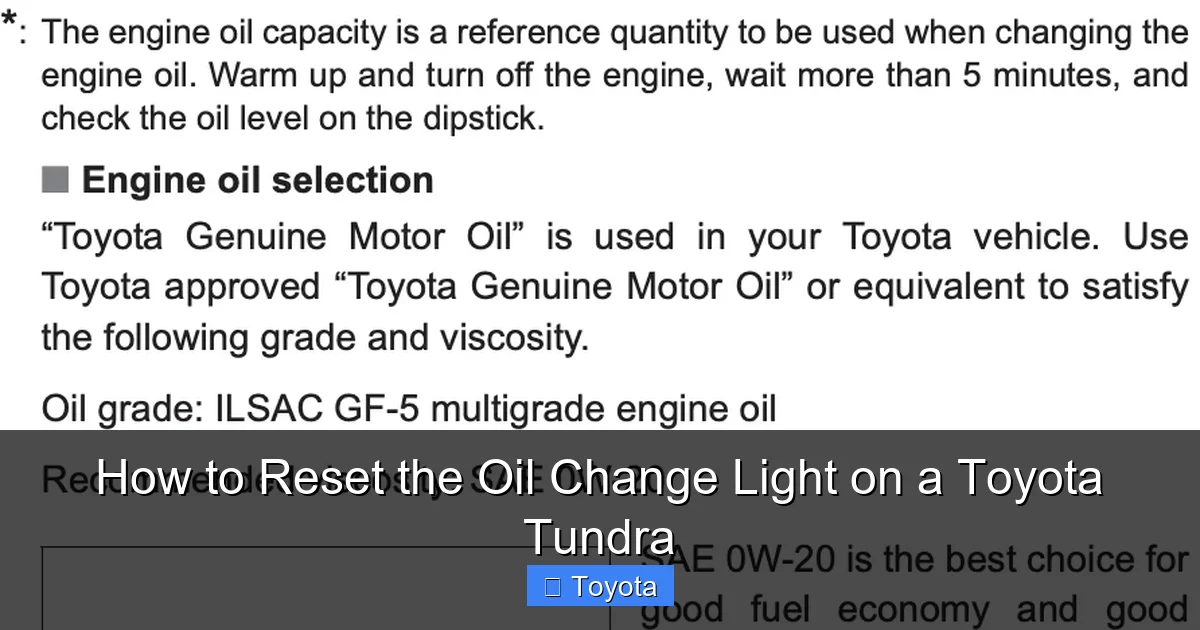
Visual guide about How to Reset the Oil Change Light on a Toyota Tundra
Image source: oilreset.com
Gather Your Information
First, know your exact model year. The process for a 2010 Tundra differs slightly from a 2021 model. Keep your owner’s manual handy—it has the definitive procedure for your specific truck. If you don’t have the physical manual, Toyota often has digital copies available on their owner’s portal. You’ll also need to know whether your truck has the basic gauge cluster or the more advanced multi-information display. This dictates which buttons you’ll use.
Safety First: Vehicle Position and Ignition
Park your Tundra on a level surface, set the parking brake firmly, and shift the transmission into Park (P). The engine must be completely OFF. You will then turn the ignition key to the “ON” or “RUN” position—the position where all dashboard lights illuminate but the engine is not cranking. Do not start the engine. All reset procedures are performed with the key in this accessory/run position.
Locate the Correct Buttons
For the vast majority of Tundras, you will use the trip meter/odometer button (often labeled “ODO/TRIP” or just a single button on the gauge cluster) and sometimes the “SET/INFO” or “DISP” button on the steering wheel. Familiarize yourself with these controls before you start the sequence. On newer models with a full-color multi-information display, you’ll use the steering wheel controls to navigate menus.
Method 1: The Standard Manual Reset (Button Sequence)
This is the classic, tool-free method that works on virtually every Toyota Tundra from 2007 onward. It involves a specific sequence of button presses while the ignition is on. The goal is to access the hidden “Settings” or “Maintenance” menu on your instrument cluster.
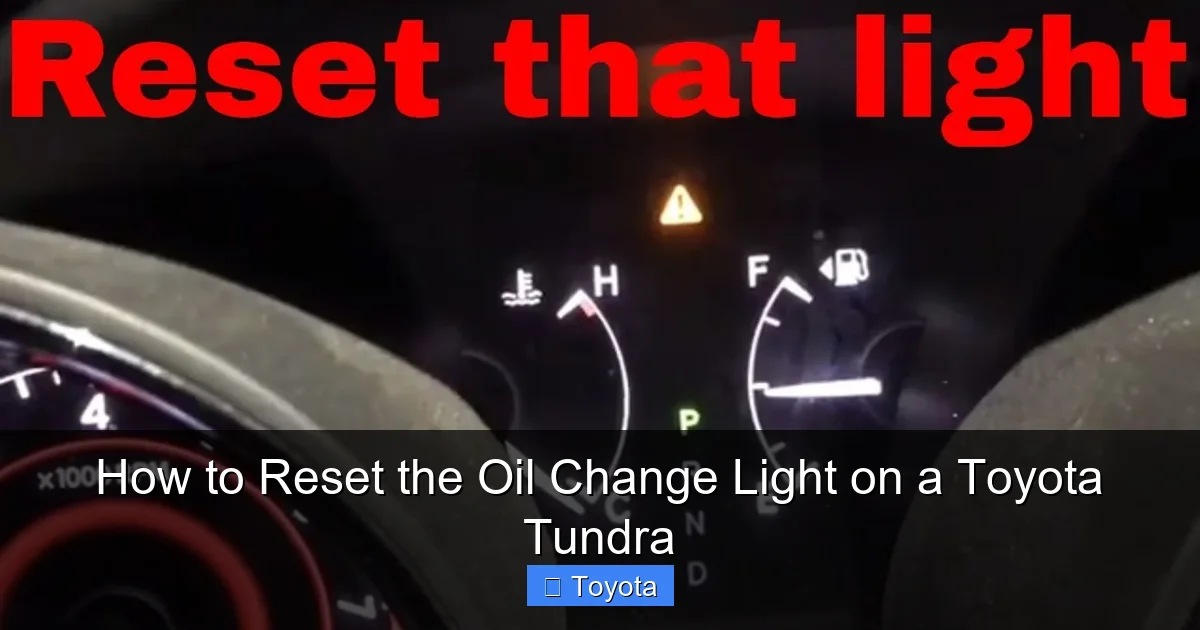
Visual guide about How to Reset the Oil Change Light on a Toyota Tundra
Image source: i.ytimg.com
Step-by-Step for Most Models (2007-2021 with Gauge Cluster)
Follow these steps precisely. If it doesn’t work the first time, turn the ignition off, wait 5 seconds, and try again.
- Ensure the ignition is in the “ON” position (all dash lights on, engine off). The odometer should be displaying the total mileage, not a trip reading.
- Press and release the trip/odometer button to cycle the display until you see the odometer reading (total miles). If you see “Trip A” or “Trip B,” press again.
- Now, turn the ignition key to the “OFF” position.
- While holding down the trip/odometer button, turn the ignition back to the “ON” position.
- Continue holding the button. The odometer display will change. You should see a series of dashes “—–” or a reset confirmation like “SET” or “DONE” appear. This can take 5-10 seconds.
- Release the button. The maintenance required light should blink a few times and then go out. The odometer will return to displaying the total mileage.
- Start the engine to verify the light does not reappear. Turn the engine off. The reset is complete.
For Models with Steering Wheel Controls & Display (e.g., Some 2014-2021)
If your Tundra has the larger color screen between the gauges, the process is menu-driven.
- With ignition “ON,” use the ▲/▼ arrows on the left side of the steering wheel to scroll through the multi-information display menus until you find “Settings” or a gear icon.
- Press the “ENTER” button (usually the center button on the left steering wheel stalk).
- Navigate to “Vehicle Settings” or “Maintenance”.
- Find “Oil Maintenance” or “Service Reset” and select it.
- You will be prompted to confirm the reset. Select “Yes” or “Set”.
- The display should show a confirmation message, and the light on the gauge cluster will extinguish.
Pro Tip: For any model, if the light comes back on after a short drive, the reset may not have been successful. Repeat the process carefully, ensuring you start with the odometer showing total miles, not a trip A/B reading.
Method 2: Using an OBD2 Scan Tool
While the manual method is free, using an OBD2 (On-Board Diagnostics) scanner is a powerful alternative, especially if you already own one for diagnosing check engine lights. This method is often more straightforward and is foolproof, as it directly communicates with the vehicle’s computer.
Why You Might Choose a Scan Tool
An OBD2 scan tool with maintenance reset capabilities (most basic ELM327 adapters with a good app do not have this function) bypasses the button sequences entirely. It’s ideal if the manual method isn’t working, if you have a very new Tundra with a complex menu system, or if you simply prefer a digital confirmation. Tools like the Autel, Launch, or even high-end BlueDriver scanners typically include this “Service Reset” or “Maintenance Light Reset” function for Toyota.
The Simple Scan Tool Process
- Locate the OBD2 port under your Tundra’s dashboard, just below the steering column. It’s a 16-pin trapezoidal connector.
- Plug your compatible scan tool into the port.
- Turn the ignition to the “ON” position (do not start the engine).
- Follow the tool’s menu to select your vehicle (Toyota, Tundra, correct year).
- Look for a menu option called “Maintenance Reset,” “Service Reset,” or “Oil Life Reset.”
- Select the function for “Oil & Filter” or “Engine Oil”.
- The tool will guide you to confirm the reset. Select “Yes” or “Reset.”
- You should see a “Reset Successful” or similar message. The dashboard light should go out immediately.
- Disconnect the scanner and turn the ignition off, then on again to verify.
Important Note: Not all generic OBD2 readers can perform this reset. They are primarily for reading and clearing diagnostic trouble codes (DTCs). Ensure your tool specifically lists “maintenance light reset” for Toyota vehicles before purchasing or attempting this method.
Model Year Variations and Special Cases
While the core principle is the same, the exact steps can differ. Here’s a breakdown for the main Tundra generations. For the most precise instructions, always defer to your owner’s manual. You can also find model-specific guides on our site, such as our detailed article on how to reset the maintenance light on a 2017 Toyota Tundra.
First Generation (2007-2013)
These models almost exclusively use the classic manual button-press method described in Method 1, Step 3. The process is identical across these years: Odometer display → Key OFF → Hold button → Key ON while holding → Release on dash reset. They do not have the complex steering wheel menu system.
Second Generation (2014-2021)
This generation introduced the available multi-information display. Base models likely still use the manual button sequence. Models with the upgraded display (often Limited, Platinum, or TRD Pro trims) will use the steering wheel arrow/enter button menu method. The location of the “Maintenance” menu within the display settings can vary slightly between early (2014-2018) and later (2019-2021) refreshes.
Third Generation (2022-Present)
The all-new Tundra for 2022+ features a large standard touchscreen and a fully digital gauge cluster. The reset is performed via the touchscreen infotainment system. Go to Settings → Vehicle → Maintenance → Oil Maintenance → Reset. You will need to confirm the reset on the screen. The physical button method on the gauge cluster may not work on these newest models.
General Toyota Knowledge: It’s helpful to understand that Toyota’s maintenance reset systems are often consistent across their lineup. If you own other Toyota vehicles like a Highlander or a Tacoma, you’ll find many of the same button sequences apply. This cross-compatibility is a hallmark of Toyota’s user-friendly design philosophy.
Troubleshooting: What to Do When the Light Won’t Reset
You followed the steps perfectly, but that stubborn wrench icon is still glaring at you. Don’t panic. Here are the most common reasons and solutions.
Did You Actually Change the Oil?
This sounds obvious, but it’s the #1 mistake. You must perform the full oil and filter change first. The system is designed to reset only after the service is done. If you try to reset it as a “test” without changing the oil, you are simply clearing the reminder without performing the maintenance, which is dangerous.
Incorrect Starting Point for the Sequence
The single most common error is starting the sequence with the trip meter (Trip A or Trip B) displayed instead of the total odometer reading. Use the button to cycle through until you see the cumulative miles for the truck. Then turn the key off and start the hold sequence.
The Key Sequence is Off
Timing is everything. You must turn the key to “OFF” while still holding the trip button, and then turn it back to “ON” while continuing to hold it. If you release the button when the key is off, the sequence fails. Practice the motion: hold button → key off → (still holding) key on → hold until reset → release.
A Genuine Electrical or Sensor Issue
If you are 100% certain the oil was changed and you’ve repeated the correct procedure multiple times, there may be an underlying issue. A blown fuse for the instrument cluster, a faulty odometer button, or a corrupted ECU memory could be the culprit. At this point, it’s time to consult a professional. Also, if the oil change light is accompanied by the check engine light, you must have the codes read, as it could indicate a serious problem like low oil pressure or a faulty oil level sensor.
Conclusion: More Than Just a Light
Resetting your Toyota Tundra’s oil change light is the satisfying, final click in the cycle of responsible ownership. It’s a small act that speaks volumes about your commitment to your truck’s longevity. By understanding that this light is a smart, algorithm-driven reminder—not a trivial nuisance—and by mastering the simple reset procedure for your specific model year, you take a powerful step in preventing one of the most common and costly forms of engine neglect. Remember, the reset is the last step, not the first. Always begin with a proper oil and filter change using the correct grade and quantity of oil. Then, use your newfound knowledge to silence the light and restore your dashboard to its calm, all-clear state. Your Tundra’s engine, tasked with hauling heavy loads and traversing tough terrain, depends on clean oil just as you depend on it. Keep up with the schedule, reset the light, and enjoy many more miles of reliable, capable performance from your truck.
Frequently Asked Questions
Will resetting the oil change light without changing the oil damage my engine?
Yes, absolutely. The light is a critical maintenance reminder. Resetting it without changing the oil means you are ignoring the need for fresh lubricant, which will lead to increased engine wear, sludge buildup, and eventually catastrophic engine failure. Always change the oil first.
How often should I actually change my Tundra’s oil?
Follow the interval recommended in your owner’s manual. For modern Tundras under normal driving conditions, this is typically every 7,500 to 10,000 miles or 12 months when using synthetic oil. Severe conditions (like frequent short trips, extreme temperatures, or towing) may require changes every 3,000-5,000 miles. The oil change light is calibrated for your specific driving style and will illuminate at the appropriate interval.
Can I use any OBD2 scanner to reset the light?
No. Basic code readers that only read and clear check engine lights usually cannot access the maintenance reset functions. You need a scanner that specifically lists “Oil Light Reset,” “Maintenance Reset,” or “Service Reset” for Toyota vehicles. Higher-end consumer scanners or professional tools have this capability.
What should I do if the oil change light comes back on immediately after I reset it?
This indicates the reset was not successful. First, double-check that you performed the correct procedure for your exact model year and trim level. If it still returns, it may mean the system did not register the reset due to an electrical glitch. Try the procedure again. If the problem persists, there may be a fault with the instrument cluster or the ECU, requiring a dealer or mechanic’s diagnosis.
Is it safe to drive my Tundra with the oil change light on?
It is generally safe to drive for a limited time after the light first illuminates, as it’s a reminder, not an immediate danger signal like the red oil pressure light. However, you should schedule an oil change as soon as possible. Driving for thousands of miles with the light on risks serious engine damage due to depleted oil protection.
Will resetting the oil change light also turn off the check engine light?
No. The oil change light and the check engine light are separate systems controlled by different sensors and logic. Resetting the maintenance light will have no effect on a check engine light, which indicates a problem with emissions, ignition, fuel, or other engine management systems. Those require their own diagnostic and repair process.
