
How Do I Turn Off the Maintenance Reminder on a Toyota Rav4?

The maintenance reminder light on your Toyota RAV4 is a helpful service interval indicator, not an emergency. You can reset it yourself after completing the required maintenance using the vehicle’s onboard controls, typically via the odometer button or multi-information display. The exact steps vary slightly by model year and trim. It is crucial to only reset the light after the actual maintenance service has been performed by a professional or yourself to ensure your vehicle’s longevity and safety.
Key Takeaways
- The light is a reminder, not a diagnosis: The “MAINTENANCE REQUIRED” or oil can symbol indicates scheduled service is due based on mileage/time, not a low oil level or immediate problem.
- Reset methods vary by generation: The procedure differs between older (pre-2019) and newer (2019+) RAV4 models due to changes in the instrument cluster and infotainment system.
- Always perform maintenance first: Resetting the light without completing the recommended oil change, tire rotation, or inspections is irresponsible and can lead to engine damage or unsafe conditions.
- The process is simple and tool-free: No special tools or mechanic skills are needed for a standard reset; it’s a software procedure accessed through the steering wheel controls or odometer button.
- Consult your owner’s manual: Your specific vehicle’s manual provides the definitive procedure for your exact trim and model year, serving as the final authority.
📑 Table of Contents
Understanding Your RAV4’s Maintenance Reminder Light
That little wrench icon or “MAINTENANCE REQUIRED” message glowing on your dashboard can be a source of mild annoyance or genuine concern. Before we dive into the “how,” let’s talk about the “why.” Your Toyota RAV4 is equipped with a sophisticated maintenance reminder system, often called the Maintenance Required Indicator (MRI). It’s not a simple oil life monitor like some older cars; it’s an intelligent system that tracks your driving conditions, mileage, and time since the last service to calculate when specific maintenance items are due.
What Exactly Does the Light Mean?
When the light illuminates, it means your RAV4’s computer has determined that one or more scheduled maintenance tasks—typically an oil and filter change, tire rotation, and a multi-point inspection—are overdue. It’s a proactive nudge from your vehicle, designed to keep it running smoothly and prevent costly repairs down the road. It is fundamentally different from the red oil pressure warning light, which indicates a dangerous, immediate problem requiring you to stop the engine.
For many RAV4 owners, the confusion is understandable. You might have just had an oil change at a quick-lube shop, only for the light to reappear a week later. This often happens because the technician failed to reset the system after the service. Knowing how to turn it off yourself empowers you to ensure the job is done completely. If you own a different Toyota model, the principles are similar, though the steps can differ. For a broader look at the process across the Toyota lineup, resources on how to turn off the maintenance light on a Toyota can provide helpful context.
Why Resetting It Correctly is Non-Negotiable
Here’s the most critical part of this entire guide: you should only reset the maintenance reminder light after the required service has been fully completed. This isn’t a “turn off the annoying light” hack; it’s the final step in a critical maintenance cycle. Resetting the light without changing the oil or rotating the tires simply lies to your car’s computer. The system will continue counting down from zero, and you will have no reliable indicator of when your next service is actually due. This can lead to severely degraded engine performance, excessive wear, and even catastrophic engine failure if oil changes are skipped.
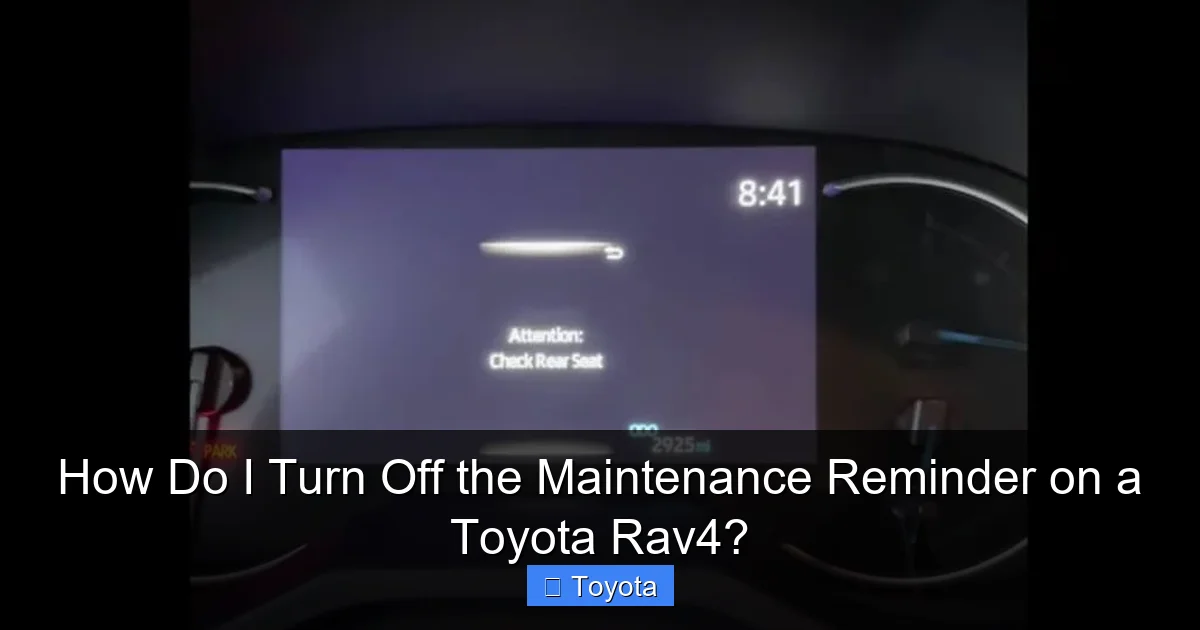
Visual guide about How Do I Turn Off the Maintenance Reminder on a Toyota Rav4?
Image source: psychoautos.com
Safety and Longevity First
Think of the maintenance reminder as your vehicle’s personal health tracker. Ignoring it or falsifying its data is like ignoring a doctor’s advice. The system is calibrated for your specific RAV4, whether it’s a efficient hybrid or a rugged Adventure trim. The service intervals account for everything from severe driving in stop-and-go traffic to normal highway cruising. By respecting the reminder and resetting it only after genuine work, you protect your investment, ensure your safety, and maintain your warranty coverage.
If you’re unsure about what service is due, the best first step is to check your owner’s manual. It contains a detailed maintenance schedule chart. You can also find the last service mileage recorded in your maintenance logbook or by asking your service center. Once you’re certain the work is done, proceed with the reset.
Reset Procedures: A Breakdown by Model Year
The Toyota RAV4 has gone through significant design changes in the last decade, and so have its dashboard controls. The reset procedure is broadly divided into two main categories: models with a traditional odometer button (typically 2018 and older) and models with a full-color multi-information display (MID) controlled by steering wheel buttons (2019 and newer). We’ll cover the most common methods.
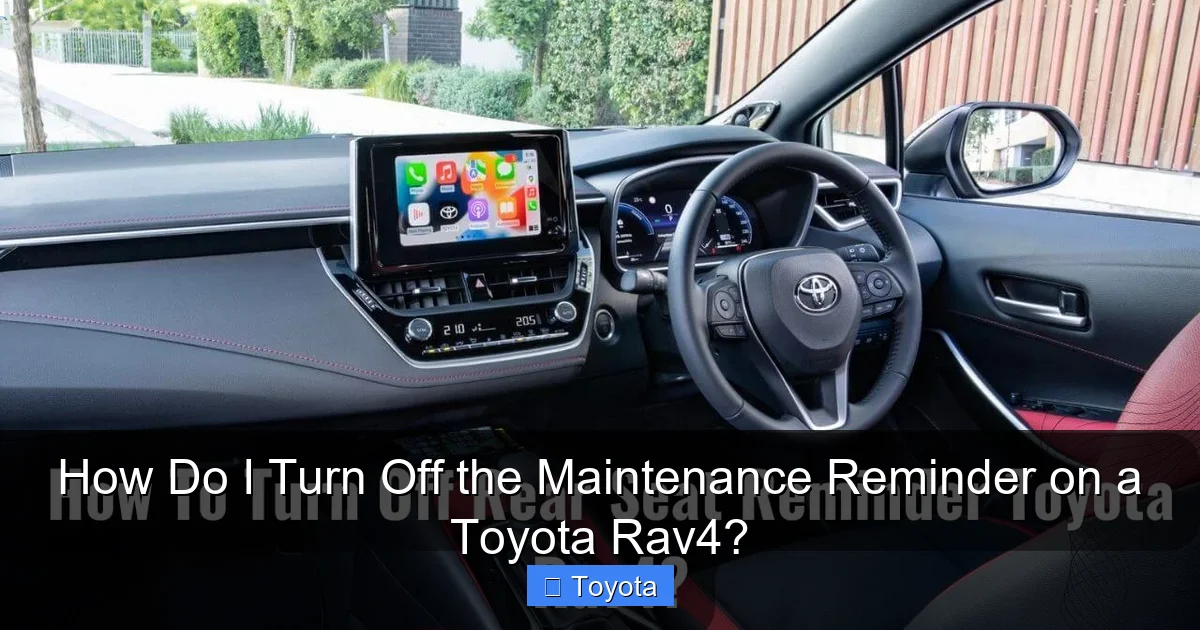
Visual guide about How Do I Turn Off the Maintenance Reminder on a Toyota Rav4?
Image source: psychoautos.com
For RAV4s with a Standard Odometer Display (Pre-2019)
If your RAV4 has a simple, non-color screen in the gauge cluster where you toggle the odometer with a stalk or button on the dashboard, this is likely your method.
- Step 1: Turn the ignition to the “ON” position (all dash lights on, but do not start the engine). Ensure the odometer is displaying the normal mileage, not a trip meter.
- Step 2: Using the button on the odometer display or the trip meter stalk, turn the odometer off until the display is completely blank or shows only “ODO.” On many models, you press and hold the button until you see a series of dashes or the maintenance reminder icon start to blink.
- Step 3: Once the icon is blinking, release the button. Press and release it again (or sometimes just wait a few seconds) to confirm the reset. The wrench light should go out, and the odometer should return to normal.
This method can be finicky. If it doesn’t work on the first try, cycle the ignition off and on and repeat. The key is getting the display to show the maintenance reminder icon in a blinking state, which signifies the system is in reset mode.
For RAV4s with a Multi-Information Display (2019+)
The current generation RAV4 (introduced for the 2019 model year) and many late-2018 models feature a color screen between the speedometer and tachometer. This is controlled by buttons on the steering wheel. The process is more menu-driven but often more intuitive.
- Step 1: Turn the car to “ON” (do not start). Use the left arrow button on the steering wheel to navigate to the “Settings” or “Gauge” menu on the display.
- Step 2: Scroll through the menu options until you find “Maintenance” or “Maintenance Reset.” Select it.
- Step 3: The screen will likely show the current mileage or date of the last reset. You’ll be prompted to confirm the reset. Use the “Enter” or “Set” button (often the center button on the arrow pad) to confirm. A message like “Maintenance Reset Completed” should appear.
- Step 4: Exit the menu. The wrench light on your instrument cluster should now be extinguished.
For the 2020 and 2021 models specifically, the steps are nearly identical. If you own a 2022 or newer RAV4, the interface might be slightly different but follows the same logic. For model-specific nuances, a guide dedicated to how to reset the maintenance light on a 2021 Toyota RAV4 can provide exact button sequences and screenshots.
Common Pitfalls and How to Avoid Them
Even with the right steps, things can go wrong. Here are the most frequent issues RAV4 owners face and how to solve them.

Visual guide about How Do I Turn Off the Maintenance Reminder on a Toyota Rav4?
Image source: psychoautos.com
“The Light Won’t Stop Blinking!”
This usually means you didn’t complete the confirmation step. In the older button method, you must press and hold the button until the icon blinks, then release and press it again quickly. In the newer menu system, you must scroll to the “Reset” option and explicitly select “Yes” or “Confirm.” If you simply navigate away, the reset is canceled.
“I Reset It, But It Came Back On Immediately!”
This is a classic sign of an incomplete service. The system tracks multiple parameters. If you only changed the oil but didn’t perform the tire rotation or other inspections due at that interval, the light may return quickly because other timers have also expired. Ensure all due services listed in your manual for that specific mileage interval are completed.
“My 2020 RAV4 Has a Different Screen.”
Trim levels matter. The LE and XLE trims might have a slightly different menu structure than the Limited or Adventure. The fundamental path is always Settings > Maintenance, but the sub-menu names might vary (e.g., “Scheduled Maintenance”). Patience and careful exploration of the menus are key. Never force anything.
The Bigger Picture: What Maintenance is Actually Due?
Resetting the light is the last step. Let’s talk about the first. For most RAV4s, the first maintenance reminder (often at 5,000 or 7,500 miles) typically calls for:
- Oil and Filter Change: The cornerstone of engine health. Use the oil grade specified in your manual (e.g., 0W-16 for many newer models).
- Tire Rotation: Promotes even tire wear, extending tire life and ensuring safe handling.
- Multi-Point Inspection: A technician (or you, if you’re DIY-savvy) checks fluid levels, belts, hoses, brakes, lights, and more.
Subsequent reminders may add cabin air filter replacement, transmission fluid checks (for older models), or other items. Following the schedule in your owner’s manual is the best way to keep your RAV4 reliable. If you’re comfortable with basic maintenance, you can save money by doing the oil change and tire rotation yourself, then resetting the light. However, always inspect the rest of the vehicle thoroughly. For more complex services or if you’re ever in doubt, professional service is the safe choice.
Conclusion: A Simple Act of Care
Turning off the maintenance reminder on your Toyota RAV4 is a simple, five-minute process once you know where to look. It’s a small but important part of vehicle ownership. Remember the golden rule: service first, reset second. By understanding what the light means, following the correct procedure for your specific model year, and committing to the actual maintenance it reminds you of, you take a powerful step in protecting your vehicle’s performance, your safety, and your wallet. Your RAV4 is designed to be dependable and easy to live with—keeping its maintenance system honest is a key part of that equation. Now you have the knowledge to silence that light for the right reasons and hit the road with confidence.
Frequently Asked Questions
What is the difference between the “MAINTENANCE REQUIRED” light and the oil pressure warning light?
The “MAINTENANCE REQUIRED” wrench icon is a scheduled service reminder based on mileage/time. The red oil can light is a critical warning of low oil pressure, indicating an immediate danger that requires you to stop the engine safely and check oil levels. They are entirely different signals.
Can I reset the maintenance light without getting an oil change?
Technically yes, but you should never do this. Resetting the light without performing the due maintenance voids the purpose of the system and puts your engine at risk of damage from old, degraded oil. Always complete the service first.
How often does the maintenance reminder come on?
It varies by model year and driving conditions, but typically it illuminates every 5,000 to 10,000 miles for an oil change and tire rotation. Your owner’s manual specifies the exact interval for your RAV4.
My owner’s manual is missing. How can I find the correct reset procedure?
You can often find digital copies online through Toyota’s owner portal. Additionally, searching for “Toyota RAV4 [Your Model Year] maintenance reset” will yield reliable video tutorials and guides from reputable automotive sources that match your vehicle’s generation.
Will the light turn off by itself after I drive for a while?
No. The maintenance reminder will not extinguish on its own. It is a manually reset system. Even after you complete the service, the light will stay on until you follow the specific reset procedure in your vehicle.
Is it safe to drive with the maintenance reminder light on?
It is generally safe for a short period to drive to a service center, but you should not ignore it. The reminder means service is overdue. Prolonged driving without the required oil change or inspections increases the risk of engine wear and potential breakdowns. Plan to get the service done as soon as possible.
