
How to Clear the Maintenance Required Light on a Toyota Camry

Clearing the maintenance required light on a Toyota Camry is a simple DIY task you can do in minutes. The light is a service reminder, not an emergency, and it can be reset using either the vehicle’s dashboard buttons or an OBD2 scanner. It’s crucial to only reset it after you’ve completed the recommended maintenance to avoid engine damage. This guide covers all methods for every Camry model year.
That little wrench icon glowing on your dashboard—the maintenance required light—is your Toyota Camry’s way of giving you a friendly nudge. It’s not a warning about an immediate crisis like the check engine light. Instead, it’s a calendar reminder from your car’s computer, telling you that it’s time for scheduled service based on the miles you’ve driven or the time that’s passed. For many owners, the immediate question is: “How do I turn this thing off?” But the more important question is: “What work needs to be done first?” This comprehensive guide will walk you through everything you need to know about the maintenance required light on a Toyota Camry, from what it truly means to the exact steps to safely clear it for every generation.
Key Takeaways
- The maintenance required light is a reminder, not a diagnostic trouble code. It illuminates based on a mileage or time interval set by Toyota and indicates scheduled service is due.
- Always perform the required maintenance first. This typically includes oil and filter change, tire rotation, and a multi-point inspection. Resetting without service is unsafe.
- There are two primary reset methods: the manual “button method” using the odometer/trip meter button, and using an OBD2 scan tool. The method depends on your Camry’s model year.
- Model year matters. Pre-2012 models use a simpler procedure, while 2012 and newer models often require a more specific sequence involving the “ODO/TRIP” button and the ignition.
- If the light returns immediately after resetting, there is a problem. This means the system detected an issue during its self-check, and you need a professional diagnosis.
- You do not need special tools for most models. The button method requires no tools. An OBD2 scanner is optional but useful for some newer models or if the button method fails.
- Consult your owner’s manual first. It contains the exact procedure and maintenance schedule for your specific vehicle.
📑 Table of Contents
- Understanding the Maintenance Required Light: It’s Not What You Think
- Golden Rule: Perform the Maintenance First
- Method 1: The Manual Button Reset (The Most Common Method)
- Method 2: Using an OBD2 Scanner
- Model Year Variations and Special Cases
- Common Mistakes and What to Avoid
- Conclusion: A Simple Task with Big Importance
Understanding the Maintenance Required Light: It’s Not What You Think
Before we dive into button-pressing sequences, let’s clear up a common misconception. The maintenance required light (often a small wrench or “MAINT REQD” text) is fundamentally different from the ominous check engine light (the engine-shaped icon). The check engine light signals an active fault or emissions problem detected by the engine control module. The maintenance required light is a simple countdown timer set by Toyota’s engineering team.
The Science Behind the Reminder
Toyota’s maintenance system is based on a sophisticated algorithm. It tracks your driving habits—like frequent short trips, extreme temperatures, or heavy loads—which can accelerate wear. The system calculates when service items like engine oil, filters, tires, and brakes are likely to need attention. When that calculated interval is reached, the light illuminates. It’s a proactive tool designed to keep your Camry running reliably and to maintain its resale value by ensuring a complete service history. Ignoring it doesn’t cause immediate harm, but postponing vital maintenance like oil changes can lead to premature engine wear and costly repairs down the road.
It’s also important to know that the light doesn’t tell you what is due. That information is stored in the car’s memory and can sometimes be accessed by a dealership scan tool or a advanced OBD2 reader. Typically, the required service at the 5,000-mile interval is an oil and filter change and tire rotation. At 10,000, 15,000, and 30,000-mile intervals, more comprehensive multi-point inspections and additional services are scheduled. Your owner’s manual is the ultimate bible for your specific Camry’s maintenance schedule.
Golden Rule: Perform the Maintenance First
Here is the single most critical piece of advice in this entire guide: never reset the maintenance required light without first completing the necessary maintenance. Resetting the light is simply telling the car’s computer, “The service is done, start the new countdown.” If you reset it without changing the oil, rotating the tires, or inspecting critical components, you are erasing your car’s own reminder system. You will then drive with degraded oil and potentially unsafe tires until the light comes back on, which might be too late.

Visual guide about How to Clear the Maintenance Required Light on a Toyota Camry
Image source: jbtools.com
What Does “Maintenance” Typically Include?
For a standard Toyota Camry, the maintenance at the first interval (often 5,000 miles/6 months) includes:
- Engine oil and filter change
- Tire rotation and pressure check
- Basic inspection of lights, wipers, fluids, and belts
As the mileage accumulates, services expand to include cabin air filter replacement, engine air filter, brake inspection, fluid top-offs, and more detailed system checks. If you’re a confident DIYer, you can perform these tasks yourself. If not, a trusted mechanic or dealership is the way to go. Once the work is complete to your satisfaction, then you can proceed to reset the light.
Method 1: The Manual Button Reset (The Most Common Method)
This is the classic, no-tools-required method that has worked for decades of Toyota owners. The exact button sequence varies slightly between the pre-2012 and post-2012 model years due to changes in the instrument cluster design. Don’t worry, we’ll break it down for each.
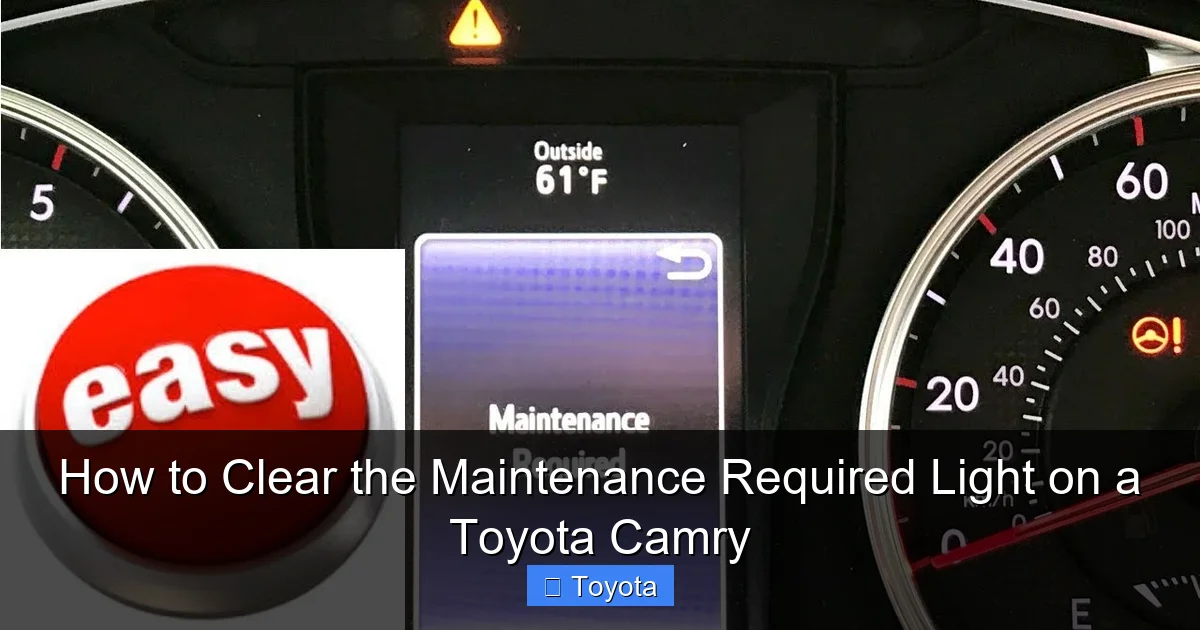
Visual guide about How to Clear the Maintenance Required Light on a Toyota Camry
Image source: i.ytimg.com
For Toyota Camry Models: 2007-2011 (Pre-2012 Generation)
These models have a dedicated odometer/trip meter button on the dashboard. The process is straightforward:
- Turn the ignition to the “ON” position (the position right before starting, where all dash lights come on). Do not start the engine.
- Press the odometer/trip meter button repeatedly until the display shows the total odometer reading (not the trip A or B).
- Turn the ignition OFF.
- While holding down the odometer/trip meter button, turn the ignition back to the “ON” position. Continue holding the button.
- After about 5-10 seconds, you should see the display change. The mileage may disappear, or you may see dashes “- – – -“. The maintenance required light will begin to blink, then go out.
- Release the button. Turn the ignition off and then back on to verify the light is off.
Pro Tip: If the light doesn’t blink, ensure you are holding the button down long enough through steps 4 and 5. The sequence must be precise.
For Toyota Camry Models: 2012-Present (Post-2012 Generation)
Starting with the redesigned 2012 model, Toyota changed the procedure. These models use the same “ODO/TRIP” button but the ignition steps are different.
- Turn the ignition to the “ON” position (do not start).
- Use the “ODO/TRIP” button to cycle the display until you see the total odometer reading.
- Turn the ignition OFF.
- Now, press and hold the “ODO/TRIP” button.
- While still holding the button, turn the ignition back to the “ON” position. Keep holding.
- Continue holding the button. The display will show the odometer, then change to show “DISP OFF” or a series of dashes. The maintenance required light will blink several times and then go out.
- Release the button. Turn the car off and restart to confirm the light is cleared.
Why the change? The newer multi-information display requires a different electronic handshake with the body control module to reset the service interval timer. The principle is the same: you are accessing a hidden service menu via a specific button sequence.
Method 2: Using an OBD2 Scanner
While the button method is free and effective, an OBD2 (On-Board Diagnostics) scanner provides a more universal and sometimes more reliable method, especially if the manual procedure fails or if you want to access other vehicle data. All 1996 and newer vehicles, including the Camry, have an OBD2 port, usually located under the dashboard near the steering column.
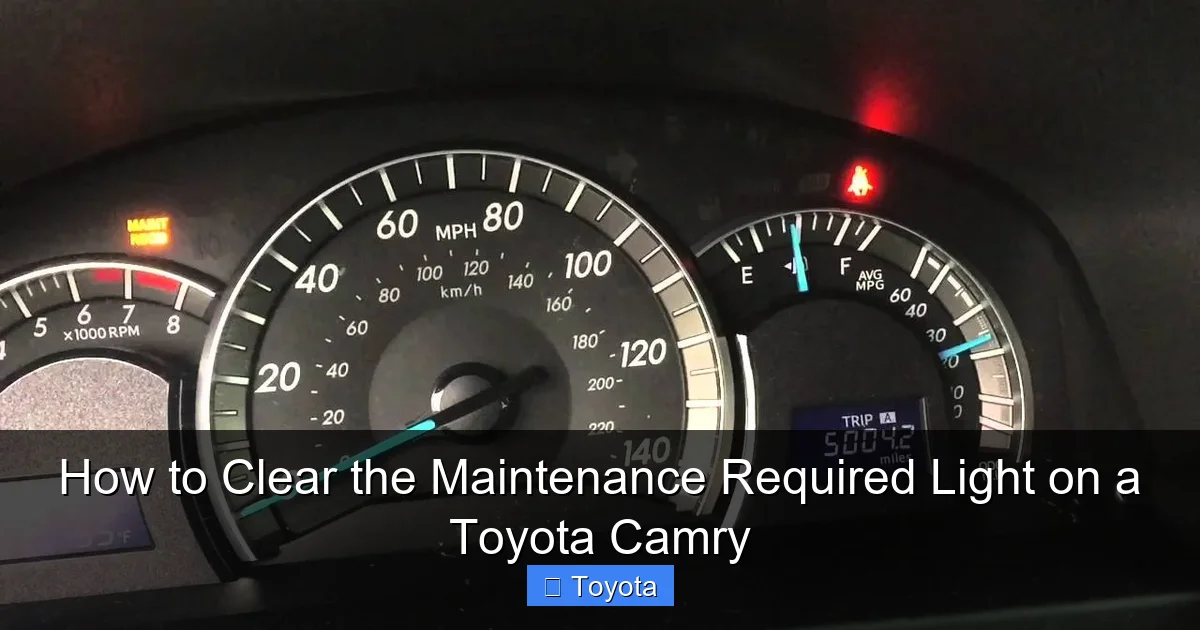
Visual guide about How to Clear the Maintenance Required Light on a Toyota Camry
Image source: i.ytimg.com
Types of Scanners and Their Uses
You don’t need an expensive professional-level tool. Many affordable options work perfectly:
- Basic Code Readers ($20-$50): These can read and clear check engine codes. Some, like certain models from Autel or Launch, also have a dedicated “Service Reset” or “Maintenance Reset” function for Toyota, Honda, and other brands.
- Advanced Scanners/Tablets ($100+): Tools like those from Bosch or professional-level Autel, Launch, and ThinkDiag offer full system access. They can reset maintenance lights, program keys, and perform advanced bi-directional controls.
- Smartphone Adapters ($15-$30): Adapters like the OBDLink LX or Veepeak paired with a free or low-cost app (like Torque Pro) can sometimes reset maintenance lights, but functionality varies widely by app and vehicle model year.
The OBD2 Reset Process
If your scanner supports service reset for Toyota:
- Plug the scanner into the Camry’s OBD2 port with the ignition in the “ON” position.
- Navigate the scanner’s menu to find “Maintenance Reset,” “Service Reset,” or “Oil Reset.”
- Select “Toyota” as the make, and then “Camry” if prompted for the model.
- The scanner will guide you through any on-screen prompts. It may ask you to confirm the mileage or service item being reset.
- Once the procedure is complete, the scanner will display a success message. Turn the ignition off and on to check the dashboard.
Important Note: Not all basic code readers have this function. Before buying a scanner specifically for this purpose, verify that it lists “maintenance light reset” or “service light reset” for your Camry’s model year range.
Model Year Variations and Special Cases
While the general methods above cover most Camrys, there are nuances. Here’s a quick reference for tricky years and models.
The 2012-2017 Camry: The “ODO/TRIP” Hold Method
As detailed in Method 1, these are the models that use the “hold the button while cycling ignition” technique. It’s reliable but can be finicky. If it doesn’t work, ensure your ignition is going from fully OFF to ON, not just to the accessory position.
2018 and Newer Camry (XV70 Series)
The current generation retains the same button method as the 2012-2017 models. However, the display is larger and more graphical. You should still see the total odometer, then dashes, and the light blink. Some owners report that a long press (10-15 seconds) of the “ODO/TRIP” button with the ignition ON, without cycling, also works on these newer models. Try the traditional method first.
Hybrid Camry Models
The process is identical to the gasoline counterpart for the same model year. The maintenance schedule differs slightly (e.g., spark plugs have a longer interval), but the reset procedure is the same. For a broader look at resetting maintenance lights across all Toyota models, including the Tacoma and RAV4, this guide is a great resource.
When the Light Won’t Reset: Troubleshooting
If you’ve followed the correct procedure for your model year and the light remains on or comes back immediately, here’s what to check:
- Did you actually do the maintenance? Be honest. If the oil life is critically low, the system may reject the reset.
- Is the battery weak? A low-voltage state can confuse the Body Control Module (BCM). Try a battery charger or jump-start before resetting.
- Is there an underlying fault? A failed sensor (like an oil pressure sensor) or a communication error can cause the light to re-illuminate. This requires a professional scan tool to diagnose.
- Try the OBD2 method. Sometimes the electronic reset via scanner is more forceful than the manual button sequence.
- Fuse issue: Rarely, a blown fuse for the instrument cluster or BCM can prevent the reset. Check your owner’s manual fuse diagram.
Common Mistakes and What to Avoid
Even with the best instructions, it’s easy to slip up. Here are the most frequent errors owners make.
Mistake 1: Confusing the Maintenance Light with the Check Engine Light
This is the #1 mix-up. The maintenance required light is usually a small wrench icon or the text “MAINT REQD.” The check engine light is a silhouette of an engine. Their reset procedures are completely different. If your check engine light is on, you must diagnose and fix that problem first. Resetting a check engine light without fixing the issue is illegal in many states and will cause the light to return.
Mistake 2: Using the Wrong Button or Sequence
On Camrys with a trip meter button, it’s easy to accidentally use the “Trip Reset” button on the stalk instead of the dashboard button. The dashboard button is the one you press to toggle between odometer and trip A/B. Also, ensure you are turning the ignition fully OFF between steps, not just back to the “LOCK” position without removing the key.
Mistake 3: Not Holding the Button Long Enough
The blinking phase is your signal that the reset is working. If you release the button as soon as the display changes, it might not complete the cycle. Hold it until you see the light blink and go out, or until the display shows dashes and the light is off.
Mistake 4: Resetting on an Empty or Recently Changed Oil
Some systems, particularly on certain 2018+ models, may require the engine to be running for a few minutes after an oil change before the reset will accept. If the button method fails immediately after an oil change, drive the car for 10-15 minutes and try again. This allows the new oil pressure and temperature to stabilize.
Conclusion: A Simple Task with Big Importance
Clearing the maintenance required light on your Toyota Camry is a empowering small victory for any car owner. It’s a 2-minute procedure that connects you to your vehicle’s service needs. Remember the core philosophy: the light is a helpful tool, not a nuisance. Its purpose is to extend the life of your car and ensure your safety. By performing the scheduled maintenance on time and then correctly resetting the reminder, you honor that design. Whether you use the classic button method for your 2010 Camry or an OBD2 scanner for your 2021 model, the steps are now in your hands. For more specific guides on other Toyota models like the Highlander or RAV4, our library has you covered. Keep your Camry’s maintenance schedule, reset the light with confidence, and enjoy many more thousands of miles of reliable driving.
Frequently Asked Questions
What is the difference between the maintenance required light and the check engine light on a Camry?
The maintenance required light is a simple service reminder based on mileage/time. The check engine light indicates an active problem with the engine or emissions system that needs diagnosis. They have different reset procedures and urgency levels.
Can I drive my Camry with the maintenance required light on?
Yes, you can drive it for a short period to get service, but you should not delay the required maintenance. The light means service is due; driving without it, especially without an oil change, risks engine damage.
How often does the maintenance required light come on?
It typically illuminates every 5,000 miles or 6 months, whichever comes first, based on Toyota’s recommended service interval for oil changes and tire rotations. The interval may adjust based on your driving conditions.
Do I need a special tool to reset the maintenance light on my Camry?
No. For most model years (2007-2023), you can reset it using only the vehicle’s ignition and the odometer/trip button on the dashboard. An OBD2 scanner is an optional alternative.
What if the maintenance required light comes back on right after I reset it?
This indicates the system detected a problem during its self-check, or the reset wasn’t completed properly. Re-check your procedure for your model year. If it persists, have the vehicle scanned for faults by a professional.
Will disconnecting the battery reset the maintenance required light?
No. Disconnecting the battery may reset the radio and clock, but the maintenance required light is stored in a non-volatile memory within the Body Control Module (BCM). It will return after the battery is reconnected unless you use the specific reset procedure.