
How Do You Reset the Maintenance Required Light on a Toyota Highlander?

Seeing that annoying wrench icon on your Toyota Highlander’s dash? It’s the Maintenance Required Light, a friendly reminder for scheduled service like oil changes. Resetting it is a simple process you can do yourself in under a minute, but it’s crucial to only reset it after performing the required maintenance. The exact steps vary slightly by model year, primarily between older models with a dedicated button and newer ones using the steering wheel controls and odometer display. This guide walks you through every method, ensuring you clear the light correctly and safely.
Key Takeaways
- The light is a mileage-based reminder: It illuminates after a set interval (typically 5,000 miles) to remind you of scheduled maintenance like oil and filter changes, tire rotations, and inspections.
- Always perform maintenance first: Never reset the light without completing the necessary service. Doing so is unsafe, can cause engine damage, and defeats the purpose of the reminder system.
- Method depends on your model year: Highlanders from 2014-2020 use the odometer/trip meter button method. 2021+ models use steering wheel menu buttons. Very old models (pre-2014) may have a dedicated reset button.
- The process is simple and quick: Once you know the correct sequence for your vehicle, the reset takes less than 30 seconds and requires no special tools.
- If the light returns quickly, investigate: A light that comes back on shortly after a reset can indicate an unresolved issue, a faulty sensor, or that the maintenance wasn’t completed properly.
- Consult your owner’s manual: Your specific vehicle’s manual is the ultimate authority and contains the precise procedure and recommended service intervals for your Highlander.
📑 Table of Contents
- Understanding Your Toyota Highlander’s Maintenance Required Light
- The Golden Rule: Maintenance First, Reset Second
- How to Reset the Light: Methods by Model Generation
- Step-by-Step Guide for the Most Common Scenario (2014-2020)
- Common Pitfalls and Troubleshooting
- When to Seek Professional Help
- The Bigger Picture: A Holistic Approach to Vehicle Care
Understanding Your Toyota Highlander’s Maintenance Required Light
That little wrench icon glowing on your dashboard isn’t trying to stress you out—it’s your Toyota Highlander’s way of being a responsible friend. Officially called the “Maintenance Required” light, it’s part of Toyota’s onboard maintenance reminder system. Unlike a check engine light, which signals a problem, this light is a proactive alert based on your driving habits and mileage. It’s programmed to illuminate after you’ve driven a certain number of miles since your last maintenance service, which is usually around 5,000 miles for oil changes, though this can vary based on your model year and driving conditions.
The system is sophisticated. It doesn’t just count miles; it monitors engine runtime, vehicle speed, and engine temperature to calculate when your engine oil and other components are likely needing attention. This means the light might come on a bit sooner if you do a lot of short trips or heavy towing, and a bit later if you mostly drive on the highway. For a detailed look at how Toyota’s system works across different models, you can explore resources on how to reset the maintenance required light on a Toyota in general.
What Triggers the Light?
The primary trigger is the engine oil change interval. However, the light is also tied to other scheduled maintenance items in your owner’s manual, such as tire rotations, cabin air filter replacement, and overall inspections. When you take your Highlander in for service, the technician will perform all the required tasks and then reset the light for you. If you’re a DIY enthusiast who changes your own oil and filter, you are responsible for resetting the light after completing the work. Failing to do so means you’ll have a constant, distracting reminder on your dash, and more importantly, you lose the benefit of the system’s future timely alerts.
The Golden Rule: Maintenance First, Reset Second
Before we dive into the button-pressing sequences, let’s get one thing absolutely clear: you should never reset the Maintenance Required Light without first performing the necessary maintenance. This is the most critical piece of advice. The light is a safety and longevity tool for your vehicle.
Visual guide about How Do You Reset the Maintenance Required Light on a Toyota Highlander?
Image source: i.ytimg.com
Resetting it without changing the oil, for instance, means you’re driving around with degraded, potentially sludgy oil that can’t properly lubricate your engine. This leads to increased wear, overheating, and in severe cases, catastrophic engine failure. The repair costs from skipping a $50 oil change can easily soar into the thousands. The light is your car’s way of saying, “Hey, I need some love!” Ignoring that plea and just turning off the message is like ignoring a fever and popping a painkiller—it doesn’t solve the underlying problem. Always, always, check your service history and owner’s manual to confirm what service is due, complete it, and then reset the light.
How to Reset the Light: Methods by Model Generation
The reset procedure for your Toyota Highlander depends heavily on its model year and equipped dashboard/steering wheel controls. Toyota has used two primary methods over the last decade. Let’s break them down clearly.
Visual guide about How Do You Reset the Maintenance Required Light on a Toyota Highlander?
Image source: i.ytimg.com
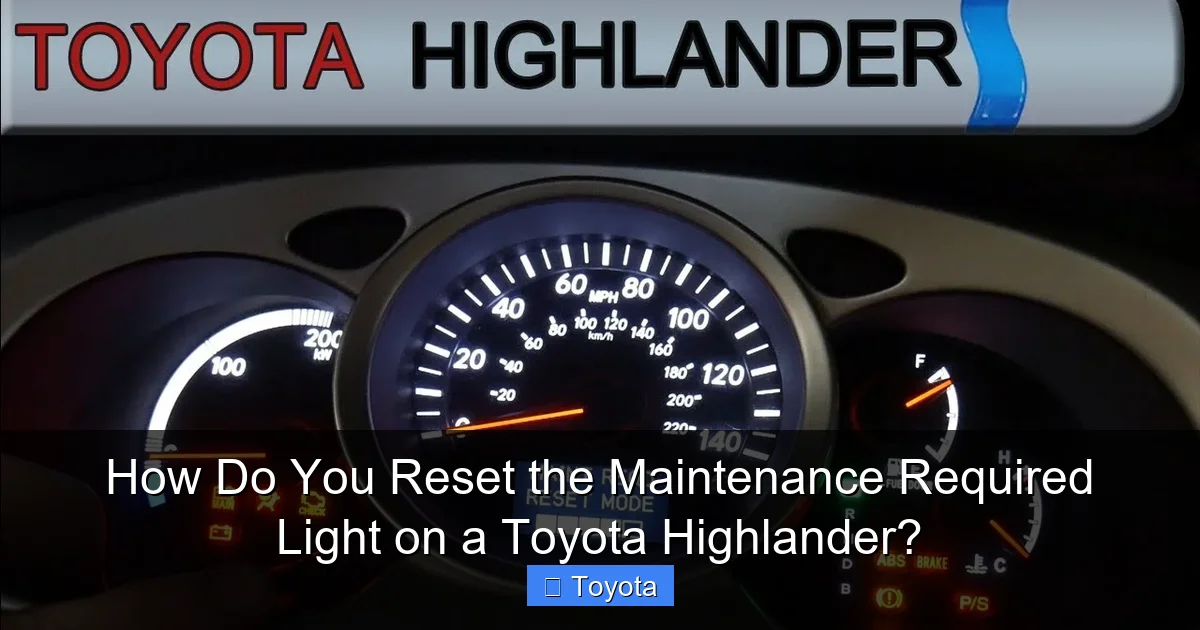
Method 1: The Odometer/Trip Meter Button (Pre-2021 Models)
This is the classic method used on Highlanders from approximately 2014 through 2020. You use the button on your instrument cluster that normally toggles between your odometer and trip meter readings. Here is the standard, foolproof sequence:
- Turn the ignition ON. Do not start the engine. Simply press the engine start/stop button once (if you have a keyless system) or turn the key to the “ON” or “RUN” position. All dash lights should illuminate.
- Locate the odometer display. Ensure your multi-function display is showing the **total odometer reading**, not a trip meter (A or B). If it’s on a trip meter, press the button repeatedly until the full odometer appears.
- Turn the ignition OFF. Press the engine start/stop button to turn the car off, or turn the key to the “OFF” position.
- Press and hold the odometer button. While holding the button down, turn the ignition back to the “ON” position (do not start the engine).
- Watch the display. The odometer should disappear, and you’ll see a series of dashes “—–” or a countdown. Continue holding the button.
- Release the button. After a few seconds, the “Maintenance Required” light should blink several times and then go out. The odometer reading will return to the display. You can now start the engine to confirm the light is off.
If this doesn’t work on the first try, repeat the sequence carefully. Timing is key; you must press and hold the button as you turn the key/press the start button to the “ON” position. For owners of specific model years, there are dedicated guides that provide year-by-year nuances, such as the instructions for how to reset the maintenance light on a 2017 Toyota Highlander.
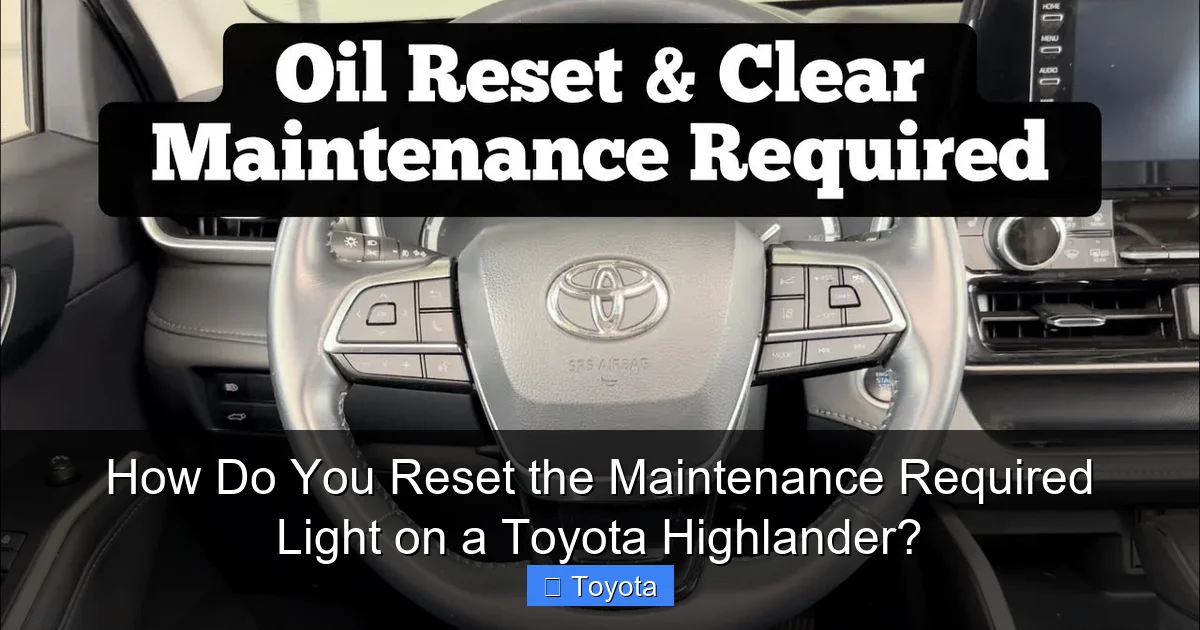
Method 2: The Steering Wheel Menu (2021 and Newer Models)
Starting with the 2021 redesign, Toyota integrated more functions into the steering wheel-mounted controls and the multi-information display (MID). The process is different but still very straightforward.
- Turn the ignition ON. Again, do not start the engine.
- Use the left steering wheel buttons. Find the “▲” (up) or “▼” (down) arrow buttons, often on a thumb pad. Use these to navigate the menu on the MID screen behind the steering wheel.
- Navigate to “Settings.” Press the “Enter” or “OK” button (usually the center button on the thumb pad) to select the menu icon, then scroll to find “Settings” and select it.
- Go to “Vehicle Settings.” Within Settings, scroll to find “Vehicle Settings” and select it.
- Find “Maintenance.” Scroll through the Vehicle Settings options until you see “Maintenance” or “Maintenance Reset.” Select it.
- Select “Yes.” The screen will ask if you want to reset the maintenance data. Use the arrows to highlight “Yes” and press “Enter.” You should see a confirmation message like “Maintenance data reset.”
- Turn the car off and on. For good measure, turn the ignition off, wait a few seconds, and restart the engine. The wrench light should be gone.
The interface can vary slightly, so if “Maintenance” isn’t immediately obvious, look for “Scheduled Maintenance” or an oil can icon. The 2021+ Highlander’s system is more menu-driven but often more intuitive once you know where to look. A guide specific to the newest generation, like how to reset the maintenance light on a 2022 Toyota Highlander, can provide visual references for the screen menus.
What About Older Highlanders (2014 and Earlier)?
For Highlanders from the early 2000s to around 2013, the procedure is often even simpler. Many models from this era have a dedicated “Maintenance Required” or “Reset” button located on the instrument panel or near the odometer button. The process is typically:
- Turn ignition ON.
- Ensure odometer is displaying total miles.
- Press and hold the dedicated reset button (you may need a pen or small screwdriver) until the light blinks and goes out.
Consulting your owner’s manual is especially important for these older models, as the button location can be obscure. There are also helpful resources for specific older years, like how to reset the maintenance light on a 2013 Toyota Highlander.
Step-by-Step Guide for the Most Common Scenario (2014-2020)
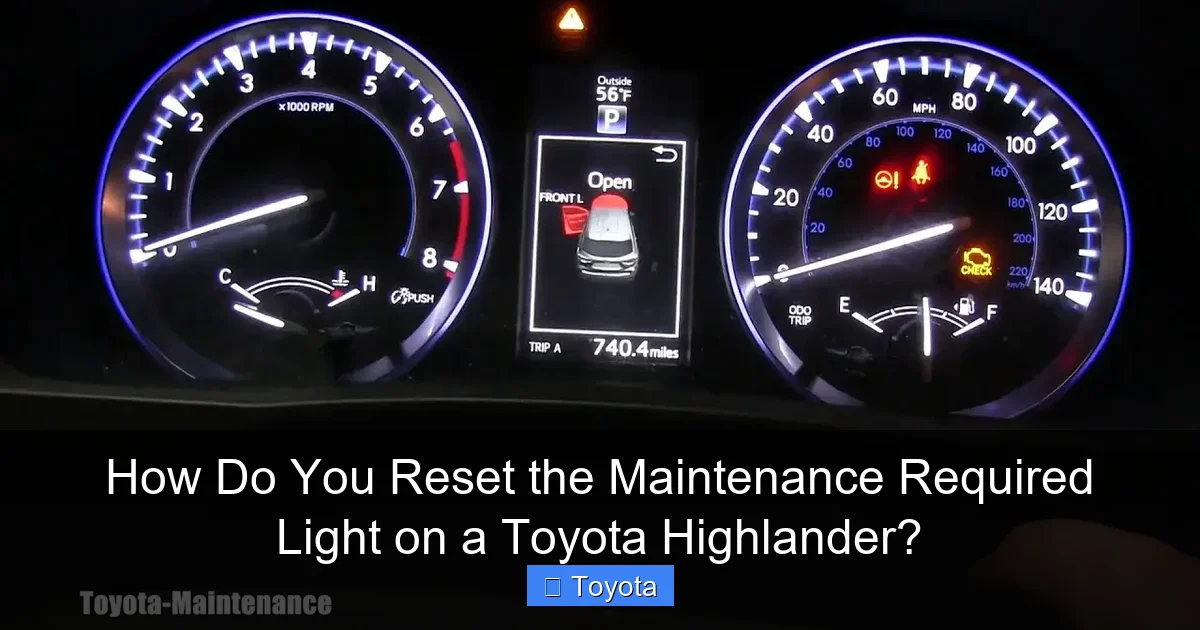
Since this covers the largest number of Highlanders on the road today, let’s walk through the most frequent method with extra detail and clarity. This is the “odometer button” method.
Visual guide about How Do You Reset the Maintenance Required Light on a Toyota Highlander?
Image source: diycarexpert.com
Prerequisites: Ensure you have completed the required oil change and filter replacement, tire rotation, or other service. Have your owner’s manual nearby for reference.
The Process:
- Step 1: Get in the driver’s seat and close all doors. Insert the key or have the key fob with you.
- Step 2: Press the engine start/stop button once without touching the brake pedal (for keyless start). This powers on the accessories and dash. For a key, turn it to the “ON” position. The dash lights will come on, and you might hear a few chimes.
- Step 3: Look at the small digital screen in the gauge cluster. Use the button on the steering wheel stalk or the dash to cycle through displays until you see the total odometer mileage, not “Trip A” or “Trip B.”
- Step 4: Now, press the engine start/stop button once to turn the car completely off. The dash lights will go out.
- Step 5: Here’s the key step. Press and hold down the same button you used to change the odometer display (it’s usually on the dash, near the speedometer). While continuing to hold it, press the engine start/stop button once to turn the ignition back to the “ON” position (again, without pressing the brake).
- Step 6: Keep holding the button. The odometer display will vanish. After about 5-10 seconds, you should see a series of dashes “——” or a countdown. The Maintenance Required light (wrench icon) will likely flash several times.
- Step 7: Release the button. The normal odometer reading should reappear, and the wrench icon should be gone. You can now start the engine normally. The light should remain off.
If the light is still on, turn the car off, wait 10 seconds, and try the sequence again. Sometimes it takes a couple of attempts to get the timing right. Patience is key.
Common Pitfalls and Troubleshooting
Even with the right steps, things can go wrong. Here’s what to do if you hit a snag.
The Light Comes Back On Immediately or Very Soon
If you reset the light and it returns within a few drive cycles or days, you have a problem. First, double-check that the actual maintenance was done. Did the oil change happen? Was the correct oil and filter used? Was the battery disconnected during the service, which can sometimes confuse the system? If all service is confirmed complete, the light may have a faulty connection to the service reminder module, or there could be an electrical issue. In this case, a professional diagnosis with a scan tool is needed.
I Can’t Find the Right Button or Menu
Your owner’s manual is your best friend here. It has diagrams and the exact procedure for your specific VIN and model year. If you’ve lost it, digital copies are often available from Toyota’s website. You can also search for your exact year and trim (e.g., “2019 Toyota Highlander Limited reset maintenance light”) for model-specific tutorials.
The Reset Sequence Doesn’t Seem to Work
Ensure you are using the correct button. On many models, the odometer button is on the dash, while the trip meter button is on the steering wheel stalk. You must use the dash button for the reset procedure. Also, make sure you are starting from the total odometer display and that the car is in the “ON” (run) position, not the “START” position. The sequence is: OFF -> (Hold Button) -> ON.
What If My Highlander Has a “Smart Key” System?
The process is identical. The “engine start/stop” button is your power control. Remember: press it once (no brake) for “ON/ACC,” and again (no brake) for “OFF.” The sequence is: Car OFF -> Press & Hold Odometer Button -> Press Start Button Once (to ON) -> Hold until dashes appear -> Release.
When to Seek Professional Help
While resetting the light is a DIY task, there are scenarios where you should visit a dealer or trusted mechanic:
- The light is flashing: A flashing wrench (instead of a steady light) can indicate a more serious issue with the maintenance reminder system itself.
- Other warning lights are on: If the check engine light, oil pressure light, or any other warning is illuminated along with the maintenance light, do not just reset it. Have the vehicle scanned for trouble codes immediately.
- You’re unsure about the required service: If you don’t know what maintenance is due, a professional can perform a full inspection and reset the light only after addressing all items.
- The reset procedure fails repeatedly: After verifying the service is done and trying the correct procedure multiple times, a technician with a professional diagnostic scan tool (like a Techstream) can reset the system electronically and check for any stored faults in the Body Control Module or Instrument Cluster.
For other Toyota models, the procedures can differ. For example, resetting the light on a Toyota RAV4 or Toyota Corolla might use different button combinations, highlighting the importance of model-specific knowledge.
The Bigger Picture: A Holistic Approach to Vehicle Care
Resetting the light is just the final, symbolic step. The real work—and the real benefit to your vehicle—lies in the maintenance itself. Your Toyota Highlander is a significant investment, and regular maintenance is what protects that investment, ensures your safety, and maintains its reliability and resale value. The maintenance schedule in your owner’s manual is based on extensive engineering testing and is tailored to your vehicle’s specific components.
Think of the Maintenance Required Light not as an annoyance, but as a helpful nudge from your car’s computer. It’s a feature designed to save you money in the long run by preventing neglect. When the light comes on, take a moment to review your service records. Is it time for an oil and filter change? Have you rotated your tires lately? Are the cabin and engine air filters clean? Addressing these items proactively prevents small issues from becoming big, expensive repairs. By combining timely, proper maintenance with the simple act of resetting the reminder, you keep your Highlander running smoothly, efficiently, and safely for years to come.
Frequently Asked Questions
Can I reset the maintenance light without changing the oil?
Technically yes, but you should never do this. The light alerts you that your engine oil and other components need service. Resetting it without performing the maintenance means you are driving with potentially degraded oil, which can cause severe engine damage and void warranties. Always do the work first.
Why does my maintenance light keep coming back on after I reset it?
If the light returns quickly after a reset, it usually means one of three things: 1) The required maintenance (like an oil change) was not actually performed. 2) The maintenance was performed, but the reset procedure was not completed correctly. 3) There is a fault in the maintenance reminder system or a related sensor that needs professional diagnosis.
Will disconnecting the battery reset the maintenance light?
No. Disconnecting the battery will reset the clock and radio presets, but it will not reset the maintenance required light. The maintenance reminder data is stored in a non-volatile memory within the vehicle’s computer (Body Control Module or Instrument Cluster) that retains information even when power is removed. You must use the specific key/button sequence to clear it.
Is the maintenance required light the same as the check engine light?
No, they are completely different. The Maintenance Required light (usually a wrench icon) is a scheduled service reminder based on mileage/time. The Check Engine light (usually an engine-shaped icon) indicates an issue with the engine or emissions system that needs immediate diagnosis. You should never ignore a check engine light.
My 2020 Highlander doesn’t have a traditional odometer button. How do I reset it?
For 2020 models, you likely still use the odometer button method, but the button may be on the steering wheel stalk instead of the dash. Ensure the display shows the total odometer, then turn the car OFF, press and hold that stalk button, and turn the car back to ON while holding. If your 2020 has the larger touchscreen and digital gauge cluster, it might use the steering wheel menu method like 2021+ models. Your owner’s manual will have the exact procedure.
Do I need a special tool or scan tool to reset the light?
For the vast majority of Toyota Highlanders, no special tools are needed. The reset is done manually using the ignition and buttons in your vehicle. A professional scan tool (like a Techstream) is only required if the manual reset procedure fails due to a system fault, or if you want to perform other advanced diagnostics. The process is designed to be owner-friendly.
