
Do You Need to Reprogram a Toyota Key Fob After Battery Change

In the vast majority of cases, you do NOT need to reprogram your Toyota key fob after changing the battery. The key fob’s programming is stored in its internal memory, which is not erased by a simple battery replacement. If your key fob stops working after a battery swap, it’s almost always due to an incorrect battery installation, a faulty battery, or a simple reset that can be done by pressing buttons. Reprogramming is only required if the key fob’s internal electronics have failed or if you are adding a completely new, unprogrammed key to your vehicle’s system.
You’ve just popped open your Toyota key fob, carefully replaced the tiny coin cell battery, snapped it back together, and… nothing. The doors don’t lock. The trunk stays shut. Panic sets in. Did you just break your key fob? The immediate, terrifying thought for many is: “Do I need to reprogram this thing?” It’s a valid worry, but take a deep breath. In the overwhelming majority of situations, the answer is a firm and relieving no. You do not need to reprogram your Toyota key fob after a routine battery change. Let’s unravel why this myth persists and exactly what to do when your key fob is acting up post-battery-swap.
Key Takeaways
- No Reprogramming Needed: Changing the coin cell battery inside your Toyota key fob does not erase its stored programming. The fob should work immediately with a fresh, correctly installed battery.
- Common Culprits: If the fob doesn’t work post-battery-change, check for improper battery orientation (positive/negative side), a defective new battery, or poor contact between the battery and its connectors.
- The Simple Reset: Often, pressing any button on the fob several times after battery installation helps re-establish the connection with the car’s antenna.
- True Reprogramming Scenarios: You only need to reprogram if the fob is physically damaged, its circuit board is faulty, or you are syncing a brand-new, blank key fob to your Toyota for the first time.
- Model Variations: While the principle is universal, the exact battery type (CR2032, CR2025, etc.) and disassembly method vary slightly between Toyota models like the Camry, RAV4, and Corolla.
- When to Seek Help: If a new battery and button presses don’t work, the issue may be with the car’s receiver or the fob itself, requiring a locksmith or dealer with specialized diagnostic tools.
📑 Table of Contents
- Understanding Your Toyota Key Fob: Memory vs. Power
- The Step-by-Step: Changing Your Toyota Key Fob Battery Correctly
- Troubleshooting: “I Changed the Battery and It Still Doesn’t Work!”
- When Do You ACTUALLY Need to Reprogram a Toyota Key Fob?
- The Professional Route: Dealership vs. Locksmith
- Prevention and Best Practices for Your Toyota Key Fob
- Conclusion: Don’t Overcomplicate It
Understanding Your Toyota Key Fob: Memory vs. Power
To understand why a battery change doesn’t require reprogramming, you need to know a little about how your key fob works. Think of your key fob as a small, dedicated computer. It has two critical components: a memory chip and a radio transmitter.
- The Memory Chip (EEPROM/Flash Memory): This is where the fob’s unique security code is permanently stored. This code is “paired” or “synchronized” with your Toyota’s onboard computer (the Immobilizer/ECU). This pairing is a one-time event that happens when the key fob is first programmed to the car. This memory is non-volatile, meaning it retains its data even when completely powered down, just like a USB drive keeps your files when unplugged.
- The Radio Transmitter & Power Source: This is the part that sends the coded signal to your car. It’s powered by the coin cell battery you just replaced. When you press a button, the battery provides power to the transmitter, which broadcasts the unique code.
Here’s the key point: removing the battery cuts power to the transmitter, but it does not touch the memory chip. The precious programming data remains safely stored. When you insert a new battery, the transmitter simply powers back up and can immediately start broadcasting the same, pre-saved code. It’s like replacing the batteries in your TV remote; you don’t have to re-pair it with the TV.
The One Exception: Total Memory Loss
The only way the memory chip could lose its data is through a catastrophic failure—like severe water damage, a powerful electrical surge that fries the circuit board, or, in very old key fobs, the internal memory battery (a tiny, separate watch battery on some older models) dying. These are rare scenarios. A standard CR2032 or CR2025 battery replacement does not come close to affecting this memory.
The Step-by-Step: Changing Your Toyota Key Fob Battery Correctly
Since the issue is almost always with the battery installation itself, let’s review the correct process. Doing it perfectly eliminates 95% of “it’s not working” problems. While the exact clip or screw location varies, the core steps are universal. For model-specific details, you can always consult a guide like our step-by-step guide for the Toyota RAV4 key fob, but the principles apply across the board.
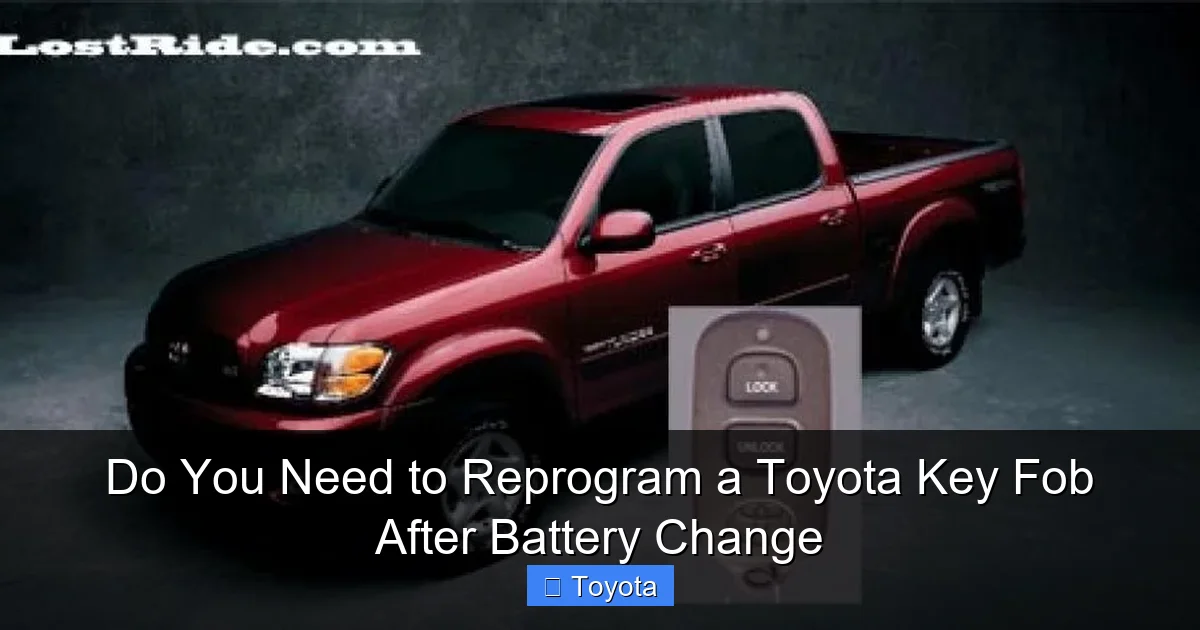
Visual guide about Do You Need to Reprogram a Toyota Key Fob After Battery Change
Image source: lostride.com
1. Identify the Correct Battery
Open your key fob. You’ll find the battery type printed on the old battery (usually CR2032 or CR2025). Never guess. Using the wrong voltage or size can cause damage. Purchase a high-quality battery from a reputable brand. Cheap, no-name batteries often have a shorter life and can fail prematurely.
2. Mind the Polarity (+/-)
This is the #1 mistake. The battery has a “+” side (usually flat) and a “-” side (usually with a raised nub or writing). The plastic holder inside the fob will have a “+” symbol embossed. Ensure the battery’s “+” aligns perfectly with the “+” in the holder. A single backward battery will render the fob dead. Double-check this before closing the case.
3. Check for Corrosion and Clean Contacts
While the fob is open, inspect the metal battery contacts. If you see any white, crusty corrosion, gently clean it with a cotton swab dipped in a tiny amount of isopropyl alcohol. Let it dry completely. Corrosion prevents a good electrical connection, starving the fob of power even with a new battery.
4. Reassemble and Test
Snap or screw the two halves of the fob back together firmly. Do not force it; it should click into place easily if aligned correctly. Now, before you walk away, test it immediately. Press the lock and unlock buttons multiple times while standing next to your car. You should hear the locks cycle and see the lights flash. If it works from a short distance, great! If it’s intermittent or weak, open it back up and re-check the battery seating and polarity.
Troubleshooting: “I Changed the Battery and It Still Doesn’t Work!”
So you’ve followed all the steps, the battery is new and correctly installed, but your Toyota remains unresponsive. Don’t panic. Before you call a dealer, run through this systematic checklist.
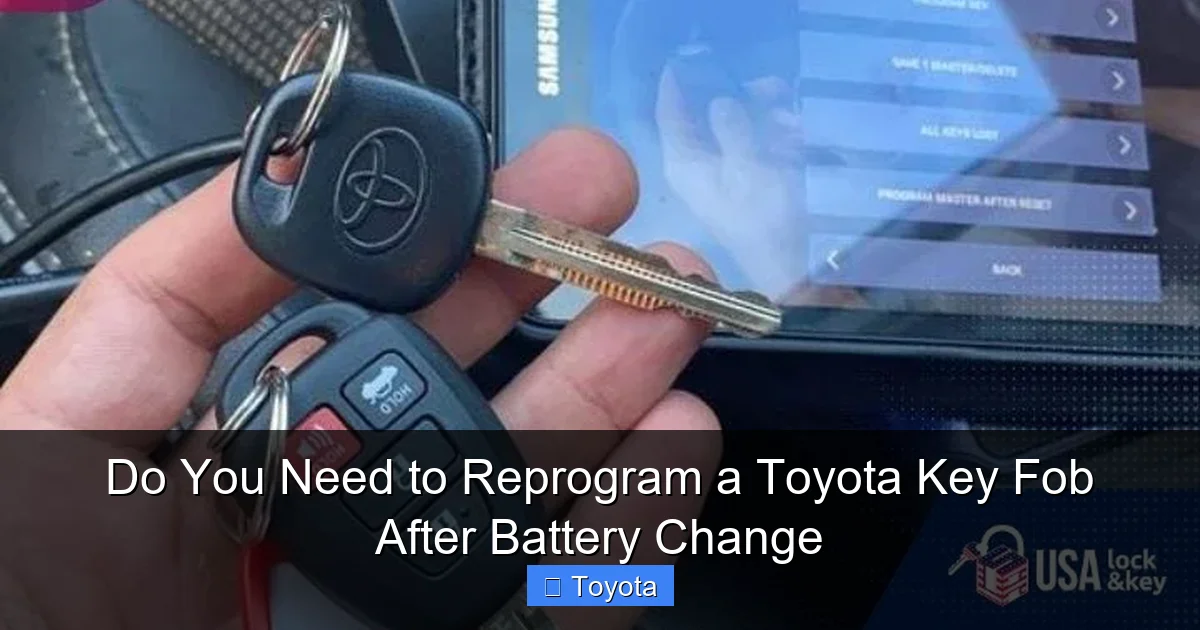
Visual guide about Do You Need to Reprogram a Toyota Key Fob After Battery Change
Image source: miro.medium.com
First: The Physical Reset
Sometimes, the fob’s internal circuit needs a “wake-up call” after power is restored. With the new battery installed and the fob closed, press and hold down both the lock and unlock buttons simultaneously for about 10-15 seconds. Release, then press each button individually several times. This can reset the fob’s transient state and re-sync it with the car’s antenna. Try your doors again.
Second: The Car-Side Reset
Your car’s receiver might need to be prompted to “listen” for the fob again. Sit in the driver’s seat with the key fob in your pocket or on the console. Turn the ignition to the “ON” position (the position right before starting the engine, where dashboard lights come on). Press the lock and unlock buttons on the fob several times. Now, try the buttons with the ignition off. This cycle can sometimes re-establish communication.
Third: Check for Interference and Range
Test the fob right next to the driver’s door handle. If it works there but not from 20 feet away, the issue might be a weak battery (despite being new) or a problem with the car’s keyless entry antenna (often located near the rearview mirror or in the headliner). Also, consider if you’re near strong radio interference sources like cell towers, large power lines, or even a running laptop with a poor power supply.
Fourth: The Spare Key Test
This is the most critical diagnostic step. Do you have a second, working Toyota key fob? If yes, use it. Does it work normally? If your spare works perfectly, the problem is almost certainly isolated to the fob you just worked on—likely a bad battery, incorrect installation, or a coincidental failure of that specific fob. If both fobs fail after you changed one, the problem is likely with your car’s keyless entry control module or its antenna system, which would require professional diagnosis.
When Do You ACTUALLY Need to Reprogram a Toyota Key Fob?
Now we arrive at the true, legitimate reasons for reprogramming. These are situations where the fob’s internal code is lost or a new, blank fob must be introduced to the car’s system. Changing a battery is not one of them.
Visual guide about Do You Need to Reprogram a Toyota Key Fob After Battery Change
Image source: thepowerfacts.com
Scenario 1: Adding a New, Blank Key Fob
If you purchase a generic or used Toyota key fob that has never been paired to your specific vehicle, it is a “blank” transmitter. It has no code stored in its memory. You must program it to your car using a specific sequence, often involving the ignition and button presses. Some models require a professional scan tool. This is a true programming event, completely separate from battery maintenance. Our guide on programming a Toyota Camry key fob details this process for a common model.
Scenario 2: Replacing a Lost Key
If you’ve lost all your keys, a new key and fob must be cut and programmed to your car’s immobilizer system. This always requires either a locksmith with Toyota-specific software or a trip to the dealer.
Scenario 3: Fob Physical Damage or Circuit Failure
If your key fob has been submerged in water, crushed, or suffers from a manufacturing defect that kills its circuit board, the memory chip itself may be corrupted. In this case, even with a new battery, it won’t transmit. You would need to replace the fob and program the new one to the car.
Scenario 4: System Reset or Battery Disconnect
On some older Toyota models, disconnecting the car’s main battery for an extended period (like when replacing a car battery) can sometimes cause the key fobs to lose their pairing with the immobilizer system. If you’ve recently had major work done on your car’s electrical system and all your key fobs stop working, this is a possibility. The solution would be to reprogram all fobs, not just change a battery in one.
The Professional Route: Dealership vs. Locksmith
If you’ve exhausted all troubleshooting—correct battery, reset attempts, and the spare key test points to a car-side problem—it’s time to call a pro. You have two main options.
Toyota Dealership
The dealer has the official diagnostic computers (like the Toyota Techstream) and the most up-to-date software. They can diagnose if the issue is with the keyless entry control module, an antenna, or the fob itself. They can also program new keys with absolute certainty. The downside is cost, which is typically the highest. A diagnostic fee plus programming can add up quickly.
Certified Automotive Locksmith
A reputable, specialized automotive locksmith is often the more affordable and equally capable choice for key fob issues. They invest in professional tools (like the Autel, Foxwell, or specialized key programmers) that can interface with Toyota’s systems. They can diagnose the keyless entry system and program new fobs on the spot. For a simple “all fobs lost” programming job, a locksmith is frequently cheaper than a dealer. Always call ahead to confirm they have the equipment for your specific Toyota model and year.
Prevention and Best Practices for Your Toyota Key Fob
You can avoid most key fob headaches with a little care.
- Use Quality Batteries: Spend a little more on a known brand (Duracell, Energizer, Panasonic). They last longer and are less prone to leakage.
- Replace Batteries Proactively: Don’t wait until the fob is completely dead. If you notice reduced range (having to be very close to the car) or intermittent operation, change the battery. Most key fob batteries last 3-5 years.
- Store It Safely: Don’t toss your key fob into a bag with coins, keys, or hard tools. This can crack the case or damage buttons. Consider a soft sleeve or a dedicated pocket.
- Avoid Water: While some fobs are water-resistant, most are not. Don’t wash it, drop it in a puddle, or take it into a steam room. Water is the fastest way to kill the circuit board.
- Keep a Spare Programmed: Always have at least one backup, fully programmed key fob. The cost of having a spare made and programmed is minimal compared to the hassle and expense of being locked out or needing a tow.
Conclusion: Don’t Overcomplicate It
The short, clear answer to “Do you need to reprogram a Toyota key fob after a battery change?” is no. The programming lives in a safe, non-volatile part of the fob. Your post-battery-change problem is almost certainly a simple fix: a battery installed backward, a dud battery, or a quick reset. Follow the systematic troubleshooting steps outlined here—check polarity, clean contacts, perform the button-hold reset, and test with a spare key. Only when all evidence points to a failed fob or a car-side receiver issue should you consider professional help for diagnostics and, if necessary, true reprogramming. By understanding this distinction, you save yourself unnecessary worry, time, and money. Your Toyota key fob is a robust device; a battery change is its simple, routine maintenance, not a system overhaul.
Frequently Asked Questions
What is the difference between changing a key fob battery and reprogramming a key fob?
Changing the battery is a simple, physical swap of the small coin cell that powers the fob’s radio signal. Reprogramming is an electronic process that writes a new security code to the fob’s memory chip or pairs it with your car’s computer. Battery changes do not affect the stored code.
How do I know if my Toyota key fob needs a new battery or needs reprogramming?
If the fob works intermittently or only when very close to the car, it likely needs a new battery. If it works from a normal distance but suddenly stops completely after a battery change, re-check the battery installation. True reprogramming is needed only if the fob is brand new/blank, has been physically damaged, or if all your key fobs stop working after a car battery disconnect.
Will a Toyota dealer charge me to reprogram my key fob if I just changed the battery?
No. A reputable dealer will first diagnose the issue. If you simply need a battery replaced (which you can do yourself) or if the fob just needs a reset after you installed the battery, they will tell you this and won’t charge for reprogramming. They will only charge for the reprogramming service if the fob itself is faulty or new and needs to be added to the system.
Can I damage my key fob by trying to reprogram it myself after a battery change?
You cannot “accidentally” reprogram it just by changing the battery. The reprogramming process is a deliberate sequence of steps involving the ignition and button presses. Following an incorrect sequence for your specific model might not work, but it won’t “brick” the fob. The real danger of DIY is during disassembly—forcing the case open can break plastic clips.
Do all Toyota models handle key fob battery changes the same way?
The core principle is identical, but the physical disassembly differs. Some use a small screw, others have a hidden release slot, and some simply pry apart at the seam. The battery type (CR2032 vs. CR2025) can also vary by model and year. Always consult your owner’s manual or a model-specific guide for your Camry, RAV4, Corolla, etc., to avoid damage.
My key fob still doesn’t work after a new battery and reset. Could it be the car’s fault?
Yes, though less common. If a spare key fob also fails, the problem is likely with your car’s keyless entry control module, its antenna, or a blown fuse related to the system. This requires a professional with a diagnostic scan tool to identify and fix.
