
How to Change the Speedometer Display on a Jeep Grand Cherokee

Changing the speedometer display on your Jeep Grand Cherokee is a straightforward process that lets you switch between MPH and KPH, adjust brightness, and sometimes select different gauge layouts. The exact steps depend entirely on your vehicle’s model year and equipped infotainment system, typically using steering wheel controls or the Uconnect touchscreen. This guide breaks down the methods for every generation, from the classic body styles to the latest models, ensuring you can personalize your dash readout with confidence.
Ever glanced at your Jeep Grand Cherokee’s dash and wished the numbers looked different? Maybe you’re driving in Canada and need kilometers per hour instead of miles, or perhaps you find the default layout a bit plain. Whatever your reason, understanding how to change the speedometer display on a Jeep Grand Cherokee gives you control over one of the most viewed parts of your vehicle. It’s not just about aesthetics; it’s about clarity, compliance with local laws, and personalizing your driving experience.
The process, however, is not one-size-fits-all. A 2015 Grand Cherokee with a basic cluster does it one way, while a 2023 model with the latest Uconnect 5 system uses a completely different method. Even within the same generation, the presence of an optional digital gauge cluster changes the steps. This comprehensive guide will navigate you through all the variations. We’ll start by helping you identify your Grand Cherokee’s system, then provide clear, step-by-step instructions for each configuration. We’ll also cover what to do if things go wrong and when it might be time to visit your dealer.
Key Takeaways
- Model Year is Critical: The procedure changes significantly between pre-2011, 2011-2021, and 2022+ Grand Cherokees due to different digital cluster and Uconnect system generations.
- Two Primary Control Methods: You’ll either use the physical buttons and menus on the steering wheel or navigate through the Uconnect touchscreen system’s settings menu.
- Common Change: Units (MPH/KPH): The most frequent reason for changing the display is to toggle between miles per hour and kilometers per hour, often found in the “Vehicle Settings” or “Cluster” menu.
- Calibration May Be Needed: After changing units or if the speedometer reads incorrectly, a tire size or speed sensor calibration might be necessary, which sometimes requires a professional scan tool.
- Consult the Manual First: Your owner’s manual provides the definitive, model-specific instructions and menu paths for your specific Grand Cherokee’s configuration.
- Software Updates Can Add Features: A Uconnect system software update from a dealer can sometimes unlock additional display customization options not present at purchase.
📑 Table of Contents
- Understanding Your Grand Cherokee’s Speedometer Display System
- Why Change the Speedometer Display? Common Reasons & Options
- Step-by-Step: Changing the Display on 2011-2021 Grand Cherokees (Steering Wheel Controls)
- Step-by-Step: Changing the Display on 2022+ Grand Cherokees (Uconnect 5 Touchscreen)
- Troubleshooting: What to Do When Changes Don’t Work
Understanding Your Grand Cherokee’s Speedometer Display System
Before we dive into button presses and menu taps, you need to know what you’re working with. The “speedometer display” in a modern Grand Cherokee usually refers to the digital portion of the instrument cluster—the area between the analog needles that shows digital speed, trip info, fuel economy, and more. In some trims, the entire cluster is digital and fully customizable. The control interface for this display has evolved dramatically over the years.
The Three Main Eras of Control
We can broadly categorize Grand Cherokee speedometer display control into three groups based on model year and technology:
- Pre-2011 (WK & WK2 Early): These models use a combination of physical buttons on the steering wheel and a small computer-like control stalk or buttons on the dash itself. The display is a simple LCD screen between the gauges. Menu navigation is done with a directional pad and “OK” button.
- 2011-2021 (WK2 & WL): This vast majority of modern Grand Cherokees use the steering wheel’s arrow buttons (usually on the left spoke) to navigate menus on the digital cluster display. The Uconnect infotainment system (5, 6, 7, or 8) may also have some settings, but cluster customization is primarily done via the steering wheel controls. Some higher trims feature a fully digital, reconfigurable cluster.
- 2022+ (WL Refresh): The latest Grand Cherokee L and 2022+ standard Grand Cherokee feature the Uconnect 5 system with a stunning, full-color, 10.1-inch (or larger) touchscreen. The instrument cluster is now a separate, configurable digital display (often 7 or 10.25 inches), and its settings are deeply integrated into the Uconnect 5 touchscreen menus under “Settings” > “Vehicle” > “Instrument Cluster.”
Identifying your system is the first step. Look at your steering wheel: are there four arrow buttons and an “OK” button? You’re likely in the 2011-2021 group. Is your entire dash a single, large digital screen controlled by a touchscreen? You’re in the 2022+ group. If you have small buttons on the dash or stalk, you’re probably pre-2011.
Why Change the Speedometer Display? Common Reasons & Options
You might be wondering what exactly you can change. The options vary by system sophistication, but here are the most common and useful adjustments:
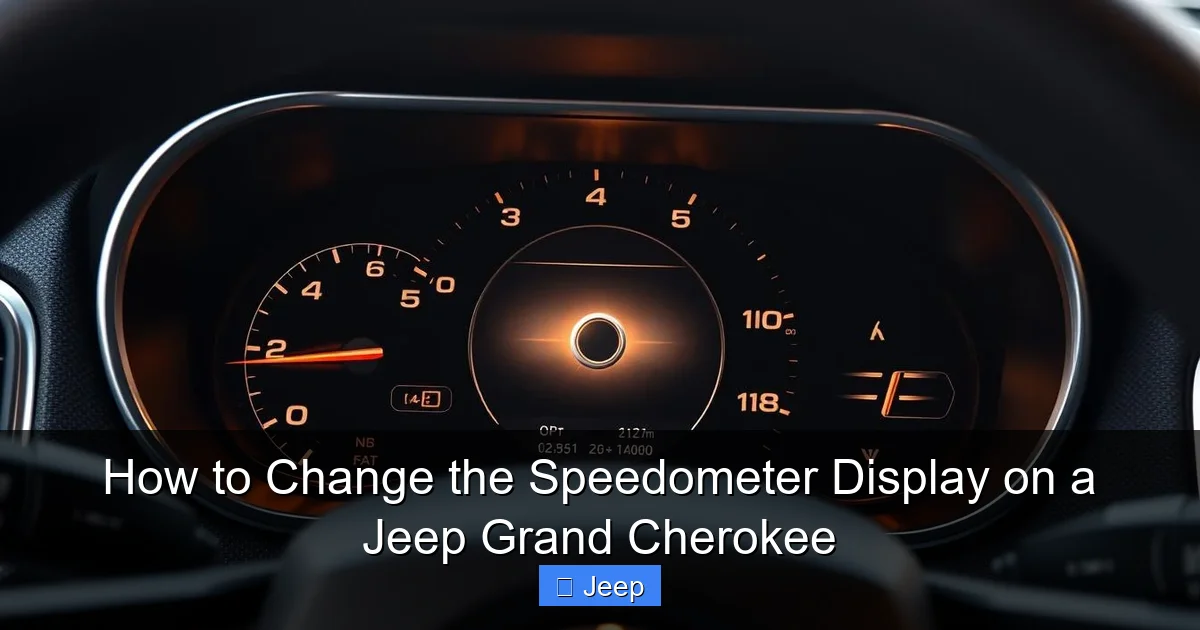
Visual guide about How to Change the Speedometer Display on a Jeep Grand Cherokee
Image source: automotivesimple.com
- Units of Measure: This is the big one. Switching between miles per hour (MPH) and kilometers per hour (KPH) is essential for international travel or if you’ve imported a vehicle. It also changes the units for trip meters and sometimes temperature.
- Display Layout/Theme: On models with a digital cluster (like the optional 7″ or 10.25″ displays), you can often choose between different gauge layouts—some with large speedometers, some with more fuel economy data front and center.
- Brightness & Color: Most systems allow you to adjust the display brightness, usually with a separate dash dimmer control. Some newer Uconnect systems even offer different color themes for the digital cluster.
- Additional Data Screens: You can often cycle through screens showing digital speed, average fuel economy, range, tire pressure (if equipped), oil life, and compass direction.
- Language: If your vehicle’s default language is incorrect, changing the display language is usually done in the same system settings menu as the speedometer units.
It’s important to manage your expectations. A base model 2014 Grand Cherokee Laredo with a standard analog cluster and small monochrome LCD will only let you change units and maybe the language. A 2021 Grand Cherokee Limited with the 10.25″ digital cluster will let you completely redesign the look and feel of your dash. Knowing your vehicle’s capability is key to a satisfying adjustment.
Step-by-Step: Changing the Display on 2011-2021 Grand Cherokees (Steering Wheel Controls)
This method covers the lion’s share of Grand Cherokees on the road today. If your vehicle has the familiar analog speedometer and tachometer with a small color or monochrome screen in the center, this is for you. The control is almost always on the left side of the steering wheel.
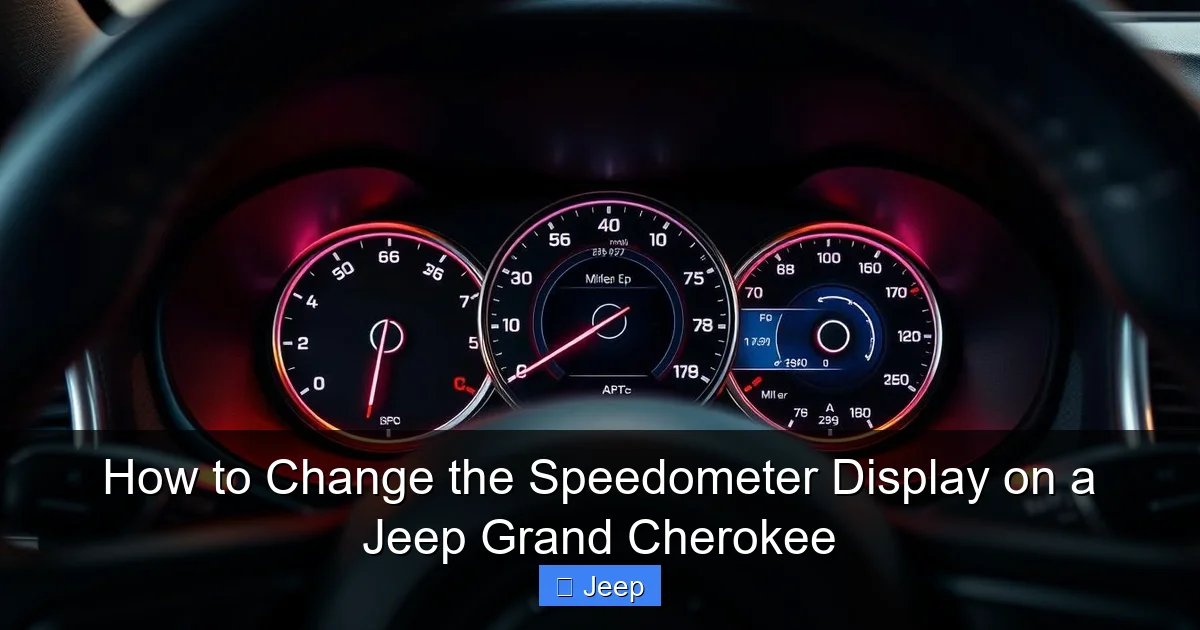
Visual guide about How to Change the Speedometer Display on a Jeep Grand Cherokee
Image source: automotivesimple.com
The Universal Button Sequence
While menu names can differ slightly (“Vehicle,” “Settings,” “Cluster”), the navigation is consistent. Follow these steps with the ignition in the “ON” or “RUN” position (engine off or on):
- Locate the Controls: Find the four arrow buttons (up, down, left, right) and a central “OK” or “Enter” button on the left spoke of your steering wheel.
- Enter the Menu: Press the UP or DOWN arrow button. You should see a menu icon or text appear on your instrument cluster screen. Press the OK button to enter the main menu.
- Navigate to Settings: Use the UP/DOWN arrows to scroll through options. You are looking for “Vehicle,” “Settings,” “Cluster,” or “System.” The exact wording depends on your year and software level. Press OK when you find it.
- Find Display/Units: Inside the settings menu, scroll to find “Units,” “Speedometer,” “Display,” or “Measurement.” Highlight it and press OK.
- Make Your Change: You should now see options like “MPH / KPH” or “English / Metric.” Select your preferred unit using the arrows and confirm with OK.
- Exit: Press the arrow buttons or a dedicated “Exit” button (often the left arrow) to back out of the menus. The change should be immediate.
Pro Tip: If you get lost in the menus, simply hold down the OK button for a few seconds or press the left arrow repeatedly to exit all the way back to the main gauge screen.
What If My Menu Looks Different?
Some Grand Cherokees, particularly those with the Uconnect 4C or 5 systems, might have some cluster settings mirrored in the main Uconnect touchscreen. To check:
- Go to Settings on the Uconnect screen.
- Select Vehicle.
- Look for an option called Instrument Cluster or Gauge Display.
This touchscreen path is a fallback if the steering wheel controls don’t show the units option, though the steering wheel method is primary. For more complex system resets or updates, you might need a professional tool, much like how you’d follow a specific procedure to reset the oil change light on a Jeep Grand Cherokee, which also navigates through the vehicle settings menus.
Step-by-Step: Changing the Display on 2022+ Grand Cherokees (Uconnect 5 Touchscreen)
The newest Grand Cherokee L and 2022+ standard Grand Cherokee represent a complete technological leap. The physical buttons are gone, replaced by a sleek, capacitive touchscreen. The digital instrument cluster is a separate, high-resolution screen controlled entirely through Uconnect 5.
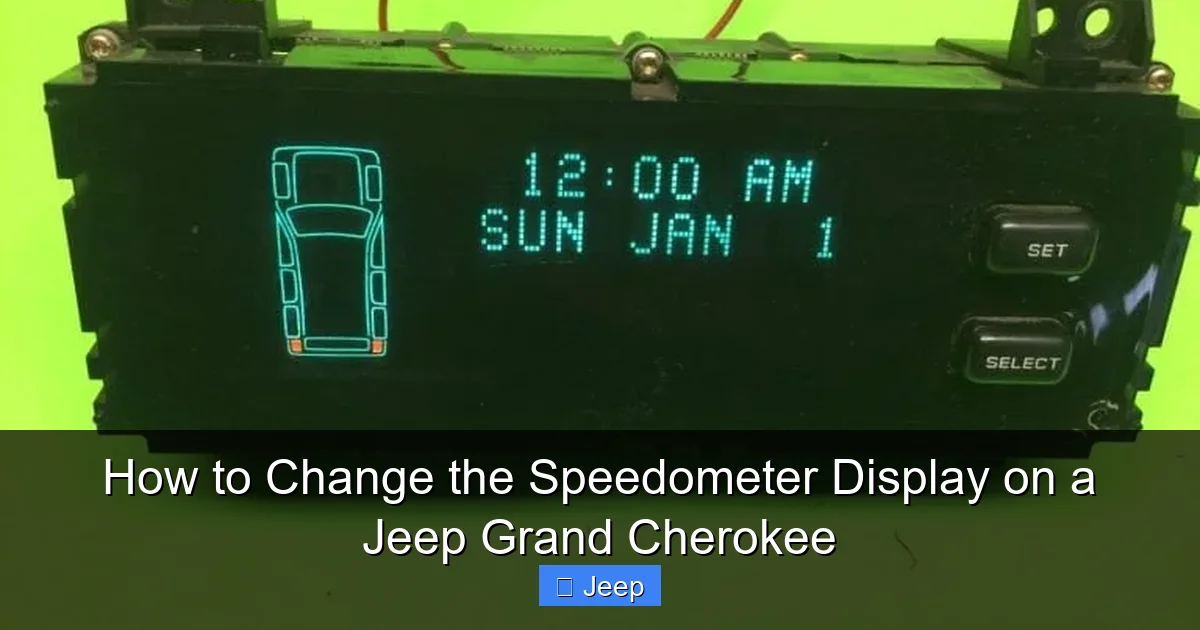
Visual guide about How to Change the Speedometer Display on a Jeep Grand Cherokee
Image source: vehiclers.com
Navigating the Digital Cluster Settings
The process is intuitive but located in a deep menu. Ensure your vehicle is in “Park” and the ignition is on.
- Open Settings: From the Uconnect 5 home screen, tap the Settings icon (usually a gear or wrench).
- Select Vehicle: In the Settings menu, tap Vehicle.
- Find Instrument Cluster: Scroll down the Vehicle settings list until you find Instrument Cluster or Gauge Display. Tap it.
- Customize Your Display: Here you will find a range of options:
- Display Mode: Choose between layouts like “Classic,” “Modern,” or “Sport,” which rearrange the digital elements around the analog-style needles (if your model has them) or change the entire digital theme.
- Units: Tap to switch between MPH and KPH. This change will apply to the digital speed readout and trip calculations.
- Brightness: Some models allow day/night auto-brightness adjustment here, though the main dash dimmer knob still works.
- Additional Info: You can often select which data (fuel economy, compass, oil life) appears on the center screen by default.
- Save & Exit: Changes are typically saved automatically when you select them. You can press the “Back” arrow or the home button to exit. The cluster will update instantly.
Important Note: The Uconnect 5 system is very responsive. If a menu option is grayed out or missing, it may be locked by the dealer or not available for your specific trim level. A software update at the dealership can sometimes enable missing features.
Troubleshooting: What to Do When Changes Don’t Work
You followed the steps, but the display still shows the wrong units, or the menu option you need is missing. Don’t panic. Here’s a systematic approach to fix it.
Common Problem: Menu Option Missing or Grayed Out
This is the most frequent issue. It usually means one of two things:
- Your Vehicle’s Software Level: Early production models or vehicles that haven’t had their Uconnect system updated may lack certain menu items. A simple software update from your Jeep dealer can often resolve this. It’s a quick process they perform over the USB port.
- Trim Level Limitation: Base models sometimes have a less feature-rich digital cluster. The option to change the layout or units might be physically restricted by the vehicle’s configuration. Your owner’s manual’s specifications section will confirm what features your VIN includes.
Common Problem: Speedometer Reads Incorrectly After Unit Change
If you switch to KPH and the numbers seem wildly inaccurate (e.g., showing 100 KPH when you
Frequently Asked Questions
What is How to Change the Speedometer Display on a Jeep Grand Cherokee?
How to Change the Speedometer Display on a Jeep Grand Cherokee is an important topic with many practical applications.
