
Does the Toyota Camry Have Remote Start

The Toyota Camry offers remote start on most trims starting from 2018 onward, especially in higher-end models like XLE, XSE, and Hybrid variants. This feature allows you to start your car from a distance using the key fob or smartphone app, making it easier to warm up or cool down your vehicle before driving.
If you’ve ever stood in a freezing parking lot, scraping ice off your windshield while your hands go numb, or climbed into a sweltering car on a summer afternoon, you’ve probably wished your car could start itself before you got in. That’s exactly what remote start does—and if you’re driving a Toyota Camry, you might already have this handy feature at your fingertips. But does the Toyota Camry have remote start? The short answer is: yes, but it depends on the year, trim level, and how you want to use it.
The Toyota Camry has evolved significantly over the past decade, transforming from a reliable family sedan into a tech-savvy, comfort-focused vehicle packed with modern conveniences. One of those conveniences is remote start—a feature that lets you start your engine from up to a few hundred feet away using your key fob or a smartphone app. Whether you’re coming out of the grocery store on a cold morning or stepping out of the office on a hot day, remote start lets you begin warming up or cooling down your Camry before you even reach the driver’s seat.
But not all Camrys are created equal when it comes to remote start. While newer models (especially from 2018 onward) often include it as standard or optional equipment, older versions may lack it entirely. And even among newer models, availability can vary by trim level and package options. So, if you’re wondering whether your Camry has remote start—or if you’re shopping for one and want to make sure you get it—this guide will walk you through everything you need to know.
Key Takeaways
- Remote start availability: The Toyota Camry includes remote start on most trims from 2018 onward, particularly in XLE, XSE, and Hybrid models.
- Key fob and app options: You can activate remote start using the physical key fob or the Toyota app (Toyota Connected Services) on compatible models.
- Climate control benefits: Remote start lets you pre-condition the cabin—heating in winter or cooling in summer—before you enter the vehicle.
- Security and safety features: The system includes safeguards like automatic shutoff and engine immobilizers to prevent unauthorized use.
- Subscription may be required: Access to app-based remote start often requires an active Toyota Connected Services subscription after the trial period.
- Aftermarket alternatives: Older Camry models without factory remote start can be upgraded with third-party kits, though professional installation is recommended.
- Check your owner’s manual: Always verify your specific model year and trim to confirm remote start availability and operating instructions.
📑 Table of Contents
- What Is Remote Start and Why Does It Matter?
- Which Toyota Camry Models Have Remote Start?
- How to Use Remote Start on the Toyota Camry
- Benefits of Remote Start in the Toyota Camry
- Limitations and Considerations
- Can You Add Remote Start to an Older Camry?
- Tips for Getting the Most Out of Remote Start
- Conclusion
What Is Remote Start and Why Does It Matter?
Remote start is a vehicle feature that allows you to start your engine without being inside the car. Instead of inserting the key or pressing the start button, you press a sequence of buttons on your key fob or use a mobile app to activate the engine from a distance. Once the engine is running, the climate control system kicks in, adjusting the temperature to your preset preferences.
This might sound like a luxury, but for many drivers, it’s a game-changer. Imagine starting your Camry on a snowy winter morning from the comfort of your living room. The engine warms up, the heater blows warm air, and the defrosters begin clearing your windshield—all while you sip your coffee and finish getting ready. Or picture a scorching summer day when your car has been sitting in direct sunlight. With remote start, you can cool down the cabin before you even open the door, making your drive more comfortable and reducing the time you spend sweltering in a hot seat.
Beyond comfort, remote start can also improve safety and efficiency. A properly warmed engine runs more smoothly and emits fewer pollutants, which is better for both your car and the environment. Plus, entering a pre-cooled or pre-heated car reduces the strain on your air conditioning or heating system, potentially extending its lifespan.
Which Toyota Camry Models Have Remote Start?
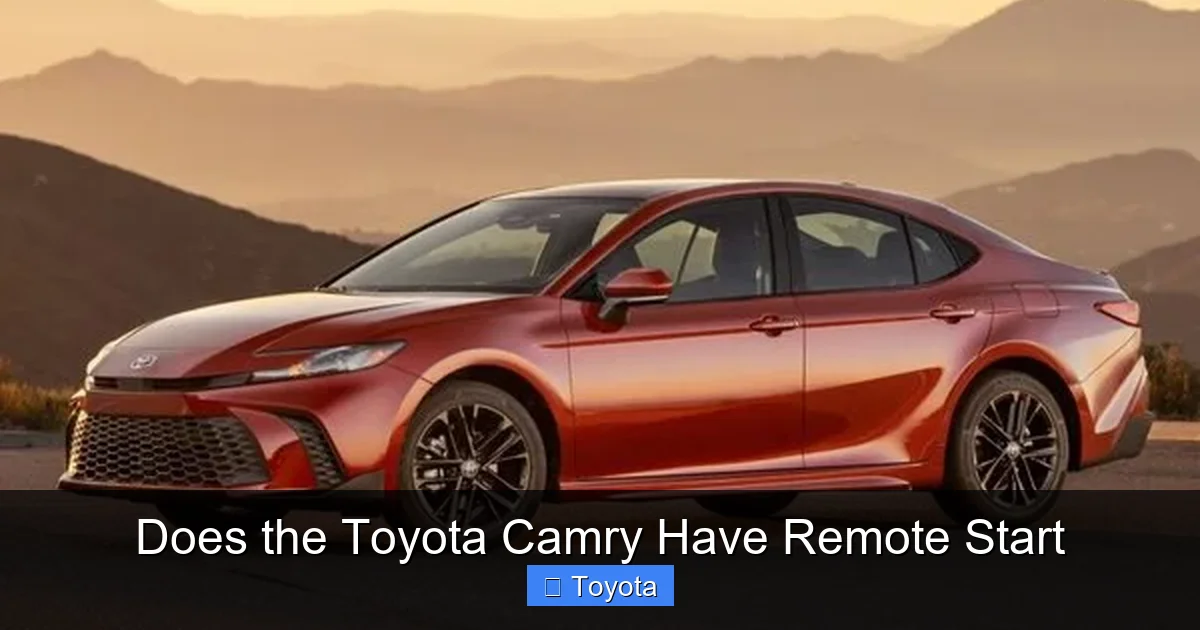
Visual guide about Does the Toyota Camry Have Remote Start
Image source: cdcssl.ibsrv.net
Now that you know what remote start does and why it’s useful, let’s get into the specifics: which Toyota Camry models actually come with it?
Starting with the 2018 model year, Toyota began offering remote start more widely across the Camry lineup. However, it’s not standard on every trim. Here’s a breakdown by model year and trim level:
2018–2024 Toyota Camry: Trim-Level Availability
- LE and SE trims: Remote start is typically not standard on the base LE and sporty SE trims. However, it may be included as part of an optional package, such as the Convenience Package or Premium Audio Package. Always check the window sticker or build sheet to confirm.
- XLE and XSE trims: These mid-to-high trims almost always include remote start as standard equipment. If you’re buying a used or new Camry in one of these trims, you can be confident it likely has remote start.
- Hybrid models: All Toyota Camry Hybrid trims (LE Hybrid, SE Hybrid, XLE Hybrid, etc.) come with remote start standard. This makes sense, given the hybrid’s focus on efficiency and comfort.
- TRD models: The sporty TRD trim (available from 2019–2023) includes remote start as standard, even though it’s performance-oriented.
Model Year Considerations
If you’re looking at a Camry from before 2018, remote start was much less common. The 2015–2017 models rarely included it, and when they did, it was usually only on the top-tier XLE trim or as a dealer-installed option. For 2014 and earlier, remote start was almost unheard of in the Camry lineup.
From 2021 onward, Toyota expanded remote start availability even further, often including it in lower trims as part of broader tech packages. The 2023 and 2024 Camry models continue this trend, with remote start becoming increasingly standard across the board.
How to Confirm If Your Camry Has Remote Start
If you already own a Camry and aren’t sure whether it has remote start, here are a few ways to check:
- Look at your key fob: If your key fob has a button with a circular arrow (often labeled “Remote Start” or shown with a car icon and arrow), your car likely has the feature.
- Check the owner’s manual: The manual will list all standard and optional features. Look for “Remote Engine Start” or “Smart Key System with Push Button Start.”
- Try the sequence: On most Toyotas with remote start, you press the lock button on the key fob three times in quick succession. If the engine starts, you’ve got it.
- Use the Toyota app: If your Camry is compatible with Toyota Connected Services, you can use the Toyota app to start your car remotely. This requires an active subscription after the initial trial period.
How to Use Remote Start on the Toyota Camry
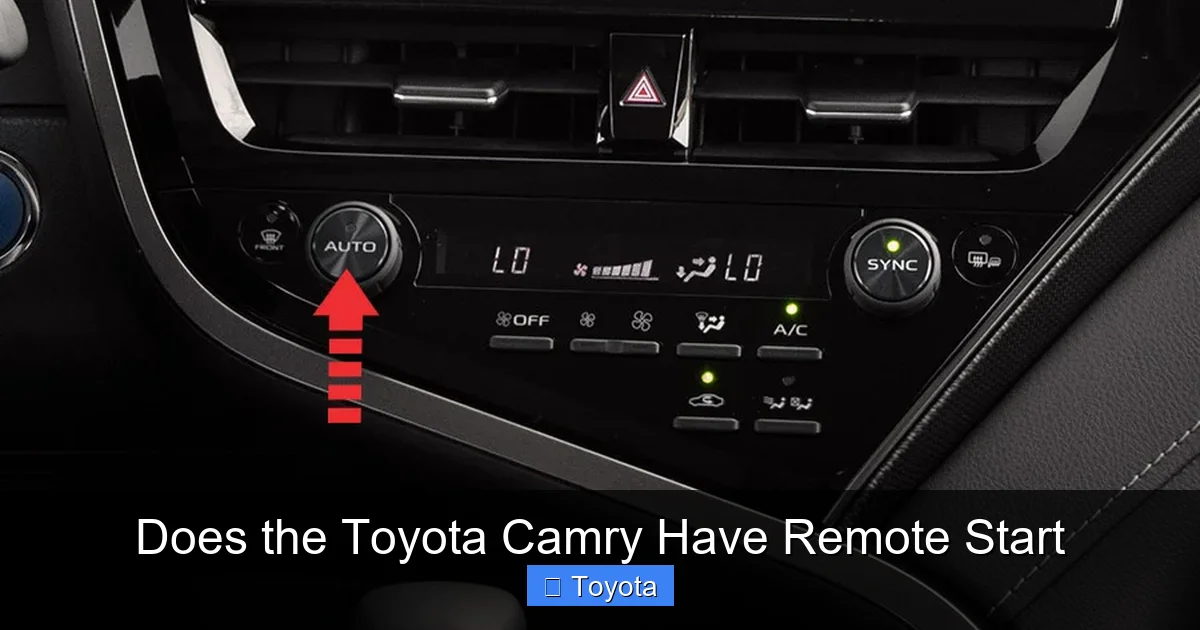
Visual guide about Does the Toyota Camry Have Remote Start
Image source: wheelsjoint.com
Using remote start on your Toyota Camry is simple, but the exact steps depend on whether you’re using the key fob or the app.
Using the Key Fob
Most Camry models with remote start use a three-step sequence:
- Press the lock button on your key fob.
- Within five seconds, press the remote start button (the one with the circular arrow) twice.
- The engine will start, and the hazard lights will flash to confirm.
The engine will typically run for 10 minutes before automatically shutting off. You can extend the runtime by repeating the sequence before the timer expires. To stop the engine early, press the remote start button once.
Using the Toyota App
If your Camry is equipped with Toyota Connected Services (available on most 2018 and newer models), you can use the Toyota app to start your car from anywhere with a cellular connection.
- Open the Toyota app on your smartphone.
- Log in with your Toyota owner account.
- Select your vehicle and tap the “Remote Start” option.
- Choose your preferred runtime (usually 5, 10, or 15 minutes).
- Confirm the action, and your Camry will start.
The app also lets you lock/unlock doors, check fuel level, locate your car, and even set geofences. However, keep in mind that full app functionality requires an active subscription after the initial 30- to 90-day trial period.
Safety and Security Features
Toyota takes safety seriously, even with remote start. Here are some built-in protections:
- Engine immobilizer: The car won’t start unless the correct key fob is present when you enter and press the brake pedal.
- Automatic shutoff: The engine turns off after a set time (usually 10–15 minutes) to prevent excessive idling.
- Hood sensor: If the hood is open, remote start won’t activate, reducing the risk of tampering or accidents.
- Transmission check: The system ensures the car is in Park before starting.
These features help prevent theft and ensure the system is used safely.
Benefits of Remote Start in the Toyota Camry
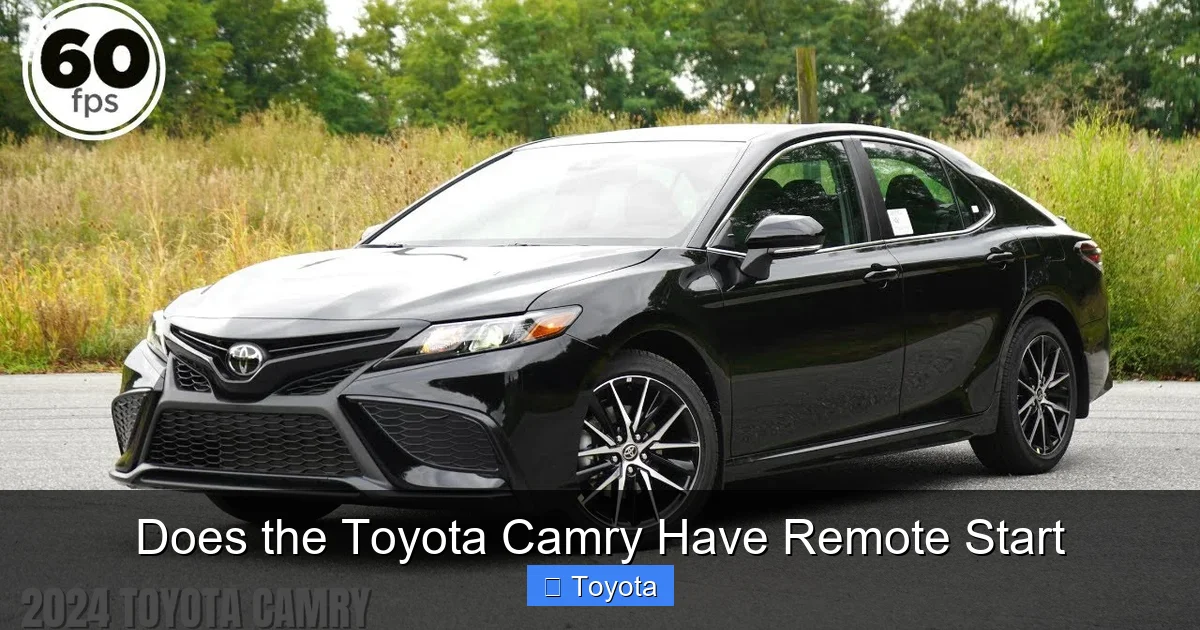
Visual guide about Does the Toyota Camry Have Remote Start
Image source: i.ytimg.com
Now that you know how it works, let’s talk about why remote start is such a valuable feature in the Camry.
Comfort in Extreme Weather
This is the most obvious benefit. On cold mornings, remote start lets you warm up the engine and activate the heated seats and steering wheel (if equipped). In summer, it cools the cabin using the air conditioning, so you’re not stepping into an oven.
For example, if you live in Minnesota and it’s -10°F outside, starting your Camry from your kitchen window means you’ll be driving in a warm, defrosted car within minutes. Similarly, in Phoenix during July, a 10-minute remote start can drop the interior temperature from 120°F to a manageable 85°F.
Improved Air Quality
When you start your car remotely, the cabin air filter begins circulating air immediately. This helps remove dust, pollen, and pollutants from the interior, which is especially helpful for people with allergies or respiratory issues.
Engine Longevity
A properly warmed engine operates more efficiently. Cold starts put extra strain on engine components, so remote start helps reduce wear and tear over time. While modern engines are designed to handle cold starts, minimizing them can extend the life of your Camry’s powertrain.
Convenience and Peace of Mind
Remote start adds a layer of convenience that makes daily driving easier. Whether you’re running errands, commuting, or traveling, being able to start your car from a distance saves time and reduces stress. Plus, knowing your car is ready to go when you are gives you one less thing to worry about.
Enhanced Resale Value
Vehicles with modern tech features like remote start tend to hold their value better. If you plan to sell or trade in your Camry in the future, having remote start can make it more attractive to buyers.
Limitations and Considerations
While remote start is a great feature, it’s not without limitations.
Subscription Costs for App Use
Using the Toyota app for remote start requires a Toyota Connected Services subscription. After the free trial (usually 30–90 days), plans start at around $8–$10 per month or $80–$100 per year. If you only use remote start occasionally, this might not be worth it. However, if you use other app features like roadside assistance, vehicle diagnostics, or location tracking, the subscription can be valuable.
Range Limitations
Key fob remote start typically works within 50–100 feet, depending on obstacles like buildings or walls. The app-based system has a much longer range (theoretically unlimited, as long as there’s cellular coverage), but it relies on your phone’s signal and the car’s telematics system.
Battery Drain Concerns
Idling your car for 10–15 minutes uses fuel and can drain the 12-volt battery over time, especially in cold weather. While modern systems are efficient, frequent remote starts in extreme conditions may require more frequent battery checks.
Not Available on All Trims
As mentioned earlier, base trims like LE and SE may not include remote start unless you add an optional package. If you’re buying new, make sure to select the right trim or package to get the feature.
Can You Add Remote Start to an Older Camry?
If your Camry doesn’t have factory remote start, don’t despair—you can still add it.
Aftermarket Remote Start Kits
Several reputable companies offer aftermarket remote start systems that are compatible with the Toyota Camry. Brands like Viper, Compustar, and Fortin provide plug-and-play kits that integrate with your car’s electronics.
These systems typically include a new key fob with remote start buttons and a control module that connects to the ignition and security systems. Installation usually requires a professional technician, as it involves wiring and programming.
Cost and Installation
Aftermarket kits range from $150 to $400 for the hardware, plus $100–$200 for professional installation. Some dealers also offer factory-style remote start upgrades for older models, which can be more expensive but offer better integration.
Pros and Cons of Aftermarket Systems
- Pros: Adds remote start to any Camry, often includes smartphone control, can be more affordable than dealer upgrades.
- Cons: May void certain warranties, requires professional installation, potential compatibility issues with advanced safety systems.
If you go this route, choose a certified installer and ensure the system is compatible with your specific Camry model and year.
Tips for Getting the Most Out of Remote Start
To make the most of your Camry’s remote start feature, follow these practical tips:
- Use it wisely: Avoid unnecessary idling. Only use remote start when you’re ready to drive within 10–15 minutes.
- Set a routine: If you leave for work at the same time every day, use the app to schedule remote start a few minutes before you head out.
- Check the weather: Use remote start more frequently in extreme temperatures—both hot and cold.
- Keep your app updated: Ensure the Toyota app is up to date to avoid connectivity issues.
- Monitor your subscription: If you’re using the app, keep track of your Toyota Connected Services subscription to avoid service interruptions.
- Test it regularly: Try remote start once a month to ensure the system is working properly, especially before winter.
Conclusion
So, does the Toyota Camry have remote start? The answer is a resounding yes—for most models from 2018 onward, especially in higher trims like XLE, XSE, and Hybrid variants. This feature adds real value to your driving experience, offering comfort, convenience, and peace of mind in all kinds of weather.
Whether you’re using the key fob or the Toyota app, remote start makes it easier to start your day on the right foot. And if your Camry doesn’t have it, aftermarket options make it possible to add this modern convenience.
When shopping for a Camry—new or used—always check the trim level and equipment list to confirm remote start availability. And if you already own one, take a few minutes to test the feature and explore the Toyota app. You might be surprised at how much you enjoy starting your car from the comfort of your home.
In today’s world, where time is precious and comfort matters, remote start isn’t just a luxury—it’s a smart, practical upgrade that enhances every drive. And in the Toyota Camry, it’s more accessible than ever.
Frequently Asked Questions
Does the 2020 Toyota Camry have remote start?
Yes, the 2020 Toyota Camry includes remote start on most trims, especially the XLE, XSE, and all Hybrid models. It may be optional on LE and SE trims depending on the package selected.
Can I start my Toyota Camry with my phone?
Yes, if your Camry is equipped with Toyota Connected Services (available on most 2018 and newer models), you can use the Toyota app to start your car remotely. A subscription is required after the trial period.
How do I know if my Camry has remote start?
Check your key fob for a remote start button (circular arrow), consult your owner’s manual, or try the three-button sequence: lock, then press the remote start button twice.
Is remote start free on Toyota Camry?
Remote start via the key fob is free and included with compatible models. App-based remote start requires a Toyota Connected Services subscription after the initial free trial.
Can I add remote start to a 2015 Toyota Camry?
Yes, you can install an aftermarket remote start system on a 2015 Camry. Professional installation is recommended to ensure compatibility and avoid warranty issues.
Does remote start drain the car battery?
Remote start uses a small amount of battery power, but modern systems are designed to minimize drain. Frequent use in extreme cold may require more frequent battery checks.
