
How to Disable a Bmw Car Alarm

Disabling a BMW car alarm doesn’t have to be stressful. Whether your alarm is going off unexpectedly or you need to reset the system, this guide walks you through safe, proven methods—from using the key fob to accessing the fuse box—so you can regain control quickly and confidently.
Key Takeaways
- Use the key fob to disarm the alarm: Press the unlock button twice to deactivate most BMW alarms instantly.
- Insert the physical key into the driver’s door: Turning the key manually can reset the alarm system and stop unwanted triggering.
- Check the hood and trunk sensors: Faulty or misaligned sensors are common culprits behind false alarms—inspect and clean them regularly.
- Access the fuse box to disable the alarm temporarily: Removing the alarm fuse (usually labeled “DWA” or “Alarm”) can silence the system during repairs.
- Use iDrive or vehicle settings for newer models: Some BMWs allow you to adjust or disable alarm sensitivity through the infotainment system.
- Consult a professional if problems persist: Persistent alarm issues may indicate deeper electrical or module faults requiring expert diagnosis.
- Prevent future false alarms: Keep your key fob battery charged, avoid parking in extreme weather, and ensure all doors are fully closed.
📑 Table of Contents
- Why Your BMW Alarm Might Be Going Off
- Using the Key Fob to Disable the Alarm
- Manually Disabling the Alarm with the Physical Key
- Checking and Resetting Door, Hood, and Trunk Sensors
- Accessing the Fuse Box to Disable the Alarm
- Using iDrive and Vehicle Settings (Newer Models)
- When to Seek Professional Help
- Conclusion
Why Your BMW Alarm Might Be Going Off
If you’ve ever been startled by your BMW’s alarm blaring in the middle of the night—or worse, in a crowded parking lot—you’re not alone. BMWs are equipped with advanced security systems designed to protect your vehicle from theft, but sometimes these very systems can become overly sensitive or malfunction. Understanding why your BMW alarm triggers unexpectedly is the first step toward resolving the issue and learning how to disable a BMW car alarm when needed.
Common causes include a weak key fob battery, a door that isn’t fully latched, a faulty hood or trunk sensor, or even sudden changes in atmospheric pressure (like during a thunderstorm). In some cases, the alarm may activate simply because the vehicle’s tilt sensor detects movement—such as when a large truck passes by or someone leans on the car. Additionally, older models may experience wear and tear on internal sensors or wiring, leading to false alarms.
It’s important to note that while disabling the alarm might seem like a quick fix, doing so permanently isn’t recommended. The alarm system is a critical part of your BMW’s security. Instead, the goal should be to identify the root cause and either adjust settings or repair the issue—while knowing how to temporarily disable the alarm in emergencies.
Signs Your Alarm System Needs Attention
Not all alarm issues are loud and obvious. Sometimes, subtle signs indicate that your BMW’s security system isn’t functioning properly. For example, if your key fob takes multiple presses to unlock the car, or if the interior lights don’t turn on when you open the door, it could mean the alarm system is struggling to communicate with the vehicle’s electronics. Another red flag is if the alarm activates without any apparent reason—like when you’re washing the car or parking on a slight incline.
If you notice the alarm going off more than once a week, or if it fails to arm when you lock the car, it’s time to investigate. These symptoms often point to low battery voltage in the key fob, misaligned door latches, or a failing control module. Ignoring these signs can lead to bigger problems down the road, including a completely unresponsive alarm or even a drained car battery.
Using the Key Fob to Disable the Alarm
Visual guide about How to Disable a Bmw Car Alarm
Image source: carkeys.co.uk
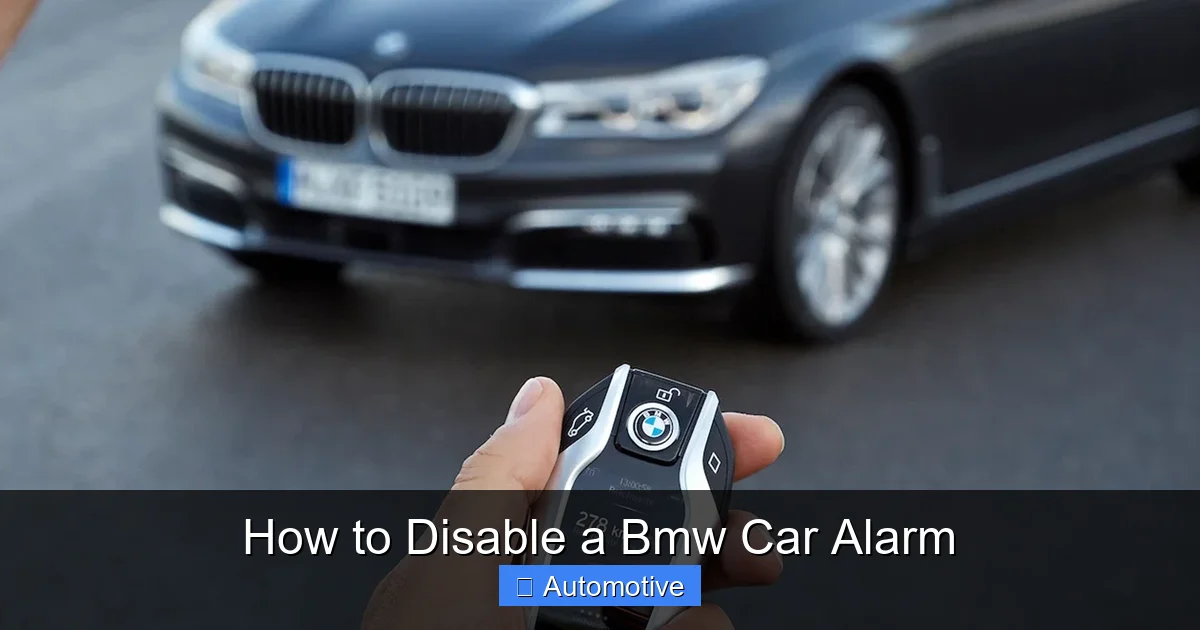
The simplest and most effective way to disable a BMW car alarm is by using the key fob. This method works for nearly all BMW models, from older E-series to the latest G-series vehicles. When your alarm starts blaring, the first thing you should try is pressing the unlock button on your key fob—once or twice, depending on the model.
Most BMWs are programmed to disarm the alarm when the unlock signal is received. Pressing the unlock button once typically unlocks the driver’s door, while a second press unlocks all doors and fully disables the alarm. If your key fob has a separate “panic” or “alarm” button (often marked with a horn icon), avoid pressing it unless you intentionally want to trigger the alarm.
What If the Key Fob Doesn’t Work?
If pressing the unlock button doesn’t stop the alarm, the issue might be a dead or weak battery in the key fob. BMW key fobs use a small coin-cell battery (usually a CR2032), which can lose charge over time—especially if the fob is frequently exposed to extreme temperatures or moisture. When the battery is low, the signal strength drops, and the car may not recognize the command to disarm.
To test this, try holding the key fob directly against the driver’s side door handle or the start button (if your BMW has Comfort Access). Many BMWs have a backup receiver in these locations that can detect a weak signal. If the car unlocks or the alarm stops, it’s a clear sign the battery needs replacing.
Replacing the battery is straightforward: use a small flathead screwdriver to pry open the key fob, remove the old battery, and insert a new one with the positive side facing up. After reassembling the fob, test it by locking and unlocking the car. In most cases, this resolves the issue and restores normal alarm function.
Manually Disabling the Alarm with the Physical Key
Visual guide about How to Disable a Bmw Car Alarm
Image source: nationwideautotransportation.com
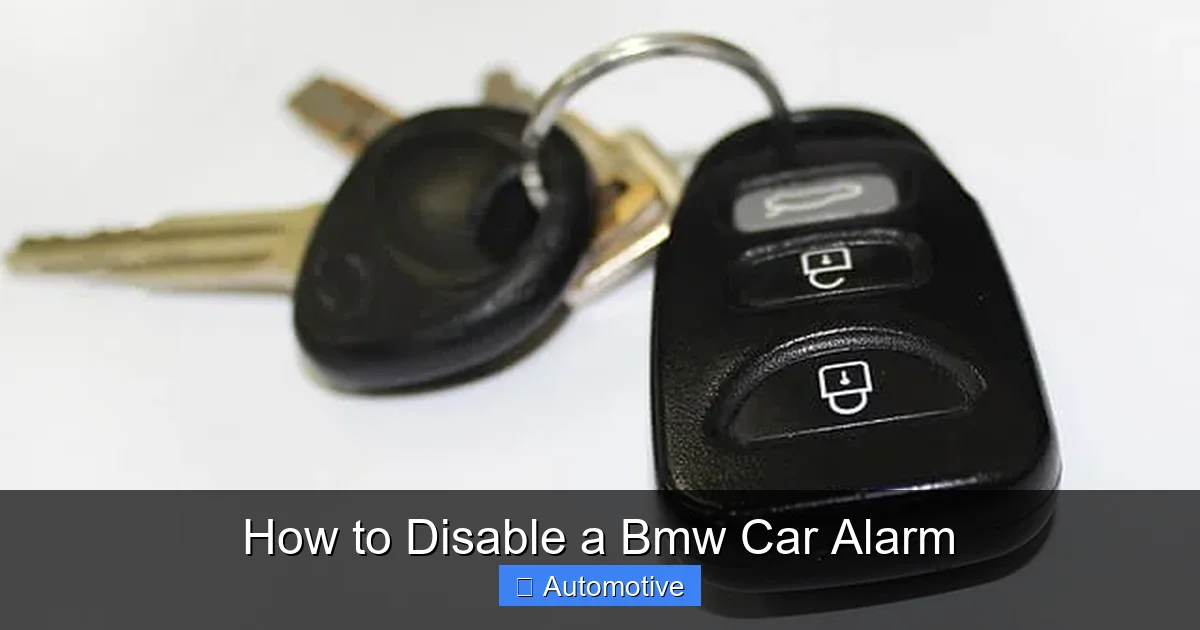
If your key fob isn’t working—or if you’ve lost it entirely—you can still disable the BMW car alarm using the physical key blade hidden inside the fob. Every BMW key fob has a small, retractable metal key that can be used to manually unlock the driver’s door. This method bypasses the electronic system and directly triggers the mechanical lock, which often resets the alarm.
To access the key, look for a small button or release latch on the side of the fob. Press it, and the metal key should pop out. Insert it into the keyhole on the driver’s door (usually hidden behind a small cover) and turn it clockwise to unlock. Once the door opens, the alarm should stop sounding. In many models, simply opening the door with the physical key signals the car that you’re authorized, and the system disarms automatically.
Why This Method Works
BMW’s security system is designed to recognize legitimate access methods. When you use the physical key, the car detects the mechanical action and interprets it as a valid entry attempt. This triggers the same disarm sequence as the key fob, silencing the alarm and allowing you to enter the vehicle. It’s a reliable backup that works even when electronics fail.
However, keep in mind that this method only disables the alarm temporarily. Once you start the car and drive away, the system will re-arm itself when you lock the doors again. If the underlying issue—like a faulty sensor or low battery—isn’t fixed, the alarm may continue to trigger in the future.
Checking and Resetting Door, Hood, and Trunk Sensors
Visual guide about How to Disable a Bmw Car Alarm
Image source: trucksauthority.com
One of the most common reasons BMW alarms go off unexpectedly is due to faulty or misaligned sensors. These sensors monitor the status of your doors, hood, and trunk, and if they detect an “open” signal when the car is locked, they assume a break-in is occurring and trigger the alarm.
Start by inspecting all doors to ensure they’re fully closed. Sometimes, a door may appear shut but isn’t latched properly—especially in cold weather when rubber seals contract. Try opening and closing each door firmly, listening for a solid click. If one door continues to show as “open” on the dashboard or iDrive screen, the latch or sensor may need adjustment.
Hood and Trunk Sensor Issues
The hood and trunk are particularly prone to sensor problems. The hood sensor, located near the latch, can become dirty, corroded, or misaligned over time. Dirt, ice, or debris can prevent the sensor from making proper contact, causing the car to think the hood is open. Similarly, the trunk sensor may fail if the latch is worn or if the seal is damaged.
To check the hood sensor, open the hood and locate the small switch near the latch. Press it manually with your finger—if the interior light turns on or off, the sensor is working. If not, clean the contacts with electrical contact cleaner and ensure the latch is fully engaged. For the trunk, try lifting it slightly after closing to see if it re-latches properly. If the sensor is faulty, it may need to be replaced by a technician.
Resetting the Sensor System
After inspecting and cleaning the sensors, you can reset the system by locking and unlocking the car several times using the key fob. This helps the car relearn the status of each component. Alternatively, disconnecting the car battery for 10–15 minutes can reset the entire electrical system, including the alarm module. However, this should be a last resort, as it may also reset other settings like radio presets and seat memory.
Accessing the Fuse Box to Disable the Alarm
If the alarm continues to sound and you can’t disarm it using the key fob or physical key, you may need to disable it at the source: the fuse box. Every BMW has a fuse that controls the alarm system, usually labeled “DWA” (German for “Differential Wheel Alarm”) or simply “Alarm.” Removing this fuse will silence the alarm immediately.
The location of the fuse box varies by model. In most BMWs, the main fuse box is under the hood on the driver’s side, near the battery. Some newer models also have an interior fuse panel located under the dashboard on the driver’s side or behind a panel in the glove compartment. Refer to your owner’s manual for the exact location.
How to Remove the Alarm Fuse
Once you’ve located the fuse box, open the cover and look for a diagram that identifies each fuse. The alarm fuse is typically a 5A or 10A blade-type fuse. Use a fuse puller (often included in the fuse box) or a pair of needle-nose pliers to gently remove it. Once the fuse is out, the alarm will stop sounding.
Keep in mind that removing the fuse only disables the alarm temporarily. It won’t fix the underlying problem, and your car will be less secure until the fuse is replaced. Also, some BMWs may display a warning message on the dashboard indicating a fault in the security system.
When to Use This Method
This method is best used in emergencies—for example, if the alarm is disrupting others or draining the battery. It’s not a long-term solution. Once the immediate issue is resolved, replace the fuse and investigate the cause of the false alarm. If the problem persists, it’s time to consult a professional.
Using iDrive and Vehicle Settings (Newer Models)
For BMWs equipped with iDrive (typically 2007 and newer), you may be able to adjust or disable certain alarm features through the vehicle’s infotainment system. While you can’t completely turn off the alarm for security reasons, you can modify its sensitivity or disable specific triggers like the tilt sensor or interior motion detector.
To access these settings, go to the iDrive menu and navigate to “Vehicle Settings” > “Doors and Windows” > “Alarm System.” Here, you’ll find options to adjust the alarm volume, disable the tilt sensor (useful if you park on steep hills), or turn off the interior motion sensor (helpful if you have pets or frequently leave items moving inside the car).
Limitations of iDrive Adjustments
It’s important to understand that these settings only modify how the alarm responds—they don’t disable the core security function. The car will still arm when locked, and the alarm will still trigger if a door is opened without disarming. However, reducing sensitivity can prevent many false alarms caused by environmental factors.
Additionally, some settings may reset after the car is turned off or the battery is disconnected. Always check the menu after servicing or jump-starting the vehicle to ensure your preferences are still active.
When to Seek Professional Help
While many alarm issues can be resolved with simple fixes, some problems require professional diagnosis and repair. If your BMW alarm continues to go off despite trying all the methods above, it may indicate a deeper electrical issue—such as a failing alarm control module, damaged wiring, or a malfunctioning central locking system.
Symptoms that warrant a visit to a BMW specialist include:
– The alarm triggers randomly, even when the car is untouched.
– The key fob and physical key both fail to disarm the system.
– The dashboard displays persistent warning messages related to the security system.
– The car won’t start or behaves erratically when the alarm is active.
A certified BMW technician can use specialized diagnostic tools to read fault codes from the alarm module and pinpoint the exact cause. In some cases, a software update or module replacement may be necessary.
Preventing Future Alarm Problems
Once your alarm is working properly, take steps to prevent future issues:
– Replace the key fob battery every 1–2 years.
– Keep doors, hood, and trunk latches clean and lubricated.
– Avoid parking in areas with heavy vibration or extreme weather.
– Ensure all doors are fully closed before locking the car.
– Consider installing a battery maintainer if the car sits unused for long periods.
Regular maintenance goes a long way in keeping your BMW’s security system reliable and responsive.
Conclusion
Learning how to disable a BMW car alarm is a valuable skill that every BMW owner should have. Whether you’re dealing with a false alarm in the middle of the night or preparing for a service appointment, knowing the right steps can save you time, stress, and embarrassment. From using the key fob and physical key to checking sensors and accessing the fuse box, there are multiple ways to regain control of your vehicle’s security system.
Remember, the goal isn’t to disable the alarm permanently—it’s to understand how it works and address the root cause of the problem. By following the tips in this guide, you can keep your BMW secure while minimizing unnecessary disruptions. And if all else fails, don’t hesitate to reach out to a professional who can ensure your vehicle’s safety systems are functioning as intended.
With a little knowledge and preparation, you’ll never have to panic when your BMW alarm starts blaring again.
Frequently Asked Questions
Can I permanently disable my BMW alarm?
While it’s technically possible to disable the alarm permanently by removing the control module or fuse, it’s not recommended. Doing so reduces your car’s security and may void your warranty or insurance coverage. Instead, adjust settings or repair faulty components to maintain protection.
Why does my BMW alarm go off when it rains?
Heavy rain or moisture can trigger the alarm if water seeps into door seals, hood sensors, or the key fob. This can cause short circuits or false “open” signals. Ensure all seals are intact and consider using a waterproof key fob cover.
How do I know if my key fob battery is low?
A low battery may cause the key fob to work only at close range, require multiple presses, or fail to disarm the alarm. If holding the fob near the door handle works but pressing it from a distance doesn’t, the battery likely needs replacing.
Will disconnecting the battery reset the alarm?
Yes, disconnecting the car battery for 10–15 minutes can reset the alarm system and clear temporary faults. However, it may also reset other settings like radio stations and seat positions, so use this method sparingly.
Can a dead car battery cause the alarm to go off?
Yes, a weak or dying car battery can cause erratic behavior in the electrical system, including false alarm triggers. If your alarm activates frequently and the car struggles to start, have the battery tested.
Is it safe to drive with the alarm fuse removed?
Driving with the alarm fuse removed is safe mechanically, but your car will be less secure. Only do this temporarily, and replace the fuse as soon as possible to restore full protection.