
How to Turn Off Acura Car Alarm

Struggling with a blaring Acura car alarm? You’re not alone. This guide walks you through simple, effective methods to turn off your Acura’s alarm—whether it’s triggered by a faulty sensor, dead key fob battery, or accidental activation. From using your key fob to manually disabling the system, we’ve got you covered.
Key Takeaways
- Use the key fob: Press the “unlock” or “panic” button to silence most Acura alarms instantly.
- Start the engine: Turning the ignition to “on” or starting the car often deactivates the alarm system.
- Check the key fob battery: A weak battery can prevent remote functions from working—replace it if needed.
- Inspect door and hood sensors: Misaligned or dirty sensors may falsely trigger the alarm—clean and adjust them.
- Use the manual override: Insert the physical key into the driver’s door lock to unlock and reset the system.
- Consult the owner’s manual: Model-specific procedures vary—always refer to your Acura’s manual for accurate guidance.
- Visit a dealer if persistent: If the alarm won’t stop, there may be an electrical issue requiring professional diagnosis.
📑 Table of Contents
- Why Does Your Acura Car Alarm Go Off?
- Method 1: Use the Key Fob to Silence the Alarm
- Method 2: Start the Engine to Disarm the Alarm
- Method 3: Manually Unlock the Door with the Physical Key
- Method 4: Check and Reset Door, Hood, and Trunk Sensors
- Method 5: Use the Valet Mode or Alarm Override Feature
- When to Seek Professional Help
- Preventing Future Alarm Triggers
- Conclusion
Why Does Your Acura Car Alarm Go Off?
Picture this: You’re walking back to your Acura after a long day, only to hear a loud, relentless siren blaring from your parked car. Your heart races. Is someone breaking in? Did you forget to lock it? Or is it just your car being overly protective?
Car alarms are designed to protect your vehicle from theft or tampering, but sometimes they go off for no obvious reason. In Acura models—like the TLX, RDX, MDX, or Integra—the alarm system is sophisticated, using sensors on doors, hood, trunk, and even motion detectors in some trims. While this tech is great for security, it can also be overly sensitive. Common triggers include a low key fob battery, a slightly ajar door, a faulty hood sensor, or even strong vibrations from nearby traffic or loud noises.
Understanding why your Acura alarm activates is the first step to stopping it. Once you know the cause, you can choose the right method to turn it off quickly and avoid disturbing your neighbors—or drawing unwanted attention. The good news? Most alarm issues are easy to fix at home with a few simple steps.
Method 1: Use the Key Fob to Silence the Alarm
The quickest and most common way to turn off your Acura car alarm is by using the key fob. This small remote is your primary tool for interacting with the vehicle’s security system, and it’s designed to override the alarm with a simple button press.
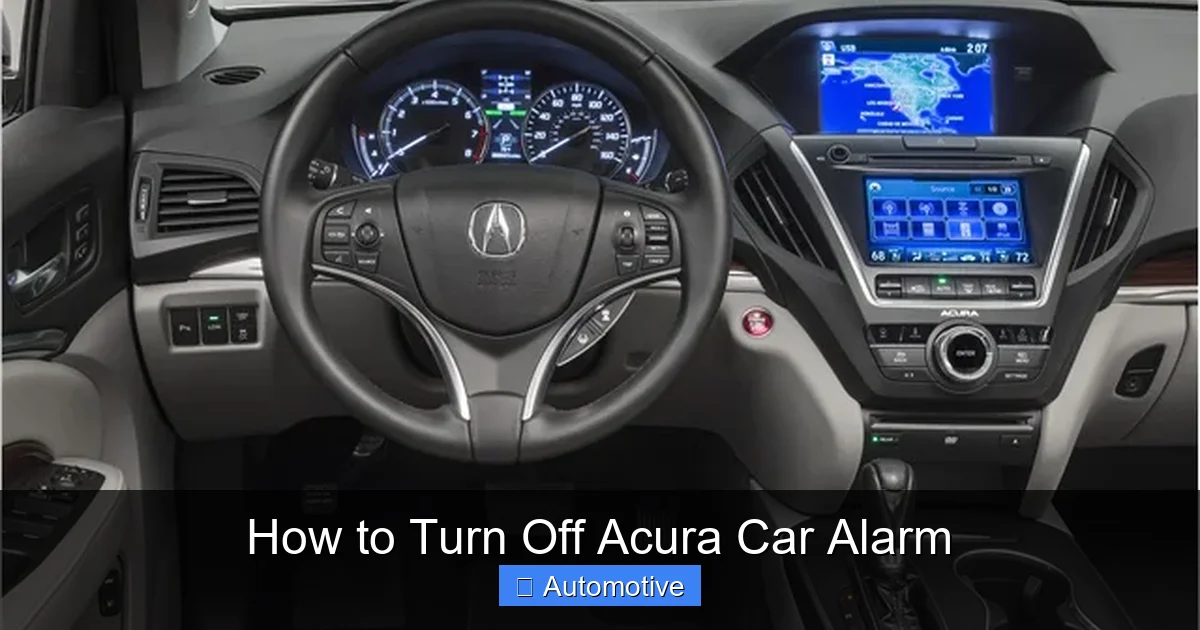
Visual guide about How to Turn Off Acura Car Alarm
Image source: theautoinsiderblog.com
Step-by-Step Guide
First, locate your key fob. It should have buttons labeled “Lock,” “Unlock,” and often a “Panic” or “Alarm” button (sometimes marked with a horn icon). Stand within 10 to 20 feet of your vehicle—this is the typical range for most Acura key fobs.
Press the “Unlock” button once. This sends a signal to the car’s computer to disarm the alarm and unlock the doors. In most cases, the siren will stop immediately, and the hazard lights may flash once or twice to confirm the system is disarmed.
If the “Unlock” button doesn’t work, try pressing the “Panic” button. Yes, it sounds counterintuitive—pressing the panic button to stop the panic—but this button is designed to both trigger and cancel the alarm. Press it once to activate the alarm (if it’s not already on), then press it again to turn it off. This resets the system and often resolves the issue.
Pro Tip: Check the Key Fob Battery
If pressing the buttons does nothing, the problem might be a dead or weak battery in your key fob. Acura key fobs typically use a CR2032 coin cell battery, which lasts about 2–3 years. When the battery gets low, the signal weakens, and the car may not respond to remote commands.
To check, try using the key fob closer to the car—sometimes it works near the door handle due to proximity sensors. If it only works when right next to the vehicle, the battery is likely dying. Replace it by carefully prying open the fob with a small flathead screwdriver, swapping in a new CR2032, and snapping it back together. After replacement, test the buttons again.
What If the Key Fob Still Doesn’t Work?
If a fresh battery doesn’t solve the issue, the fob itself might be damaged or out of sync with the car. Some Acura models allow you to re-sync the key fob by inserting the key into the ignition, turning it to “On” (without starting), pressing a button on the fob, and turning the key off. Refer to your owner’s manual for the exact procedure for your model.
Method 2: Start the Engine to Disarm the Alarm
Another reliable way to turn off your Acura car alarm is by starting the engine. This method works because the vehicle’s security system is designed to recognize authorized entry when the ignition is activated with the correct key or keyless start fob.
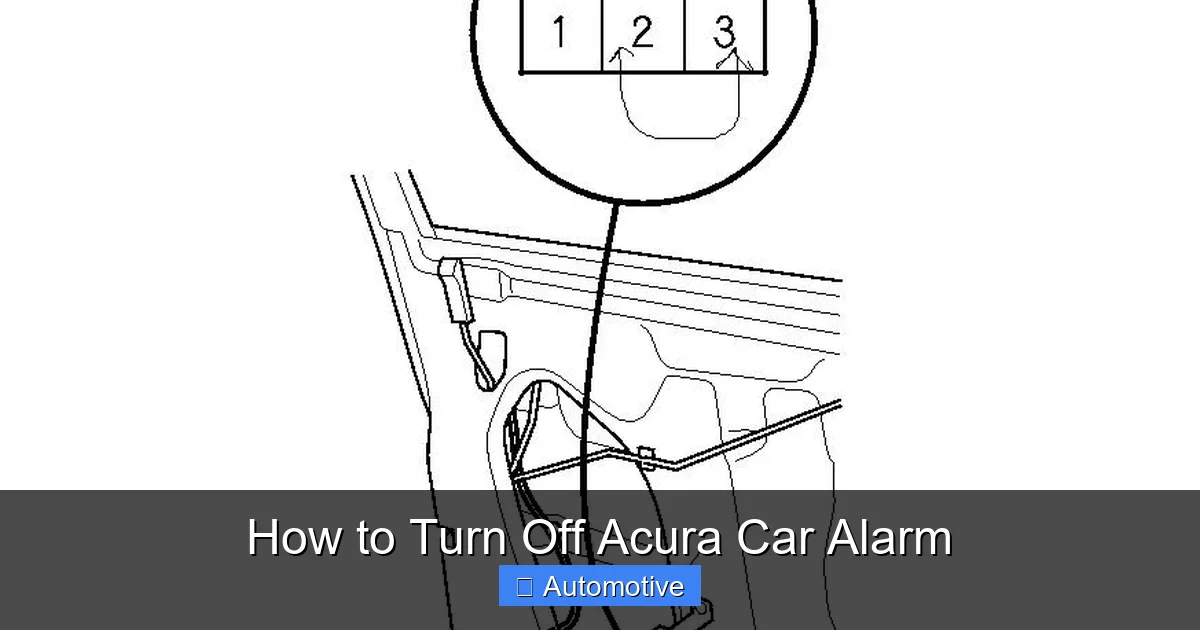
Visual guide about How to Turn Off Acura Car Alarm
Image source: ww2.justanswer.com
How It Works
When you insert the key into the ignition or press the start button with the fob inside the car, the system verifies the key’s transponder chip. Once authenticated, the alarm is automatically disarmed as part of the normal startup sequence. This is especially useful if the alarm was triggered while the car was locked and you’re now entering it.
Step-by-Step Instructions
Approach your Acura and insert the physical key into the driver’s side door lock. Turn it to unlock the door—this may also help reset the door sensor if it was falsely triggered. Once inside, place the key fob in the designated spot (usually near the start button or in the center console) if your model uses keyless ignition.
Press the brake pedal (for automatic transmissions) and press the “Start” button. The engine should crank and start. As soon as it does, the alarm should stop. If your Acura has a traditional key ignition, insert the key and turn it to the “On” position, then to “Start” to crank the engine.
Why This Method Works
Starting the car signals to the security system that the vehicle is being used by an authorized person. The alarm is not meant to prevent driving—it’s meant to prevent unauthorized access. Once the engine is running, the system assumes the car is in use and deactivates the alarm.
Important Note
If the alarm continues to sound even after starting the engine, there may be a deeper issue—such as a malfunctioning ignition switch, a faulty immobilizer, or a problem with the alarm control module. In such cases, it’s best to consult a professional technician.
Method 3: Manually Unlock the Door with the Physical Key
Sometimes, the key fob fails completely—maybe it’s broken, out of range, or the battery is dead. In these situations, your Acura’s physical key becomes your best friend. Most Acura models come with a hidden mechanical key inside the key fob, designed for exactly this kind of emergency.
Visual guide about How to Turn Off Acura Car Alarm
Image source: i.ytimg.com
How to Access the Physical Key
Look for a small release button or switch on the side of your key fob. Press it, and a metal key should slide out. This is the same key used to start older cars or unlock doors manually. It’s a simple, reliable backup that doesn’t rely on batteries or wireless signals.
Unlocking the Door Manually
Locate the keyhole on the driver’s side door handle. On many Acura models, it’s hidden behind a small cover—gently pry it open with your fingernail or a flat tool. Insert the physical key and turn it to the unlock position. This action not only opens the door but also sends a signal to the car’s computer that the vehicle is being accessed legitimately.
In most cases, unlocking the door this way will immediately silence the alarm. The system recognizes the mechanical key as a valid entry method and disarms the security system. Once inside, you can start the car normally using the key or start button.
When Manual Unlock Doesn’t Work
If the alarm continues after manual unlocking, the issue might be with the door lock sensor or the alarm control unit. Some Acura models have microswitches inside the door latch that detect whether the door is open or closed. If this sensor is stuck or misaligned, it may keep the alarm active even after unlocking.
Try opening and closing the door firmly a few times to reset the sensor. If that doesn’t help, check the owner’s manual for a “valet mode” or “alarm disable” procedure, which may involve turning the key in the door lock multiple times in a specific pattern.
Method 4: Check and Reset Door, Hood, and Trunk Sensors
Acura’s alarm system relies on a network of sensors to detect unauthorized access. These include door switches, hood sensors, and trunk latches. If any of these sensors malfunction or detect a false trigger, the alarm can go off unexpectedly—even when the car is parked and undisturbed.
Common Sensor Issues
One of the most frequent causes of false alarms is a door that isn’t fully closed. Even if the door appears shut, a misaligned latch or worn weather stripping can prevent the sensor from registering it as closed. The same applies to the hood and trunk—if they’re not securely latched, the alarm may activate.
Another issue is dirt, debris, or moisture in the sensor mechanism. Over time, dust and grime can build up in the door jamb or latch, interfering with the microswitch. In colder climates, ice or snow can also block the sensor, especially on the hood or trunk.
How to Inspect and Fix Sensor Problems
Start by checking all doors, the hood, and the trunk. Open and close each one firmly to ensure they latch properly. Listen for a solid “click” when closing—this indicates the sensor has been triggered. If a door feels loose or doesn’t close smoothly, inspect the latch and striker plate for wear or misalignment.
For the hood, locate the hood switch—usually a small plunger near the latch. Press it manually with your finger. If it doesn’t click or feels loose, it may need adjustment or replacement. The same goes for the trunk sensor, which is often located near the lock mechanism.
Clean the sensors with a soft cloth and a bit of electrical contact cleaner. Avoid using water or harsh chemicals, as they can damage the components. If the sensor is visibly damaged or corroded, it may need to be replaced by a technician.
Pro Tip: Test the Sensors
To test if a sensor is causing the alarm, try this: Lock the car using the key fob, then open and close each door, the hood, and the trunk one by one. If the alarm activates after opening a specific door, that sensor is likely the culprit. This method helps you pinpoint the exact source of the problem.
Method 5: Use the Valet Mode or Alarm Override Feature
Some Acura models come with a built-in valet mode or alarm override feature that allows you to temporarily disable the alarm system. This is especially useful if you’re parking in a noisy area or need to transport the car without triggering the alarm.
What Is Valet Mode?
Valet mode is a security setting that disables certain features of the alarm system, such as the panic button and door sensors, while still allowing the car to be driven. It’s commonly used when handing your car to a valet or mechanic. While in valet mode, the alarm won’t activate if the doors are opened, but the immobilizer and engine start functions remain active.
How to Activate Valet Mode
The process varies by model, but here’s a general guide for many Acura vehicles:
- Ensure the car is off and all doors are closed.
- Insert the key into the ignition and turn it to the “On” position (do not start the engine).
- Press and hold the “Unlock” button on the key fob for 5–10 seconds.
- The hazard lights may flash, indicating valet mode is active.
- Turn the key off and remove it.
To deactivate valet mode, repeat the process. Some models may require you to press the “Lock” button instead, or use a specific sequence of key turns and button presses. Always refer to your owner’s manual for the exact steps.
Alternative: Alarm Override with the Key
If your Acura doesn’t have valet mode, you may still be able to override the alarm using the physical key. On some models, inserting the key into the driver’s door lock and turning it to “Lock” and then “Unlock” three times within 10 seconds can reset the alarm system. This is known as a “key cycle” and forces the car to re-evaluate its security status.
When to Seek Professional Help
While most Acura car alarm issues can be resolved with the methods above, there are times when professional assistance is needed. If the alarm keeps going off repeatedly, won’t turn off with any method, or activates for no apparent reason, there may be an underlying electrical or software problem.
Signs You Need a Mechanic
- The alarm sounds even when the car is unlocked and the engine is running.
- The key fob doesn’t work at all, even with a new battery.
- The alarm activates randomly, multiple times a day.
- You notice warning lights on the dashboard related to the security system.
- The car won’t start due to an immobilizer fault.
In these cases, the issue could be a faulty alarm control module, a damaged wiring harness, or a problem with the vehicle’s onboard computer. Acura dealerships and certified technicians have the diagnostic tools to read error codes and pinpoint the exact cause.
Cost Considerations
Basic repairs, like replacing a sensor or key fob battery, typically cost between $20 and $100. More complex issues, such as replacing the alarm module or reprogramming the immobilizer, can range from $200 to $500 or more, depending on the model and labor rates.
While it’s tempting to try DIY fixes, tampering with the security system can sometimes make the problem worse or void your warranty. If you’re unsure, it’s always safer to consult a professional.
Preventing Future Alarm Triggers
Once you’ve turned off your Acura car alarm, you’ll want to avoid the same issue in the future. A few simple habits can go a long way in keeping your alarm system functioning smoothly.
Regular Maintenance Tips
- Replace the key fob battery every 2–3 years. Keep a spare CR2032 battery in your glove box.
- Keep sensors clean and dry. Wipe down door latches and hood switches during routine car washes.
- Ensure all doors, hood, and trunk are fully closed. Give them a firm push to confirm they’re latched.
- Avoid parking near loud machinery or construction sites. Vibrations can trigger sensitive sensors.
- Update your vehicle’s software. Some Acura models receive over-the-air updates that improve alarm system performance.
By staying proactive, you can enjoy the peace of mind that comes with a reliable security system—without the surprise of a midnight alarm.
Conclusion
Dealing with a blaring Acura car alarm can be stressful, but it doesn’t have to be. With the right knowledge, you can turn it off quickly and get back to your day. Whether you use the key fob, start the engine, or manually unlock the door, there’s a solution that will work for your situation.
Remember, most alarm issues are simple to fix—often caused by a low battery, a loose door, or a dirty sensor. By following the steps in this guide, you’ll be prepared the next time your Acura decides to sound the alarm. And if all else fails, don’t hesitate to reach out to a professional. Your car’s security system is there to protect you—make sure it’s working for you, not against you.
Frequently Asked Questions
Why does my Acura alarm keep going off for no reason?
This is usually caused by a faulty sensor, low key fob battery, or a door/hood that isn’t fully closed. Check all latches and replace the fob battery to resolve most false alarms.
Can I disable the Acura alarm permanently?
While you can’t permanently disable the alarm without professional modification (which may void your warranty), you can use valet mode or the manual key override to temporarily silence it.
How do I reset my Acura key fob?
Insert the key into the ignition, turn it to “On,” press a button on the fob, then turn the key off. Repeat as needed. Refer to your owner’s manual for model-specific steps.
Will disconnecting the battery stop the alarm?
Yes, disconnecting the car battery for 10–15 minutes can reset the alarm system. However, this may also reset radio presets and other settings, so use it as a last resort.
Can weather affect my Acura alarm?
Yes. Extreme cold, ice, or moisture can interfere with door and hood sensors, causing false triggers. Keep sensors clean and dry, especially in winter.
Is it safe to drive with the alarm sounding?
Yes, you can drive the car even if the alarm is on. However, it’s best to turn it off as soon as possible to avoid disturbing others and to prevent potential electrical issues.
